1‑96
Chapter 1 Troubleshooting
Version 1 2006.11.21
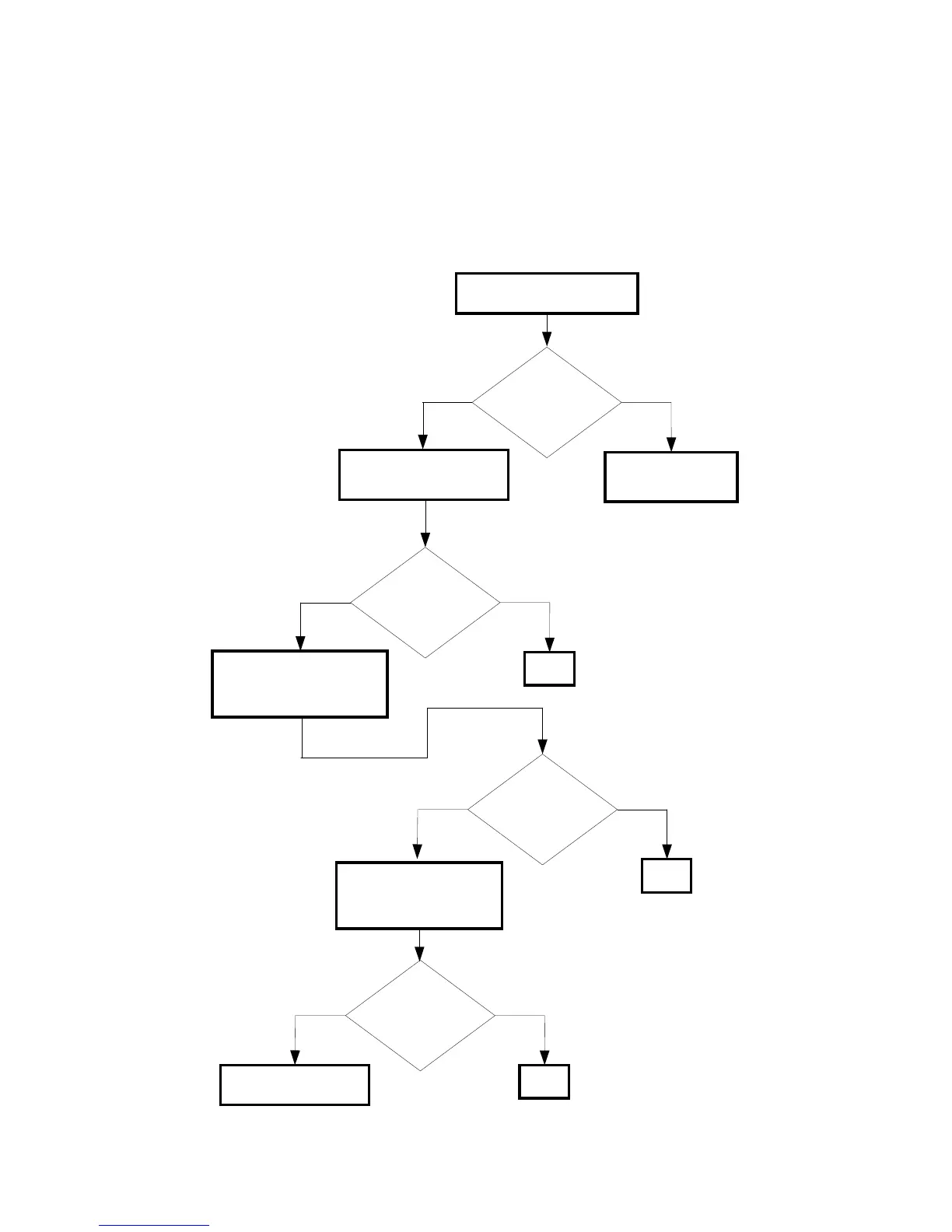
FIP-1. 13 Restart Printer 009-360/009-361/009-362/009-363
Are the Toner
Cartridges installed to
the printer the DELL
Toner?
NoYes
Possible causative parts:CONNECTOR CRUM (PL5.1.3)
CARTRIDGE ASSY K (PL5.1.18)
CARTRIDGE ASSY C (PL5.1.19)
CARTRIDGE ASSY M (PL5.1.20)
CARTRIDGE ASSY Y (PL5.1.21)
PWBA MCU (PL9.1.20)
Checking the Toner Cartridge
Checking the Toner
Cartridge installation
Reseat the Toner Cartridge.
Does the error still
occur when turning
on the power?
NoYes
END
Set the non-DELL
toner mode through
the control panel.
Checking after replacing
the Toner Cartridge
Replace the Toner
Cartridge.
Does the error still
occur when turning
on the power?
NoYes
END
Replace the PWBA
MCU. (RRP9.7)
Checking the CONNECTOR
CRUM installation
Reseat the CONNECTOR
CRUM.
Does the error still
occur when turning
on the power?
NoYes
END















 To Next Page