1‑105
Chapter 1 Troubleshooting
Version 2 2007.05.22
FIP-1. 21 Restart Printer 016-302
If the customer connected the PC and printer using the USB cable, check the USB
connection and printer connecter damage.
Possible causative parts:PWBA ESS (PL13.4.20)
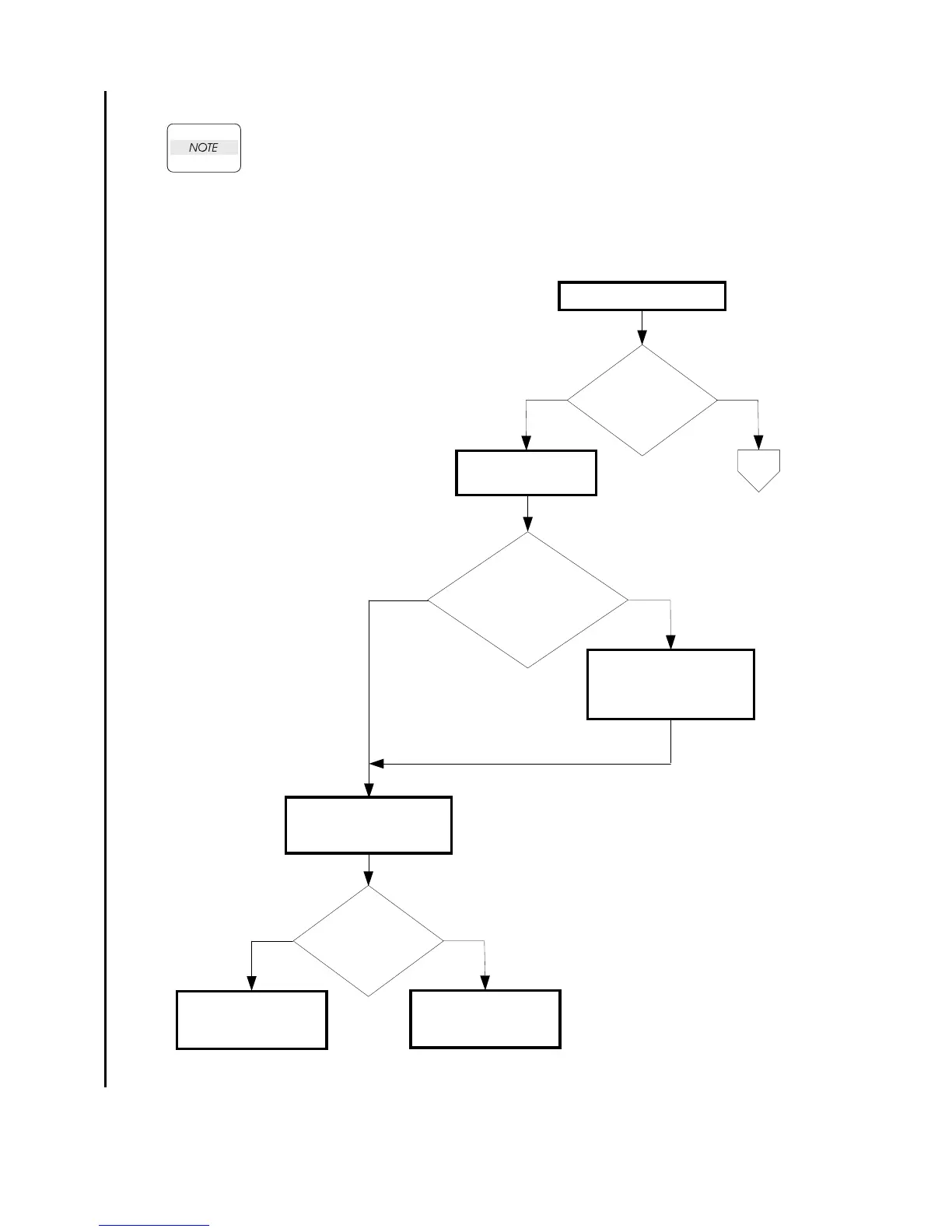
Does the error occur
when printing?
NoYes
Checking the engine
version
Checking the error mode
NoYes
Download the engine
firmware from the DELL
web site and upgrade the
engine firmware.
A
Checking the printing data
Prints the printing data an
error occurred.
Does the error still
occur?
NoYes
Replace the PWBA
ESS. (Removal 61/
Replacement 61)
End.
If the error occur again,
replace the PWBA ESS.
Is the [Engine
Version] 05.08.00 or later?
Checked by [System
Settings] of [Reports] on
[Set up].















 To Next Page