1‑129
Chapter 1 Troubleshooting
Version 1 2006.11.21
B
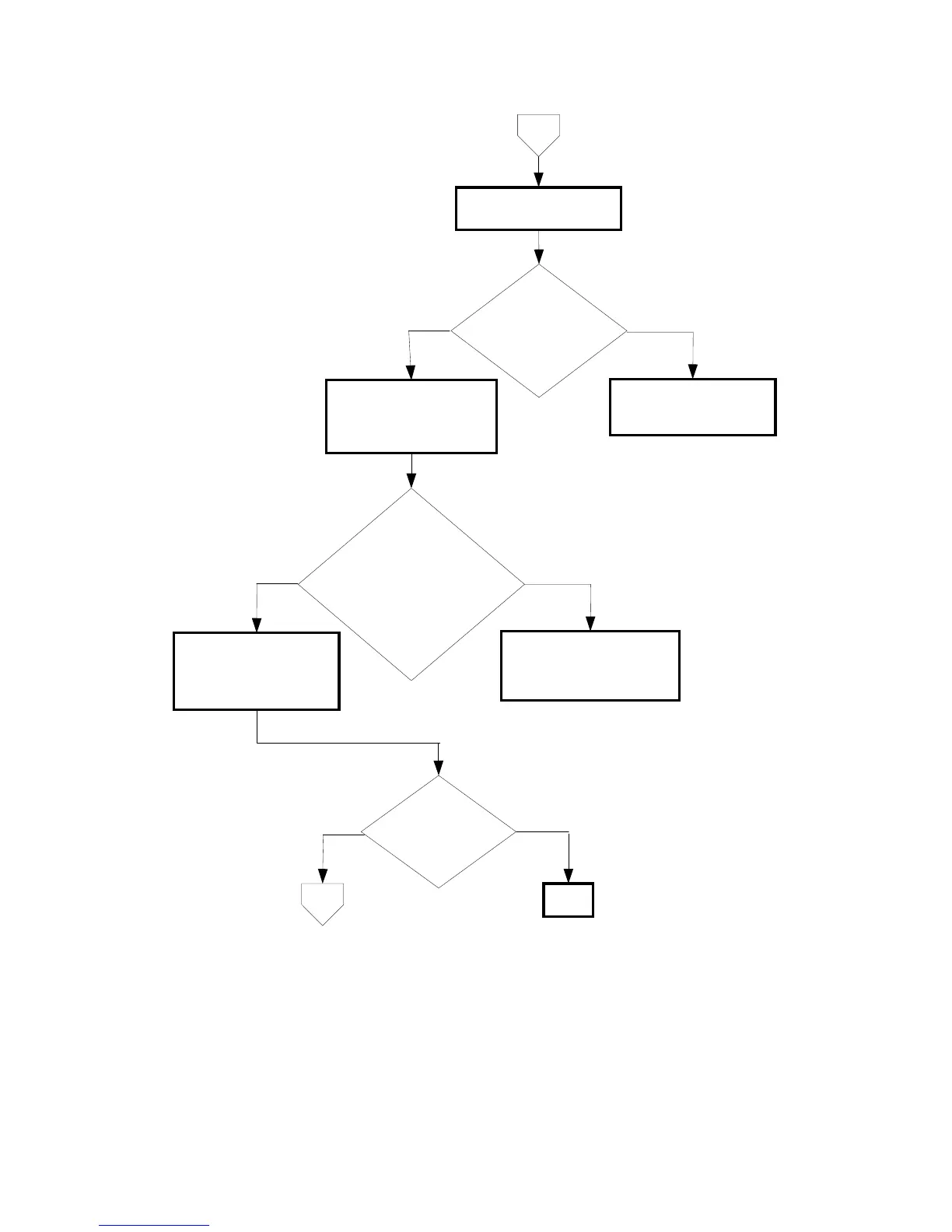
Checking the Turn Clutch
for operation
No
Yes
Checking the feed roll and
turn roll for shape and
operation
Remove the paper cassette.
Yes
Checking the after
replacing the 550 PAPER
CASSETTE.
Replace the 550 PAPER
CASSETTE.
No
END
Does the feed clutch
operate properly?
Checked by [Digital
Output]-[DO-33] in [IOT
Diagnosis].
Does the error still
occur when printing?
Yes
Replace the 550 OPTION
FEEDER. (Removal 42/
Replacement 4)
Are rollers installed correctly?
Also are they not conterminated
or damaged, and rotate smoothly?
Check these items by turning
them with your fingers.
No
Replace the KIT ROLLER.
If error occurred, replace the
550 OPTION FEEDER.
(Removal 42/Replacement 4)
C















 To Next Page