1‑215
Chapter 1 Troubleshooting
Version 1 2006.11.21
B
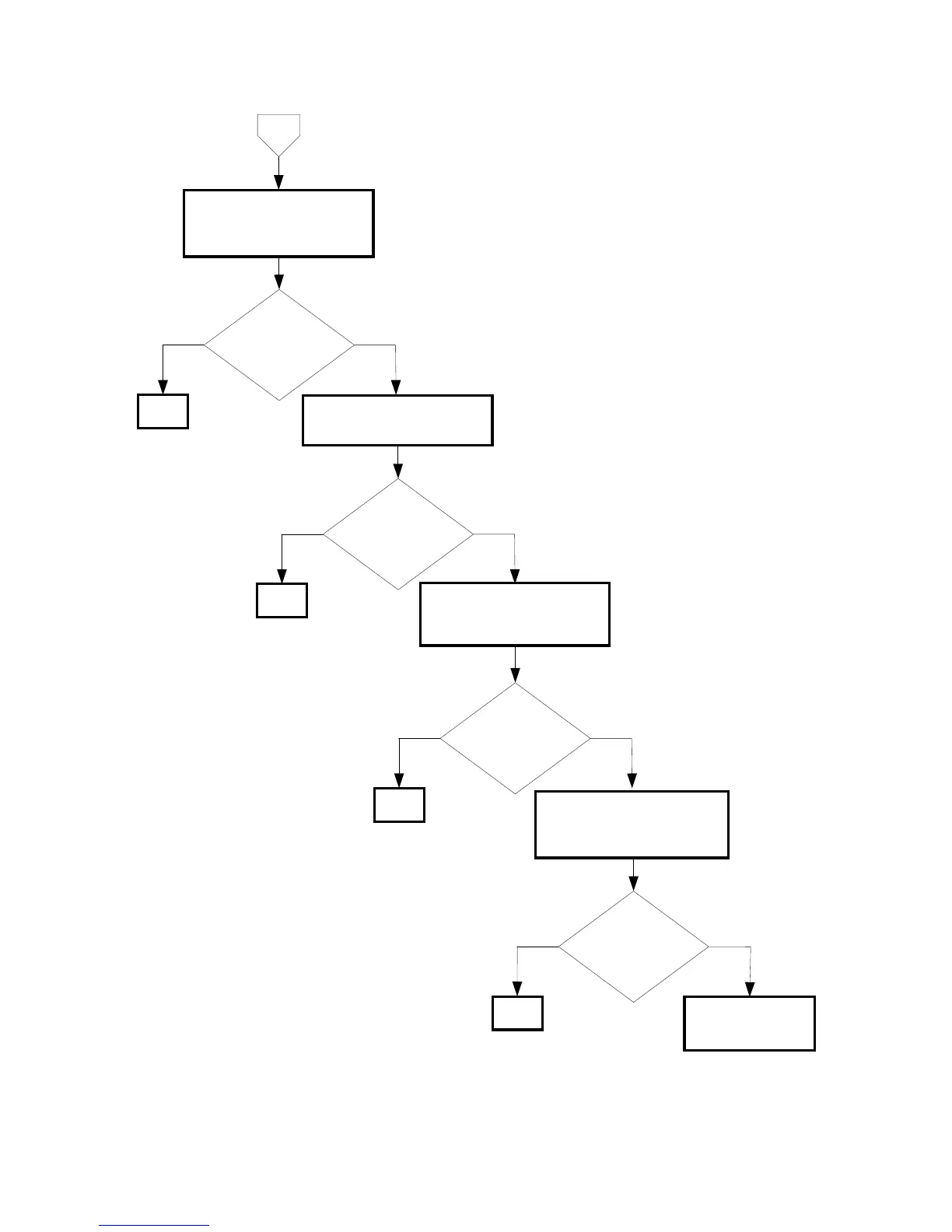
Checking the PWBA ESS
installation
Reseat the PWBA ESS.
(Removal 61/Replacement 61)
Is the image printed
correctly?
NoYes
END
Checking the HVPS installation
Reseat the HVPS.
Is the image printed
correctly?
NoYes
END
Checking the after replacing the
toner cartridge
Replace the toner cartridge.
Is the image printed
correctly?
NoYes
END
No
Yes
Replace the PWBA
ESS. (Removal 61/
Replacement 61)
Checking after replacing the
ROS ASSY
Replace the ROS ASSY.
(Removal 34/Replacement 12)
Is the image printed
correctly?
END















 To Next Page