EasyManua.ls Logo

Dell 3115CN - Page 240

Dell 3115CN
823 pages
Print Icon
To Next Page IconTo Next Page
To Previous Page IconTo Previous Page
Loading...
1‑214
Chapter 1 Troubleshooting
Version 1 2006.11.21
A
B
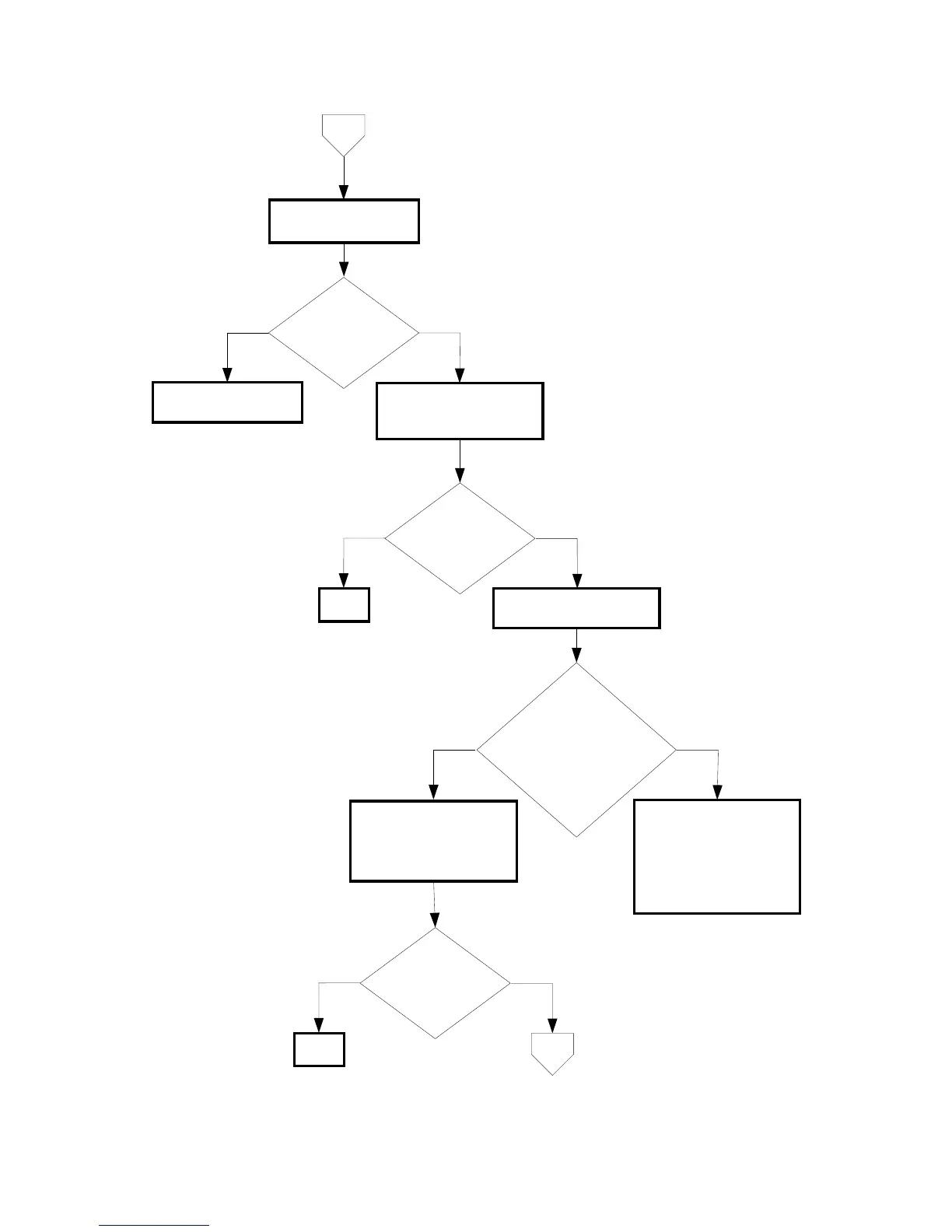
Are there any
foreign substance
between the ROS
ASSY and the
drum?
NoYes
Checking the laser
beam path.
Remove the foreign
substance.
No
Yes
Checking the toner
cartridge installation
Reseat the toner cartridge.
Is the image printed
correctly?
END
NoYes
Checking the TONER
DISPENSE MOTOR.
Does the TONER
DISPENSE MOTOR rotate
normally? Checked by
[Digital Output]-[DO-21(Y)/
23(M)/25(C)/27(K) in [IOT
Diagnosis].
Replace the PWBA MCU.
(Removal 67/Replacement
55)
If not, replace the TONER
DISPENSE MOTOR.
(Removal 26/Replacement
20)
No
Yes
Checking the PWBA MCU
installation
Reseat the PWBA MCU.
(Removal 67/Replacement
55)
Is the image printed
correctly?
END

Table of Contents

Other manuals for Dell 3115CN

Related product manuals