2 - 47
Chapter 2 Operation of Diag.
Version 1 2006.11.21
Tray 2 Turn Clutch (DO-33)
1) Turn on the power and enter the Printer Diag.
2) Execute the DO-33. Upon hitting the "return" key, the operat-
ing noise of the clutch will be heard.
3) Press the "Cancel" key to stop the clutch.
Combination test is as follows.
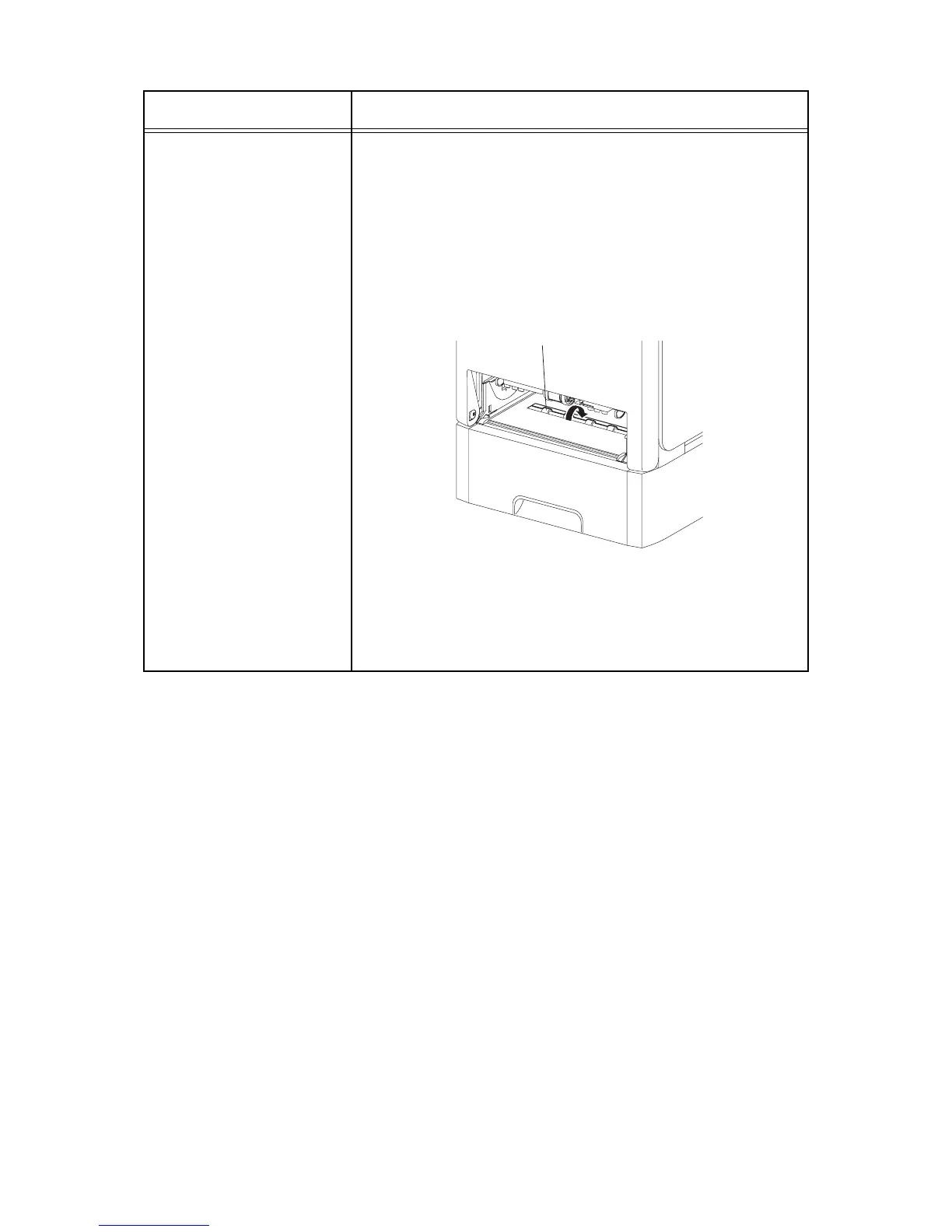
NOTE: The Tray 2 turn roll rotates when the DO-19 and the DO-33
are executed. This procedure is for the technical staff.
1) Turn on the power and enter the Printer Diag.
2) Remove the Tray 1 paper cassette.
3) Execute the DO-19 and the DO-33.
4) Confirm the Turn Roll rotation.
5) Press the "Cancel" key to stop the clutch.
6) Press the "" key to display the DO-19.
7) Press the "Cancel" key to stop the motor.
8) Replace the Tray 1 paper cassette.
Clutch and Solenoid name
(Diag. Code)
Confirmation procedure
Kmy02033KA
Tray 2 Turn Roll















 To Next Page