2 - 48
Chapter 2 Operation of Diag.
Version 1 2006.11.21
Dup Clutch (DO-35)
1) Turn on the power and enter the Printer Diag.
2) Execute the DO-35. Upon hitting the "return" key, the operat-
ing noise of the clutch will be heard.
3) Press the "Cancel" key to stop the clutch.
Combination test is as follows.
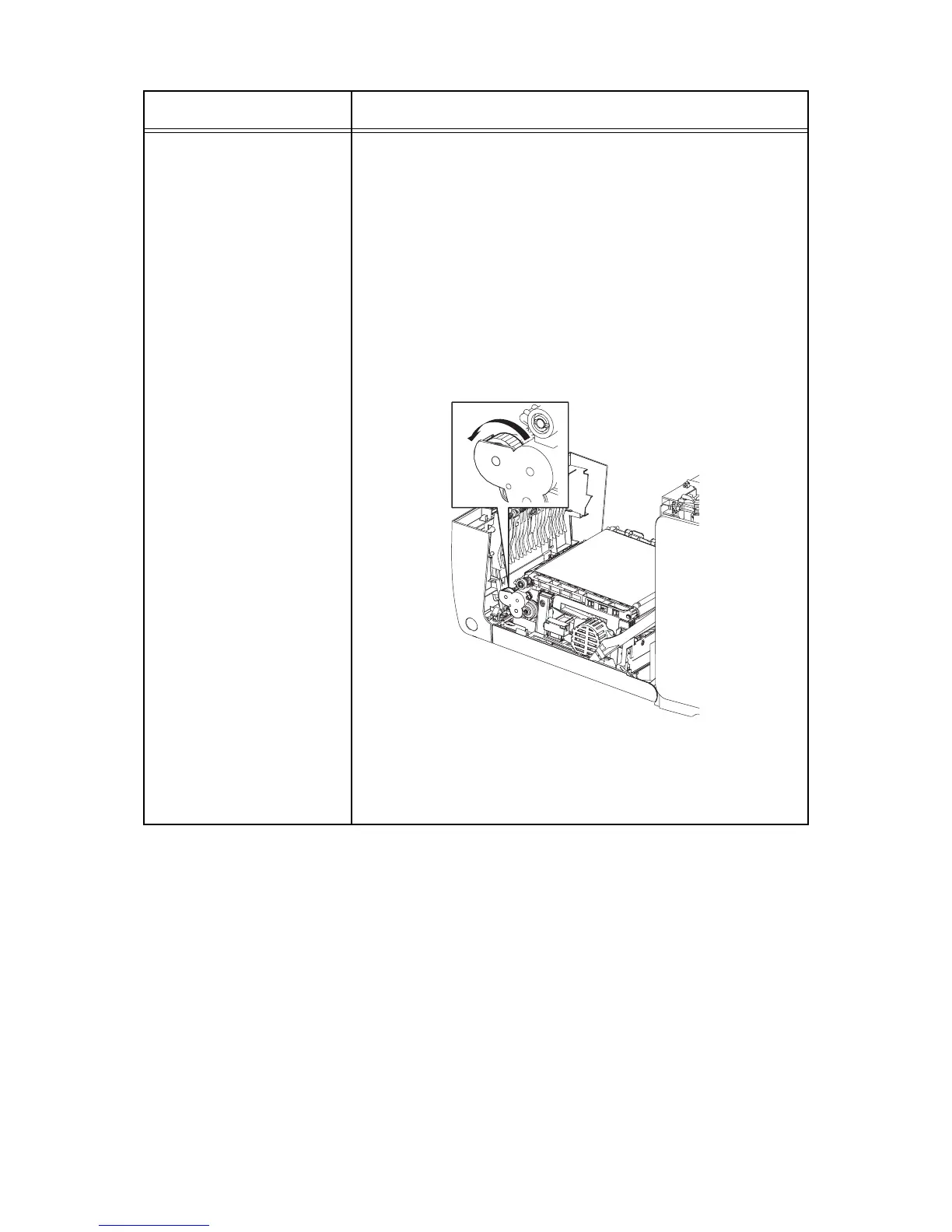
NOTE: The duplex gear rotates when the DO-13 and the DO-35 are
executed. This procedure is for the technical staff.
When performing operation for five minutes or longer with the front
cover open, remove all toner cartridges, and cover the drum to avoid
exposure to light.
1) Turn on the power and enter the Printer Diag.
2) Open the Front Cover.
3) Cheat the safety Interlock System.
4) Execute the DO-13 and the DO-35.
5) Confirm the gear rotation.
6) Press the "Cancel" key to stop the clutch.
7) Press the "" key to display the DO-13.
8) Press the "Cancel" key to stop the motor.
9) Remove the cheater and close the Front Cover.
Clutch and Solenoid name
(Diag. Code)
Confirmation procedure
Kmy02034KA















 To Next Page