1‑24
Chapter 1 Troubleshooting
Version 2 2007.05.22
3.2 Obtaining Printer Information
There are some printable menus available for checking the trouble information, firmware version, etc.
The information thus available can be used for troubleshooting and are required when contacting the
call center.
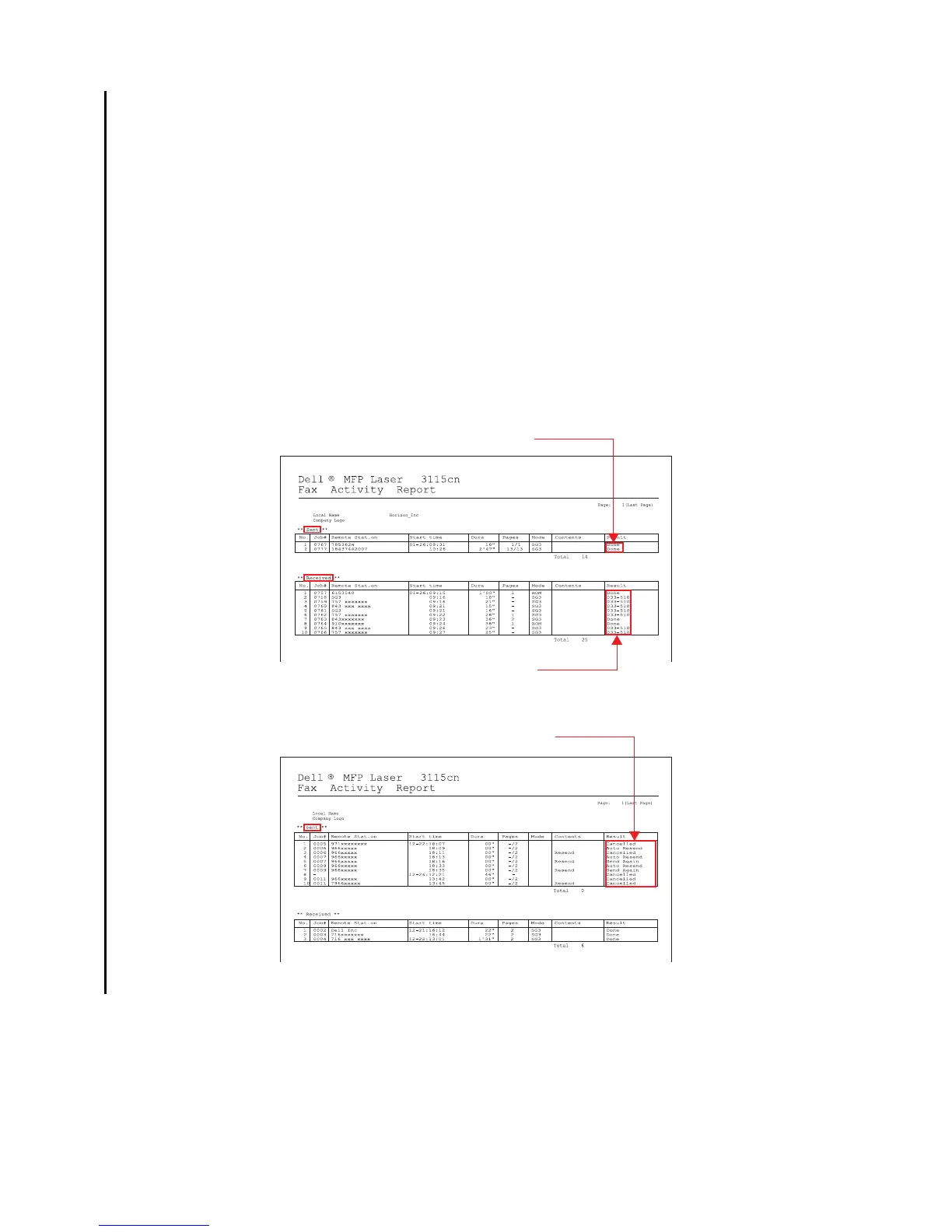
- Fax Activity Report
Allows you to check the time, destination station number, mode, or error absence/presence
regarding fax transmission/reception.
Procedures
1) Select [Setup] > [Admin Menu], and enter the password.
2) Select [Admin report] > [Active report].
3) Execute [Active Report].
Can monitor the status history.
This can indicate send mode is well.
Can monitor the status history.















 To Next Page