1‑25
Chapter 1 Troubleshooting
Version 2 2007.05.22
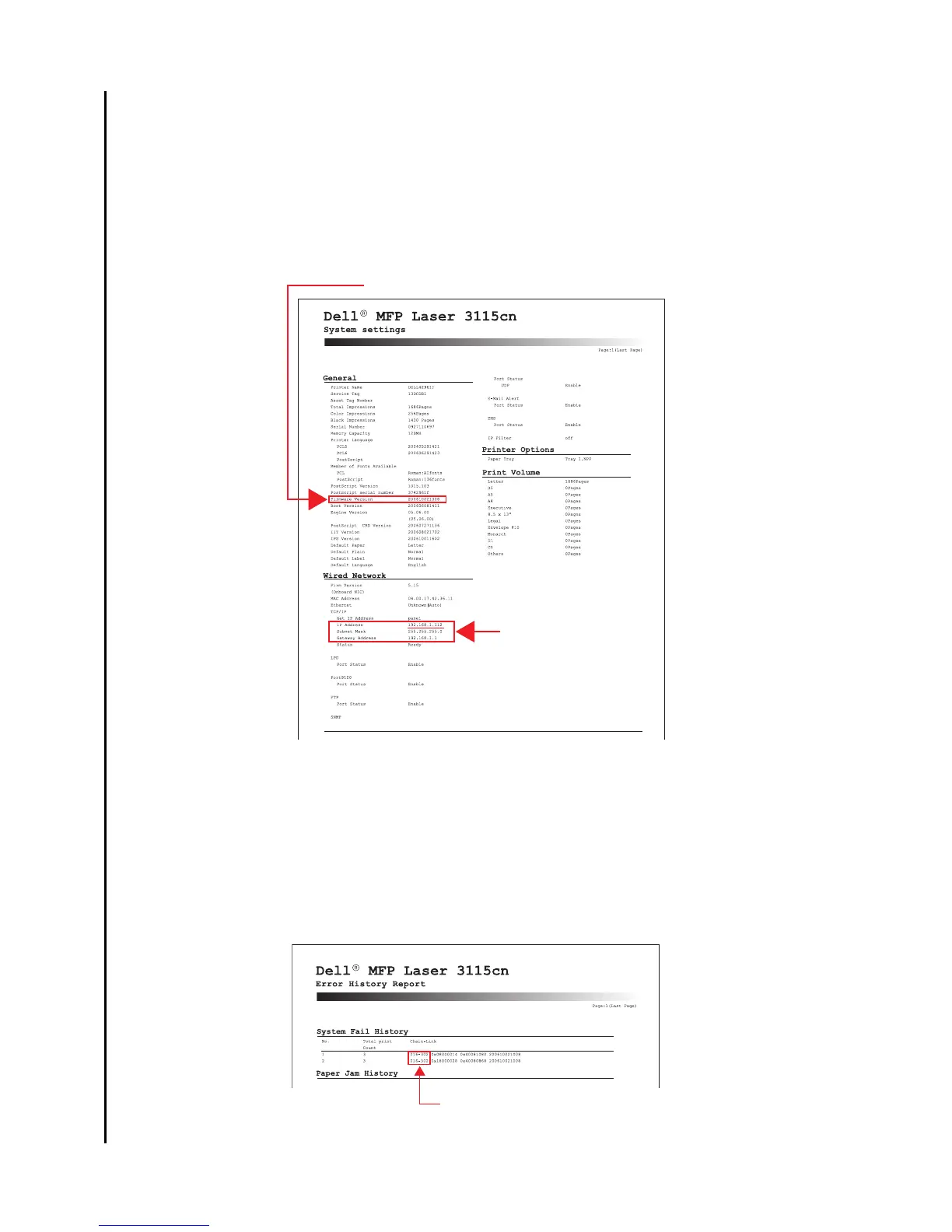
- System Setting
Allows you to check the setting values, software version, etc.
Especially, the firmware version is required for troubleshooting with the call center.
Procedures
1) Select [Setup] > [Reports] > [System Settings].
2) Execute [System Settings].
- Error History Report
Allows you to check the history of errors occurred on the printer.
Procedures
1) Select [Setup] > [Reports] > [Error History].
2) Execute [Error History].
FM version
Can confirm if connected
with network.
IP address will vary in
case of DHCP.
Can monitor the status history.















 To Next Page