Matrix ETERNITY NE System Manual 153
• Click Submit.
Configuring SIP Extension Settings as per the Device Type
• If you have connected the Matrix SPARSH VP248 as SIP Extensions, for configuration instructions, see
“Configuring Matrix SPARSH VP248”.
• If you have connected the Matrix SPARSH VP310 as SIP Extensions, for configuration instructions, see
“Configuring Matrix SPARSH VP310”.
• If you have connected SPARSH VP510 at any of the locations, refer to “Configuring Matrix SPARSH
VP510”.
• If you have connected the Matrix SPARSH VP330 as SIP Extensions, for configuration instructions, see
“Configuring Matrix SPARSH VP330”.
• If you have connected the Matrix Extended SPARSH VP710 as SIP Extensions, for configuration
instructions see “Configuring Matrix Extended SPARSH VP710”.
• If you have registered the Matrix SPARSH Mobile Softphone Clients as SIP Extensions, for configuration
instructions, see “Configuring Matrix VARTA ADR100/AMP100 UC Clients”.
• If you have registered MATRIX VARTA WIN200 UC Client in any of the locations, refer to “Configuring
MATRIX VARTA WIN200 UC Client”
• If you have connected Open SIP Phones or SIP enabled devices as SIP Extensions, for configuration
instructions, see “Configuring Open SIP Phones”.
More Features
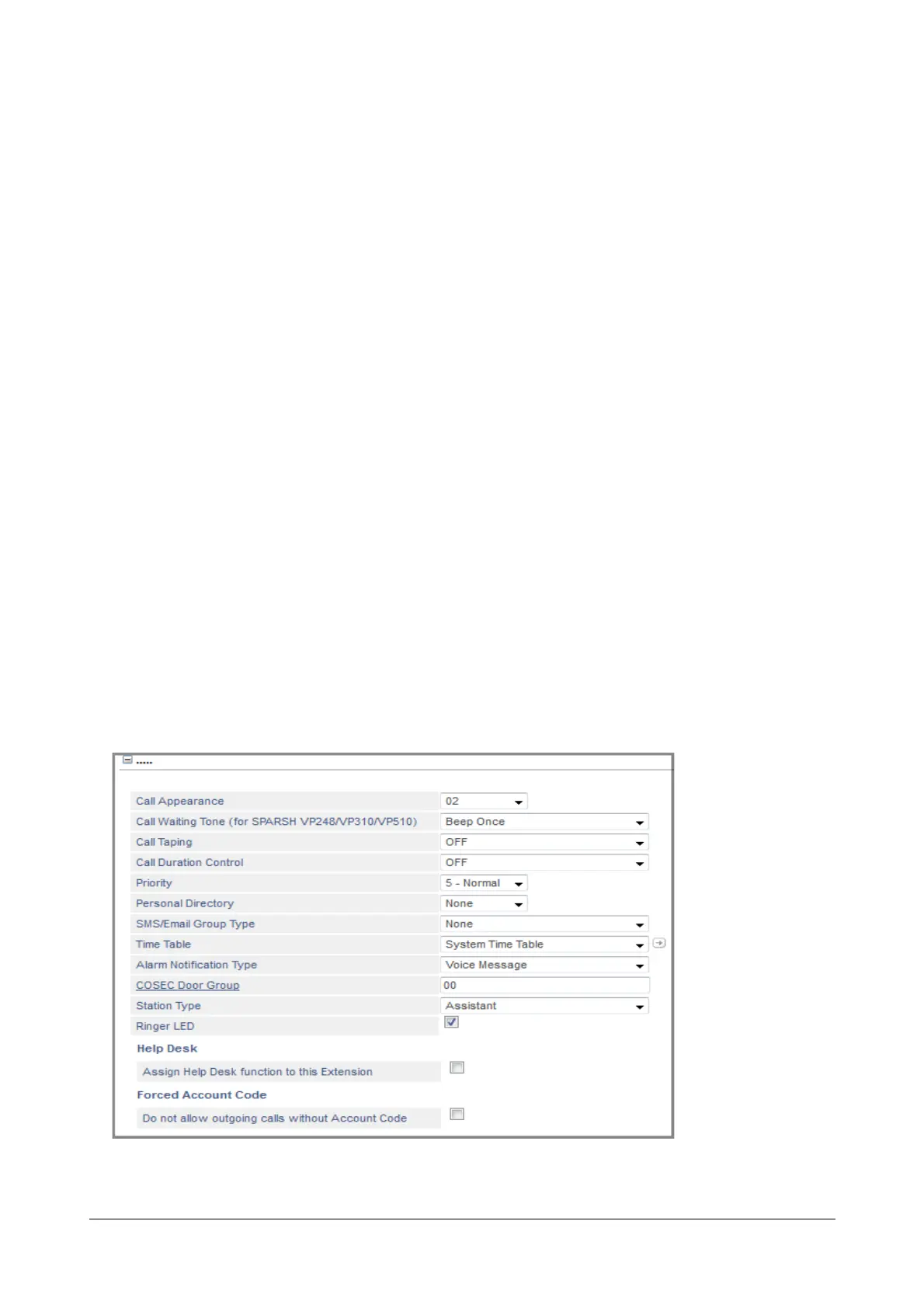
• Click More... to expand.



 To Next Page