256 Matrix ETERNITY NE System Manual
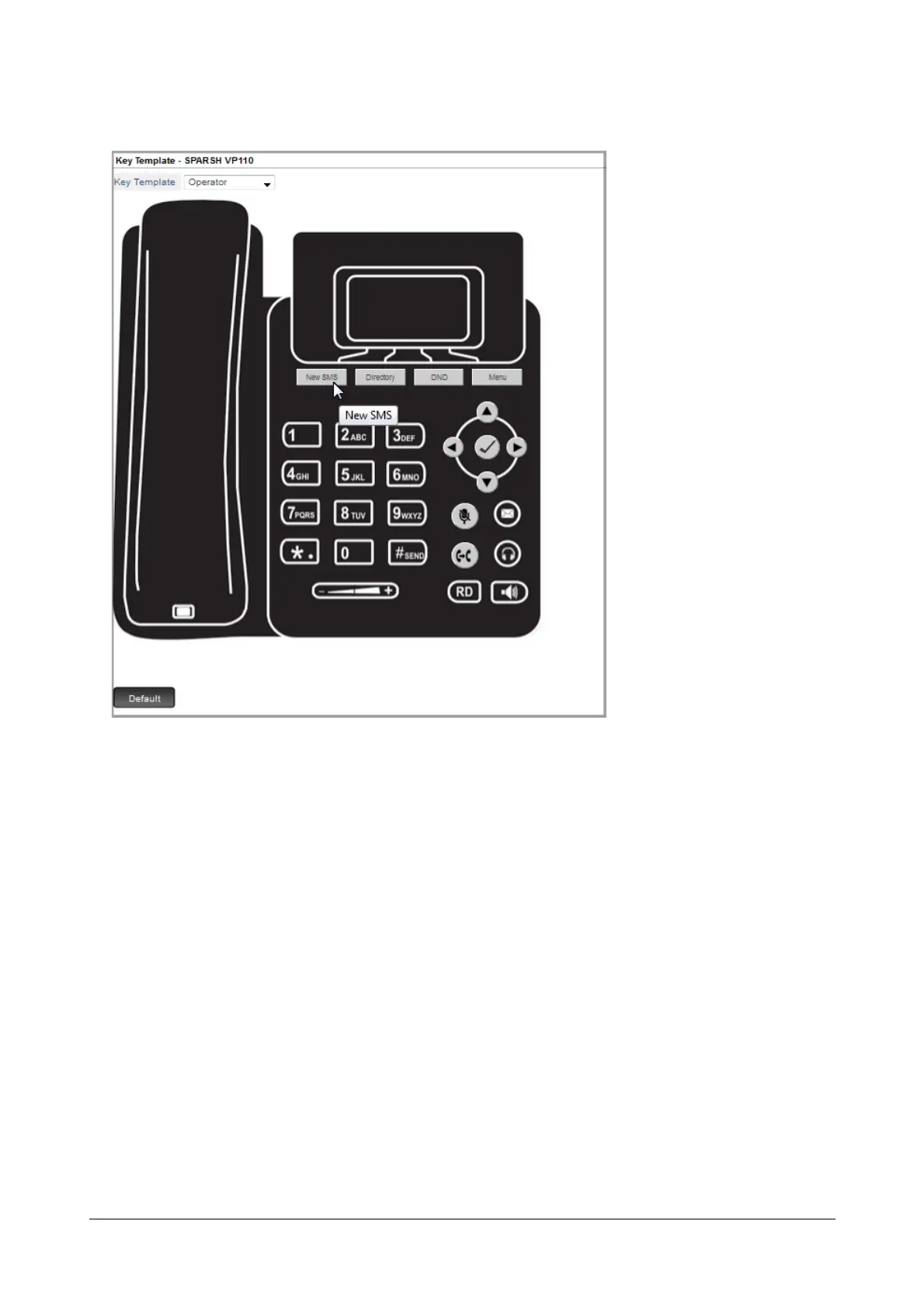
The New SMS feature appears on the key label.
Follow the same instructions to assign features to other Softkeys.
Configuring Matrix SPARSH VP710 Open SIP Phone
You are recommended to complete the following steps before connecting any of the Matrix SPARSH VP710 Open
SIP Phones:
• Decide the physical location of the Open SIP Phone. It must be connected in the same subnet as that of
the LAN Port of SARVAM UCS.
• Configure the settings in the third party DHCP Server. For instructions, see “Using any third party DHCP
Server in your LAN”.
• Configure the SIP Extension Settings in SARVAM UCS. For details, see “SIP Extensions”.
• Configure the device specific settings applicable to your Matrix SPARSH VP710- Standard SIP at
Location1 on the SIP Extensions page. To do so,
• Click SIP Extensions.


 To Next Page
 Loading...

