306 Matrix ETERNITY NE System Manual
Call Taping
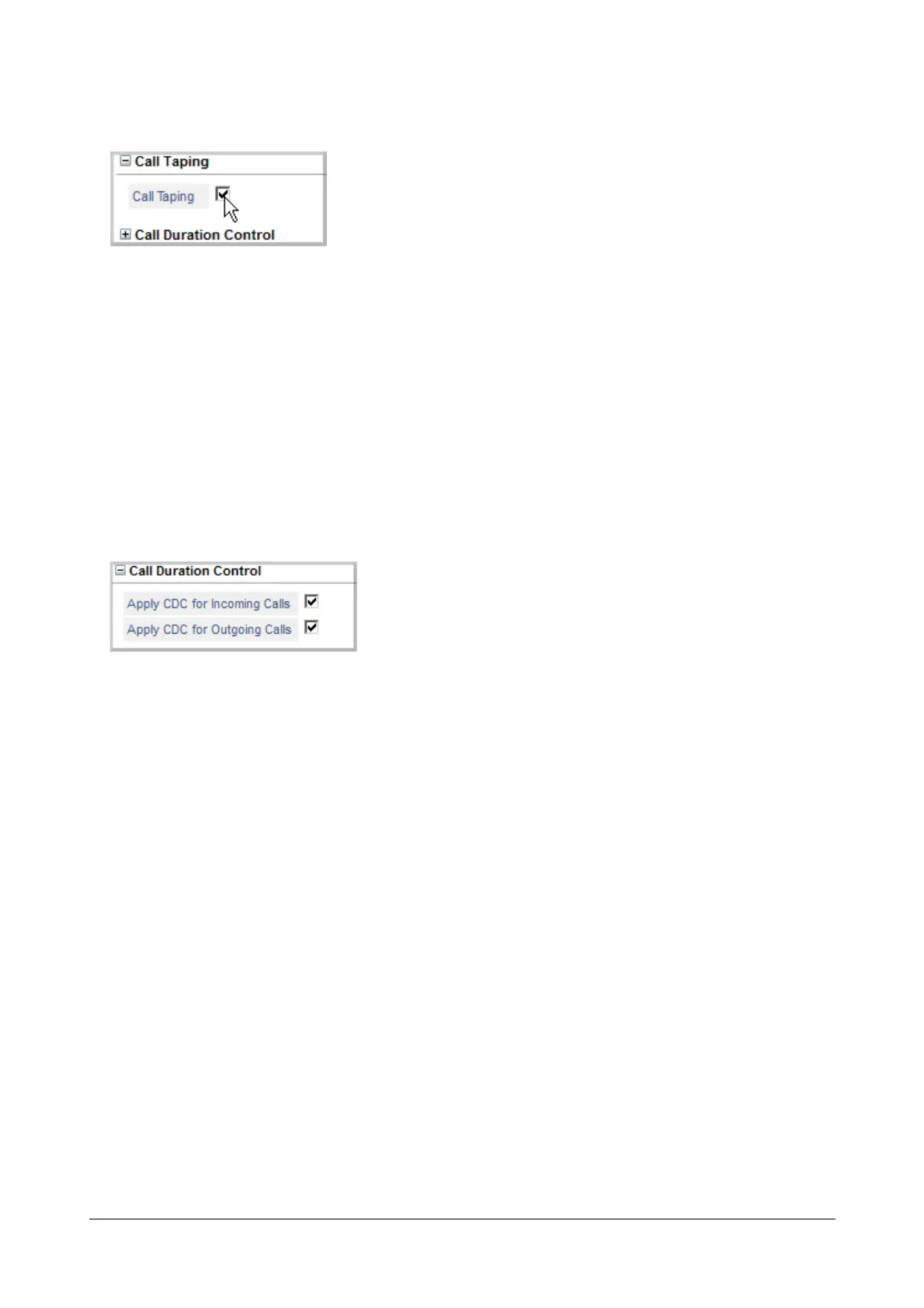
To use “Call Taping” feature on the trunk,
• Click Call Taping to expand.
• Select the check box to enable Call Taping on the trunk. Default: Enabled.
To disable Call Taping on the trunk, clear the check box.
• Click Submit.
See “Call Taping” to know more.
Call Duration Control (CDC)
To use the “Call Duration Control (CDC)” feature on trunk,
• Click Call Duration Control to expand.
• Select the Apply CDC for Incoming Calls check box, to control the call duration for incoming calls on this
trunk. Default: Enabled.
Clear this check box, if you do not want to apply CDC for incoming calls on this trunk.
• Select the Apply CDC for Outgoing Calls check box, to control the call duration for outgoing calls on this
trunk. Default: Enabled.
Clear this check box, if you do not want to apply CDC for outgoing calls on this trunk.
• Click Submit.
See “Call Duration Control (CDC)” to know more.


 To Next Page
 Loading...

