Matrix ETERNITY NE System Manual 333
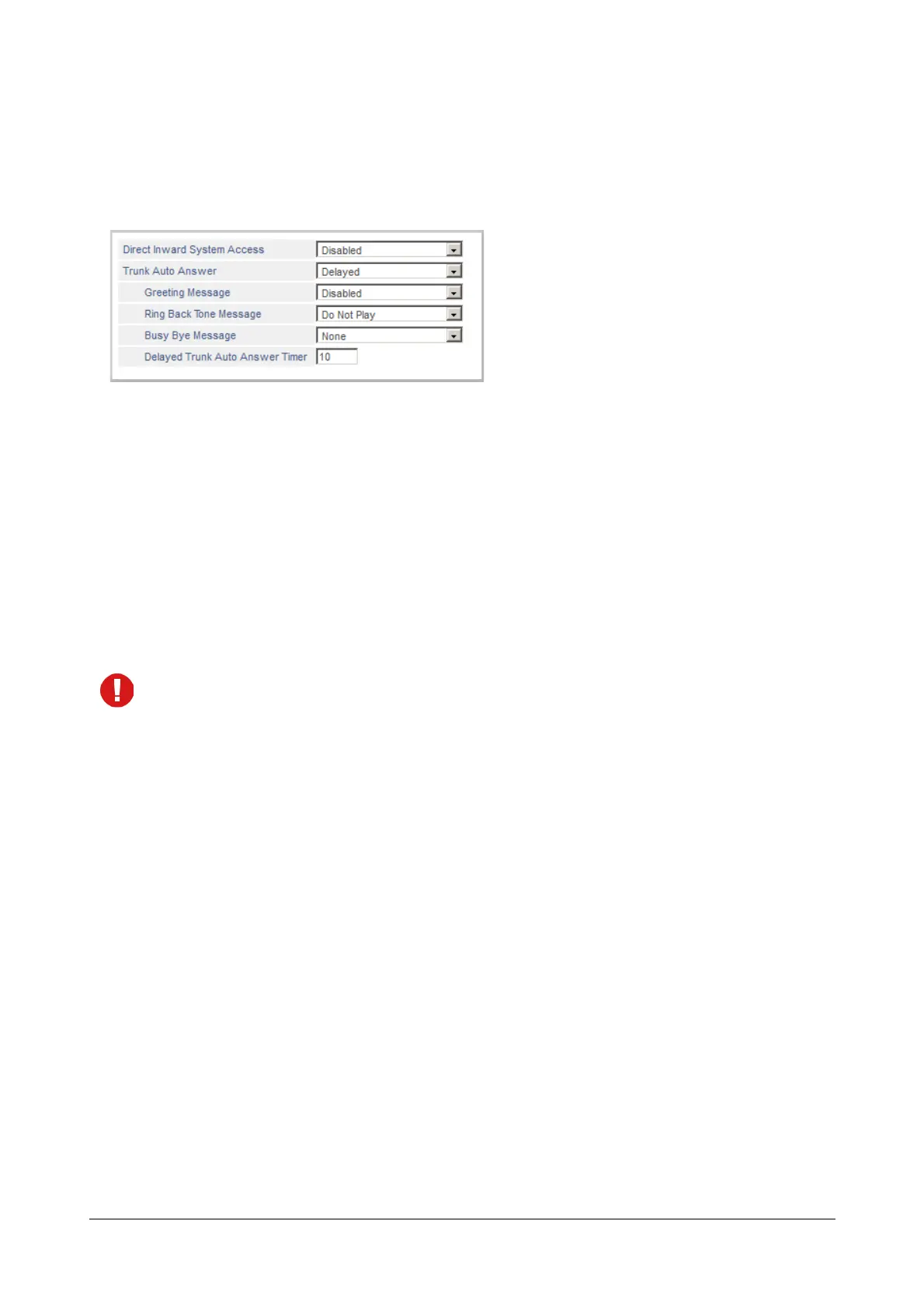
• Delayed: the system will first land the call on the extension and if not answered before the expiry of the
specified Delayed Trunk Auto Answer timer, it will be auto answered.
On selecting this type of Trunk Auto Answer, you must configure Delayed Trunk Auto Answer Timer.
You can enter the timer value within the range of 01 to 99 seconds. Default: 10 seconds.
• OFF: To disable Trunk Auto Answer, select OFF. Default: OFF.
• Select the Trunk Auto Answer Greeting Message you want the system to play when greeting the
callers, from the following options:
• Disabled
• Greeting Message1
• Greeting Message2
• Greeting Message3
• Greeting Message4
Default: Disabled.
If you do not want greeting message to be played, select Disabled.
When you select a Greeting Message, you must record a Voice Module with the desired Greeting
Message and assign the Voice Module to Trunk Auto Answer Greeting application.
You can record 4 different Greeting Messages for Trunk Auto Answer and assign a different Greeting
message for the Day, Break and Night. See the topic “Voice Message Applications” for instructions on
recording and assigning voice modules to greeting messages.
• Select the Auto Answer Ring Back Tone Message you want the system to play to callers from the
following options:
• Do Not Play
• Play Music on Hold
• Play RBT Message1
• Play RBT Message2
• Play RBT Message3
• Play RBT Message4
If you do not want RBT message to be played, select Do Not Play. The system will play Ring Back
Tone to the caller.
Default: Do Not Play.



 To Next Page