Matrix ETERNITY NE System Manual 393
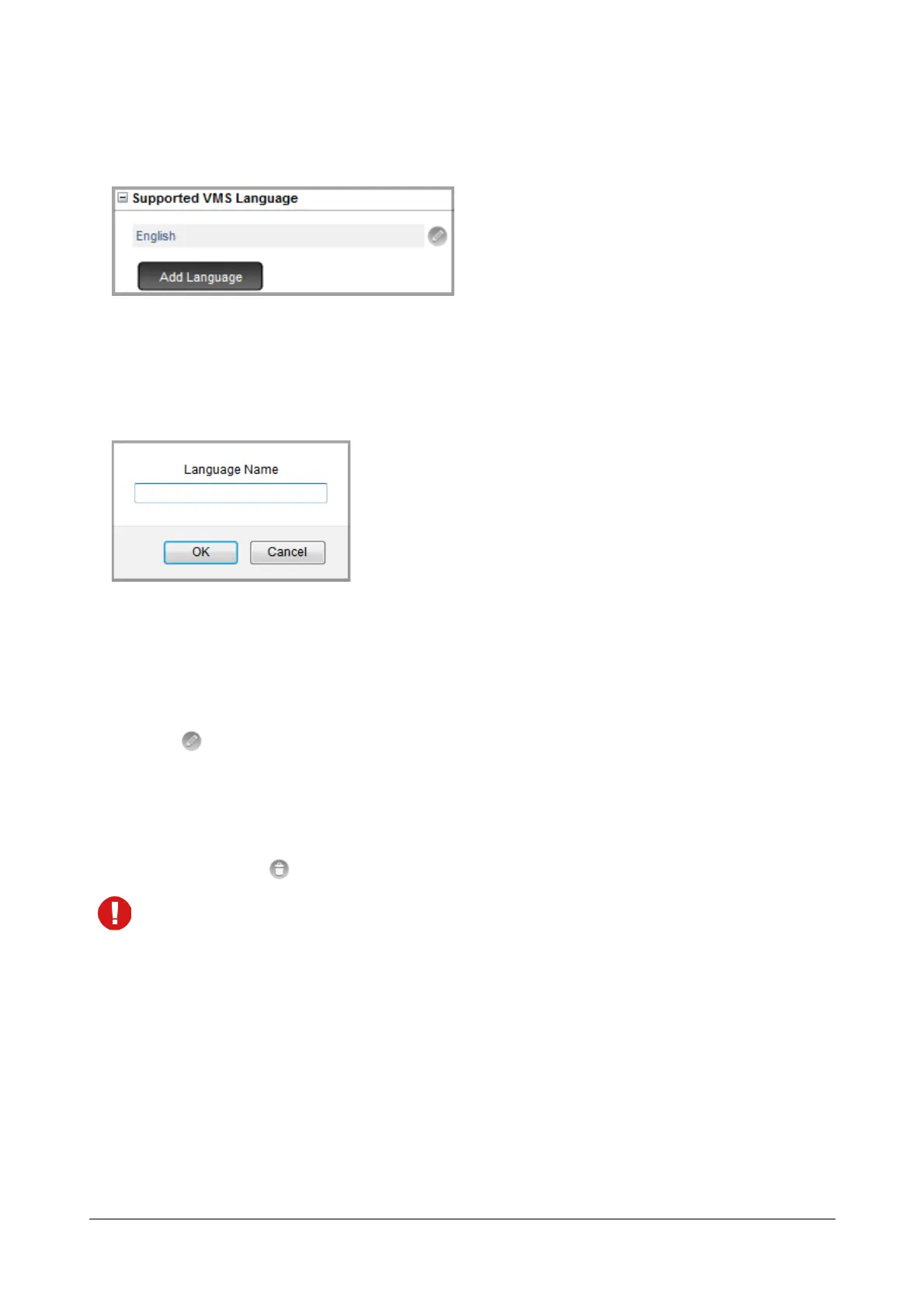
Supported VMS Language
You may add a new language, edit or delete the existing languages.
To add a new language,
• Click the Add Language button.
A window will pop up, asking you the language name.
• Enter the language name in the field. The allowed characters are A to Z, a to z, 0 to 9, - and _.
• Click OK.
To Edit a Language Name,
• Click .
• A window will pop up. You can edit the language name here.
• Click OK.
To delete a language, click .
If the language you wish to delete is already configured for any other parameter, the system will set English
as the default language for that parameter.



 To Next Page