394 Matrix ETERNITY NE System Manual
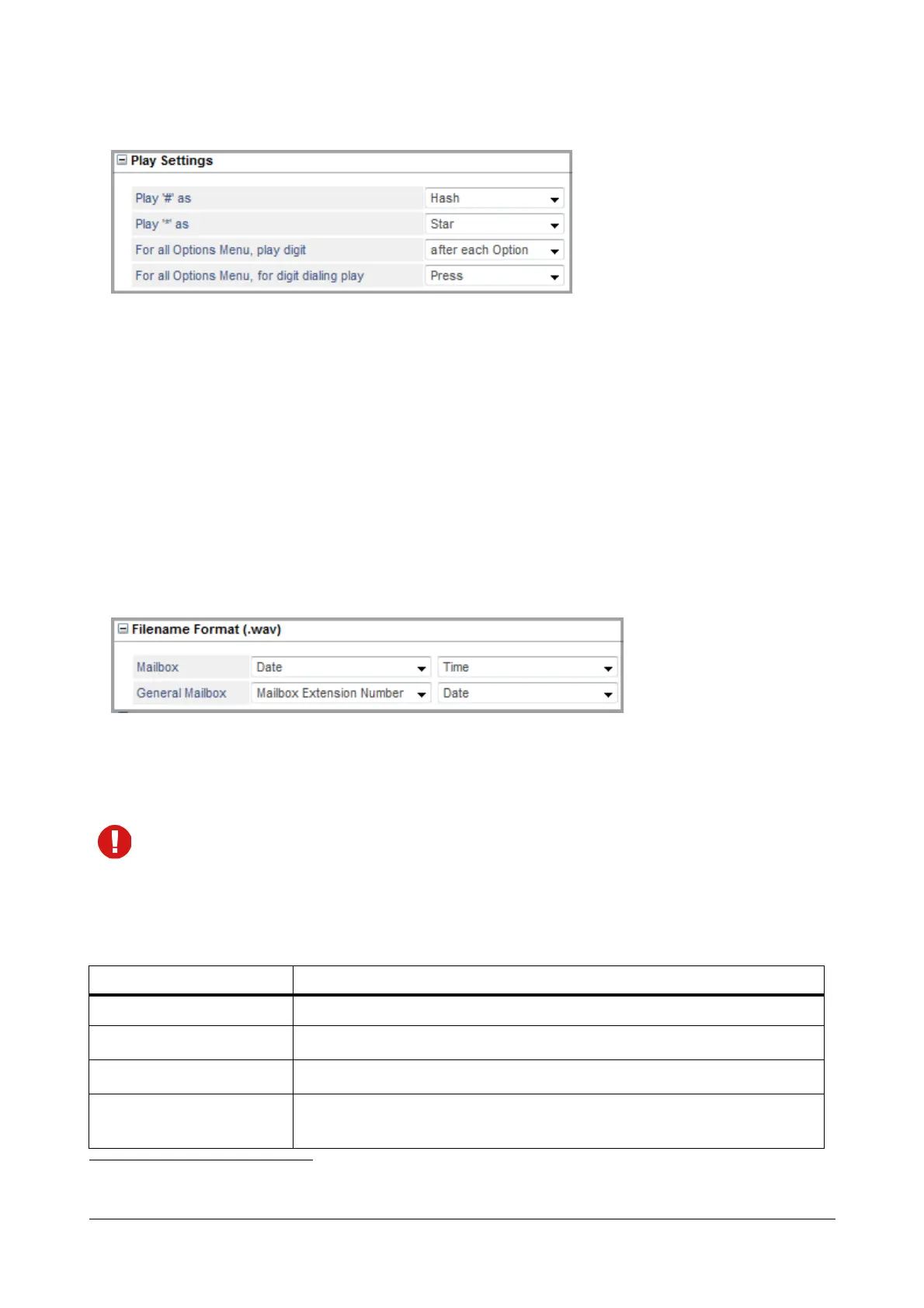
Play Settings
• Play ‘#’ as: Select the desired option — Hash or Pound. The system will play the selected option when ‘#’
is pressed.
• Play ‘*’ as: Select the desired option — Star or Asterisk. The system will play the selected option when ‘*’
is pressed.
• For all Options Menu, play digit: Select the desired option — after each Option, before each Option. The
system will play the digit as per the selected option for all Menu options.
• For all Options Menu, for digit dialing play: Select the desired option — Press or Dial. The system will
play the selected option for digit dialing.
Filename Format (.wav)
You can define the Filename format for Mailbox (Personal) and General Mailbox by setting the sequence of the
various parameters — None, Date, Time, Message Type, Calling Number, Called Number and Mailbox Extension
Number
85
— as per requirement.
While selecting the Filename format, make sure:
• None is not selected as the first two options.
• Date and Time are included in the filename.
• The same option (other than None) is not selected twice.
The table given below defines the parameters. You may sequence it as per your requirement.
85. The Mailbox Extension Number parameter is only applicable for General Mailbox Filename Format.
Option Meaning
None
The system will skip this option and move to the next option configured.
Date
Select this option if you want the system to add the Date
a
in the filename.
Time
Select this option if you want the system to add the Time
b
in the filename.
Message Type
Select this option if you want the system to add the Message Type
c
for the
message stored.



 To Next Page