Matrix ETERNITY NE System Manual 427
No Digit Dialed Settings
• For details, refer “No Digit Dialed Settings”.
Invalid Digit Dialed Settings
• For details, refer “Invalid Digit Dialed Settings”.
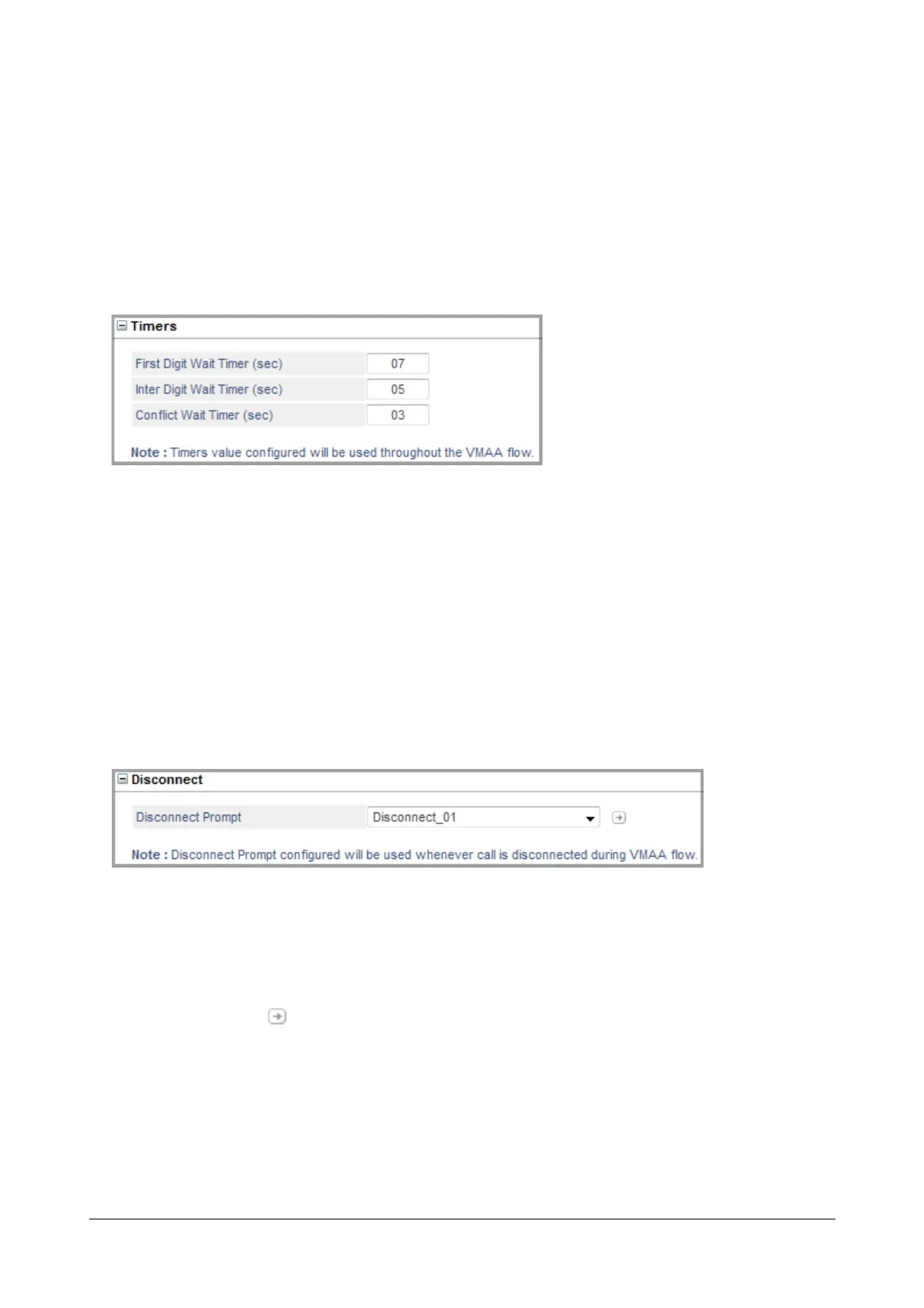
Timers
•In First Digit Wait Timer, enter the time for which you want the system to wait for the caller to dial the first
digit for menu option selection or for entering the Extension or Department Group number. On the expiry of
the First Digit Wait Timer, the system will apply “No Digit Dialed Settings”. Default: 07 seconds
•In Inter Digit Wait Timer, enter the time for which you want the system to wait for the caller to dial the
subsequent digit after the first digit is dialed. On the expiry of the Inter Digit Wait Timer, the system will
apply “No Match Found Settings”. Default: 05 seconds
•In Conflict Wait Timer, enter the time for which you want the system to wait for the extension user to dial
the next digit to resolve conflicting access codes dialed by the extension user. Default: 03 seconds
Disconnect
•In Disconnect Prompt, select the prompt you wish to play when the caller has selected Disconnect as the
Action on Digit Dialed option.
Select None, if you do not wish to play any prompt.
• Click Settings . The Prompts Management page opens.
You may add a new prompt from here. For further details, see “Prompts Management”.
Once the files are uploaded these appear as options for Disconnect Prompt.



 To Next Page