Matrix ETERNITY NE System Manual 523
• Click Error Cause List to expand.
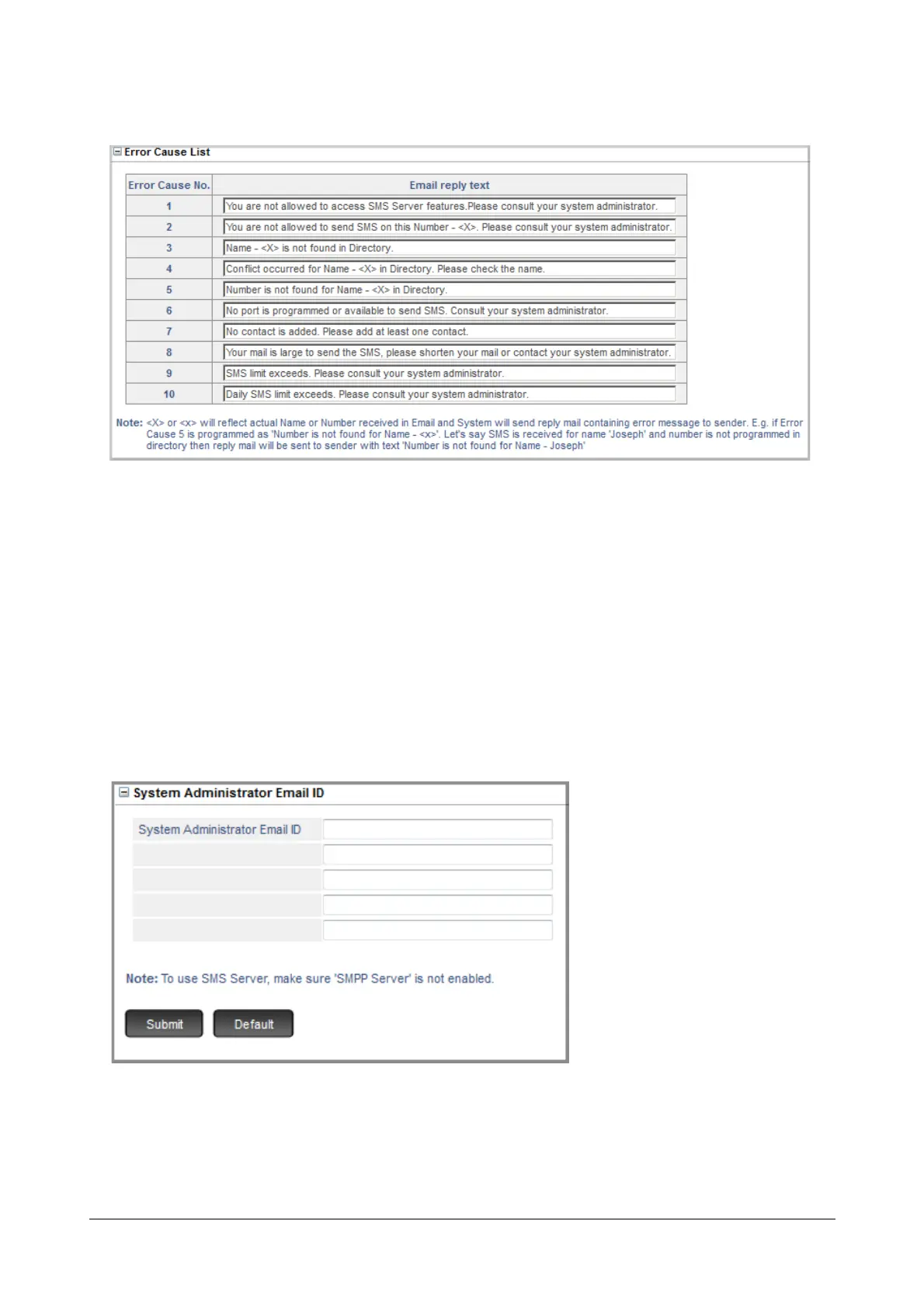
The Error Cause table displays the Error Cause number with the corresponding Email reply text.
• Select the Error Cause Number for which you need to edit/change the reply text.
•In Email reply text, enter the desired text.
• Click Submit.
You can generate a report of all the errors, see “SMS Server - Reports” for more information. These Error Causes
are also logged into the Fault Log. See “System Fault Log” for more information.
System Administrator Email ID
• Click System Administrator Email ID to expand.
Configure the following parameters:
• You must Configure the System Administrator Email ID to which a copy of SMS must be sent by the
SMS Server, if you have enabled Send copy of each SMS to System Administrator as an Email
checkbox under “SMS to Email Forwarding”.



 To Next Page