Matrix ETERNITY NE System Manual 565
deletion of the contact/group name. In this case, the reply Email will be HDFC Customer Care is deleted from
Personal Directory.
If the SMS Server received a delete request for a contact and the same is not configured in the Personal Directory,
then a reply mail is sent to the sender, with the Subject: SMS Server Error Cause and the message in the body: X
not found in Personal Directory. Where, X is the actual name.
Modify/Edit a Contact
You cannot edit any contact in the Personal Directory via Email.
To modify any contacts details, you must first delete the existing contact from the Personal Directory. Then you can
add the same contact with new contact details.
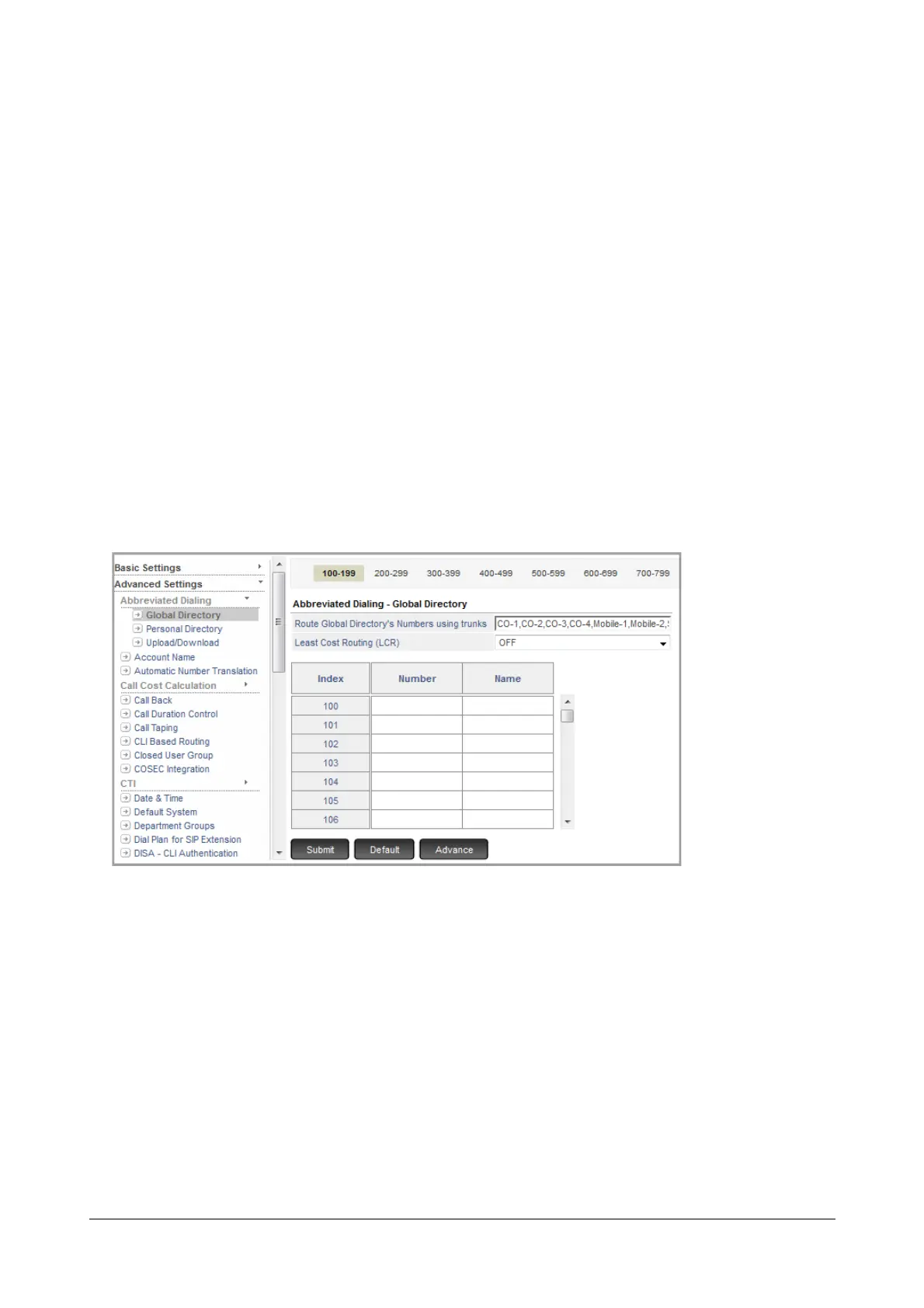
Configuring Global Directory
• Login as System Engineer.
• Under Advanced Settings, click Abbreviated Dialing.
• Click Global Directory.
Each page has 100 entries. To go to the next 100 entries click the links above the table '0200-0299'
For each directory configure the following parameters:
• Enter the Number you wish to store against the memory location. The number may consist of 16 digits
(maximum).
• Enter the Name against the Number. The Name may contain up to 12 alphanumeric characters. All
ASCII characters except < > and “ (double quote) are allowed.
• Click Advance to configure the Email ID and select the Group for the contact.
• Enter the Email ID of the contact you wish to store. The Email ID can be a maximum of 64 characters.



 To Next Page