566 Matrix ETERNITY NE System Manual
• You can assign the contact to a Group. Select the desired Group Type from the list. The system clubs
together contacts assigned the same Group. Default: None. For details, see “SMS/Email Group”.
• Click Submit.
• To configure more numbers, click the next tabs 200-299, 300-399, 400-499, 500-599, and so on.
Follow the same steps as described above.
• Select the trunks to be used for routing the numbers of the Global Directory dialed out by extensions.
Double click the Route Global Directory’s Numbers using Trunks field.
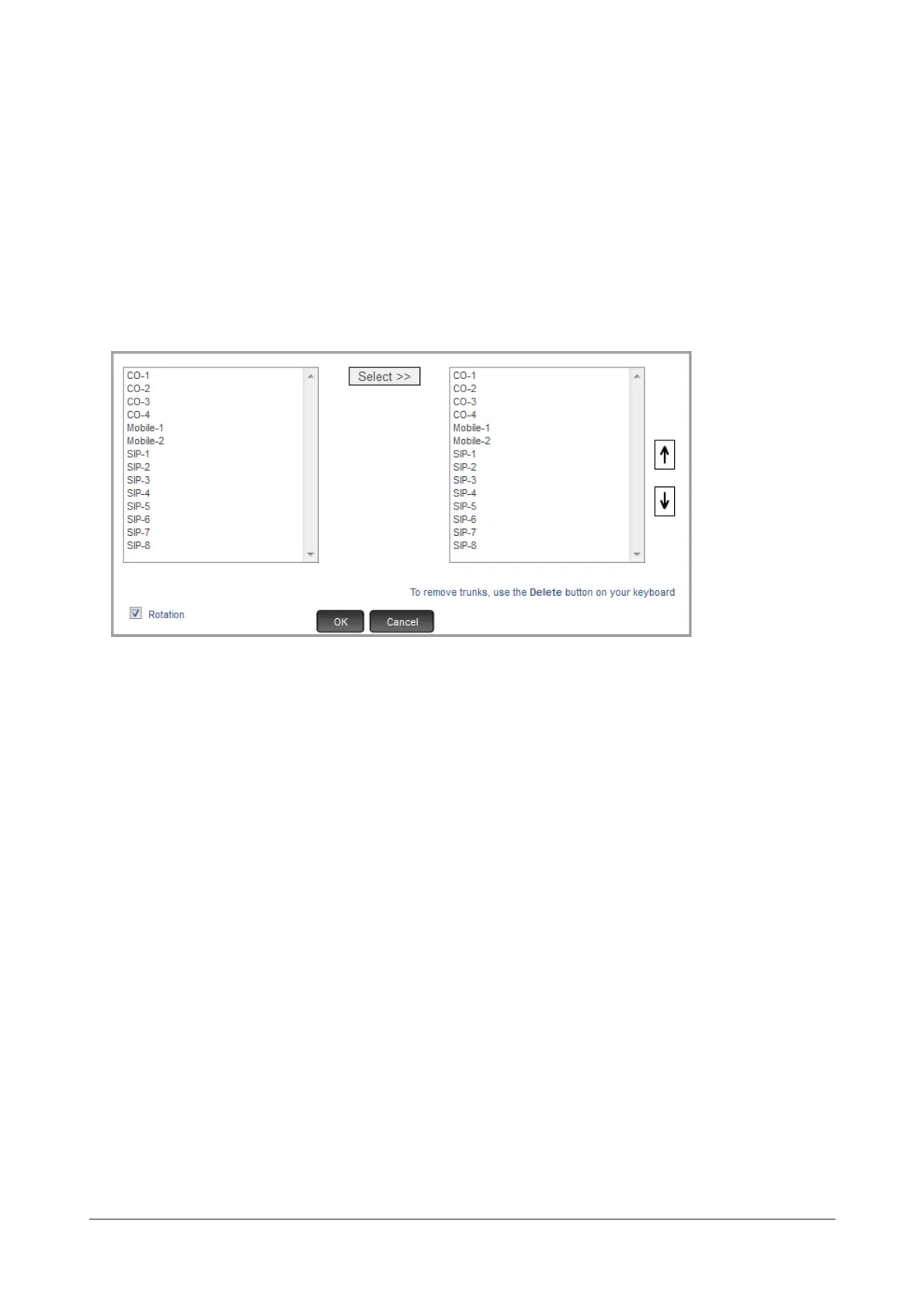
A multiple selection box appears.
• To select trunks, place your cursor on the desired trunk listed on the left box and click Select>>.
• You may change the sequence of the trunks using the Up and Down buttons on the right display box.
• You may enable Rotation, if you have selected more than one trunk.
• Click OK.
• If you want to apply the Least Cost Routing logic on the trunks, select the desired LCR type from the list
box: Time based, Number based, Time+Number based, Service Provider based. See “Least Cost
Routing (LCR)” to know more.
• Click Submit.
Applying Global Directory to Extensions
• Now, enable Global Directory in the “Class of Service (CoS)” of the extensions. To do this,
• Click Basic Settings and select the desired extension type:
• “SLT Extensions”
• “SIP Extensions”
• On the respective extension page, click Class of Service to expand.



 To Next Page