Matrix ETERNITY NE System Manual 795
Enabling Department Call in the Class of Service
The Department Call feature is included in the Basic Features in the CoS for Day and Night/Break, of all extensions
of SARVAM UCS. So, all extensions can make Department calls. You cannot deny this feature to any extension,
without denying the entire set of Basic Features.
By default, Department Group Call Forward is enabled for day and night/break time in the CoS of all extensions of
SARVAM UCS. So, all extensions of SARVAM UCS can set Call Forward Department Group.
If you wish to allow this feature to member extensions only, retain this feature in the CoS group of member
extensions, and disable this feature in the CoS group of all other extensions. For instructions see “SLT Extensions”
and “SIP Extensions” under Basic Settings. Also see the topic “Class of Service (CoS)”.
Configuring Department Groups using Jeeves
• Login as System Engineer.
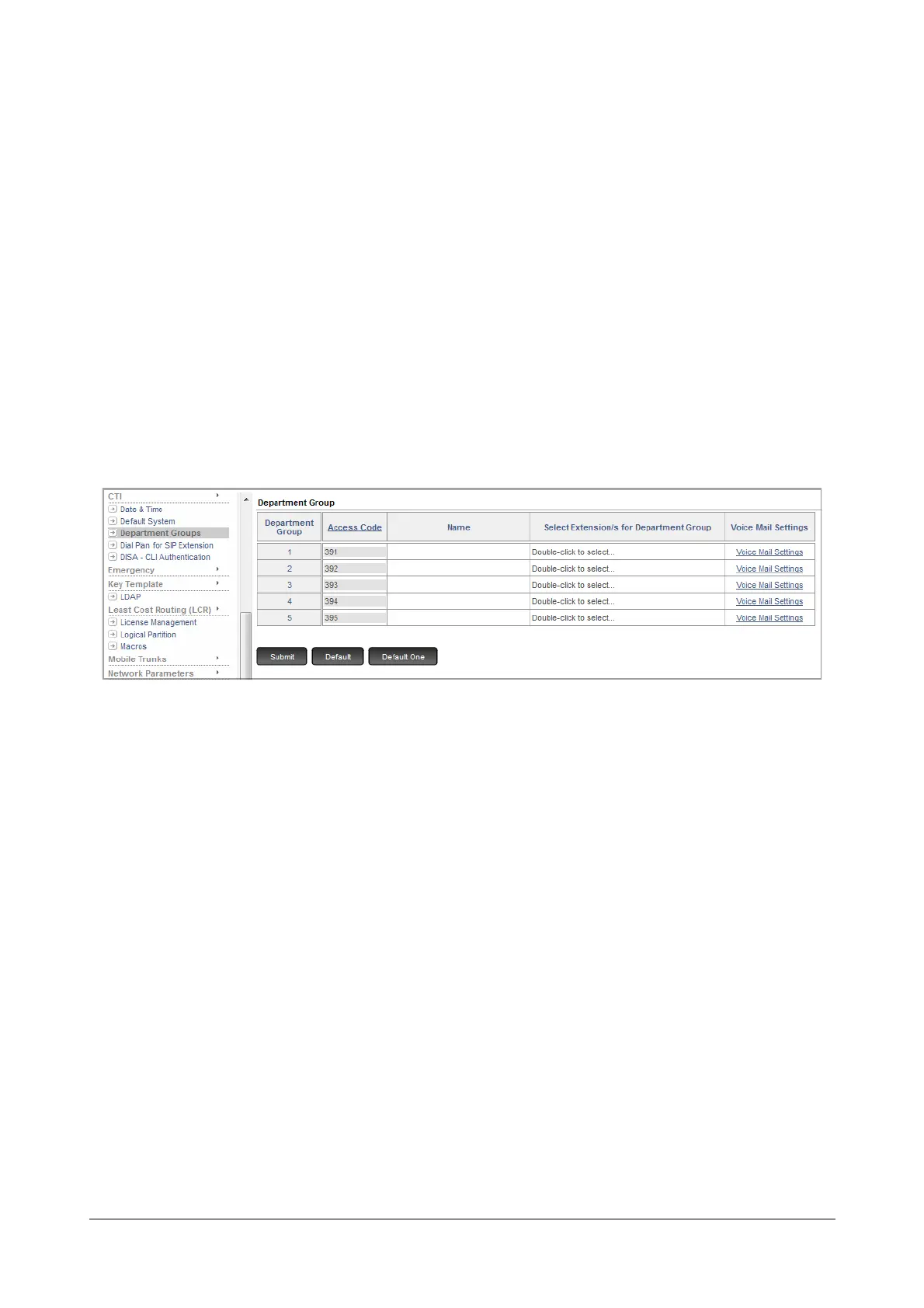
• Under Advanced Settings, click Department Groups.
Creating Department Groups
• To create a Department group, assign an Access Code for the department group against the Index
Number.
By default, the Access Codes assigned to Department groups are from 391 to 395.
If you decide not to use the default access codes, ensure that the access code you assign to each
department group is unique and does not match with any SLT or SIP access code or any feature access
code of the Dial Phase. Refer the topic “Access Codes” to know more.
• You may also assign a Name to the department group to facilitate identification. This name will appear in
the Dial by Name directory along with the department group number.


 To Next Page
 Loading...

