Matrix ETERNITY NE System Manual 815
How to use
If you are a Remote user, to be able to use DISA, you must know:
• the number of the Trunk on which DISA is enabled and the variant of DISA enabled on this trunk.
• the number of the extension and the user password which you want to access, if using DISA with PIN
Authentication.
• the duration of the DISA related Timers: DISA Idle State Timer and DISA Inactivity Timer, so that you may
dial digits accordingly, without delay.
• the special digits to be dialed during a DISA login session.
Dialing Special Digits
After successful login, you will be required to go on-hook, go off-hook, use 'flash', use 'pause' or dial characters like
A, B, C, D, from your remote device to use the features and facilities of SARVAM UCS.
However, SARVAM UCS will not be able to understand the conventional way of dialing 'flash' key or going on-hook
with momentary make/break of loop current. Therefore, SARVAM UCS supports specific codes, which it can
interpret if these are received during DISA session.
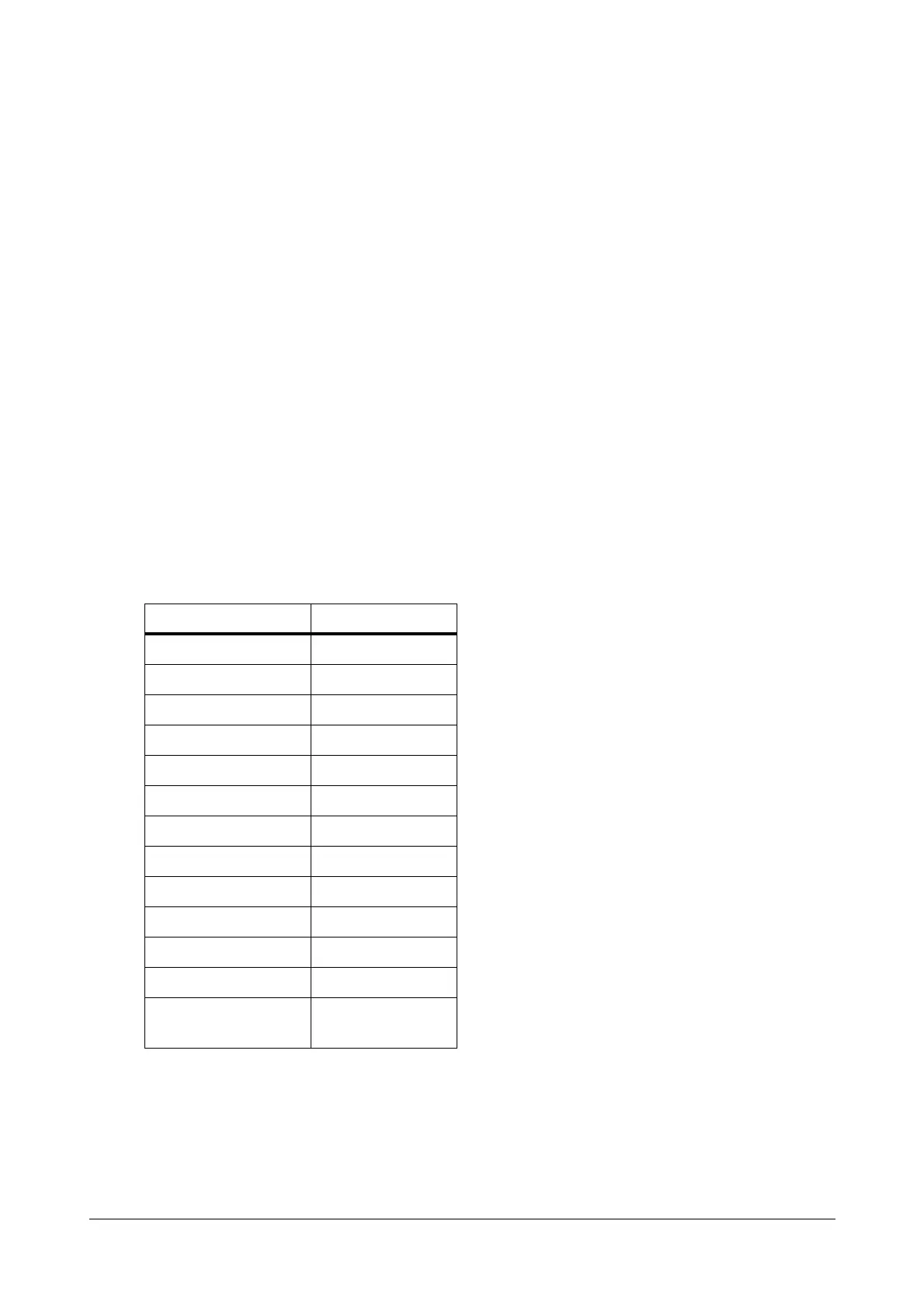
When you are in DISA mode, use the following codes to indicate an activity:
To use DISA,
• Dial the number of the Trunk on which DISA is enabled for the current time zone, i.e. Day, Break or Night.
• SARVAM UCS answers the call. You will get music or Built-In Auto Attendant Voice Message, if
configured.
Special Digit/activity Code to be dialed
on-hook #0
off-hook #1
Flash #2
Pause #3
A#4
B#5
C#6
D#7
+#8
To Terminate the DISA #9
###
End of String #*
To program # when in
SE Mode
####



 To Next Page