836 Matrix ETERNITY NE System Manual
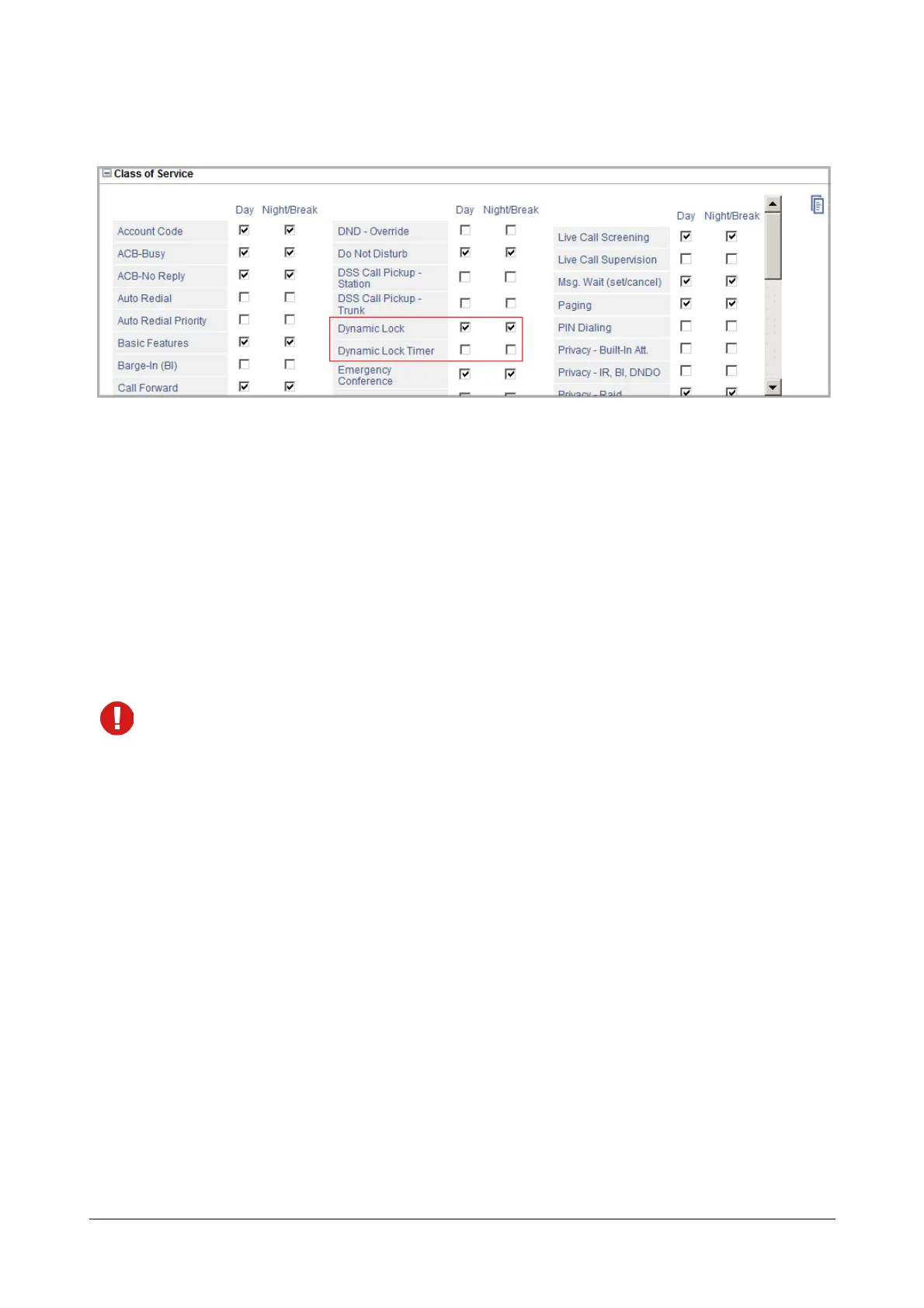
To allow the extension to use Automatic Dynamic Lock, you must enable this timer in the Class of Service. See
“Class of Service (CoS)” for instructions.
Toll Control Level must be configured on the extension.
To configure Toll Control Levels on the extension, refer the topic “Toll Control” for instructions.
How to use
Extension users can set Dynamic Lock—Manual and Automatic—by themselves or have it set by the Operator or
any other extension user for their extension.
The extension user/Operator must first set the Dynamic Lock Timer and then change the Dynamic Lock Level.
To set Dynamic Lock-Manual, the extension user/Operation must set the Dynamic Lock Timer to 00.
• When the Dynamic Lock-Manual is set (Timer set to 00), the extension user/Operator must dial the
feature access code to restore the previous Toll Control Level.
• When Dynamic Lock-Automatic is set (Timer set to desired number of minutes), the system will restore
the previous Toll Control Level at the end of the Timer.
The extension users must change the default User Password to be able to set the Dynamic Lock on their extension.
Refer the topic “User Password” for instructions on changing the password.
Changing Dynamic Lock by Extension Users
For Extended IP Phone Users
To set Dynamic Lock-Manual
• Press DSS Key assigned to Dynamic Lock.
OR
• Dial 142.
OR
• Enter Phone Menu by pressing 'Enter' key.
• You get the prompt <Enter User Password>
• Enter your User Password.



 To Next Page