Matrix ETERNITY NE System Manual 75
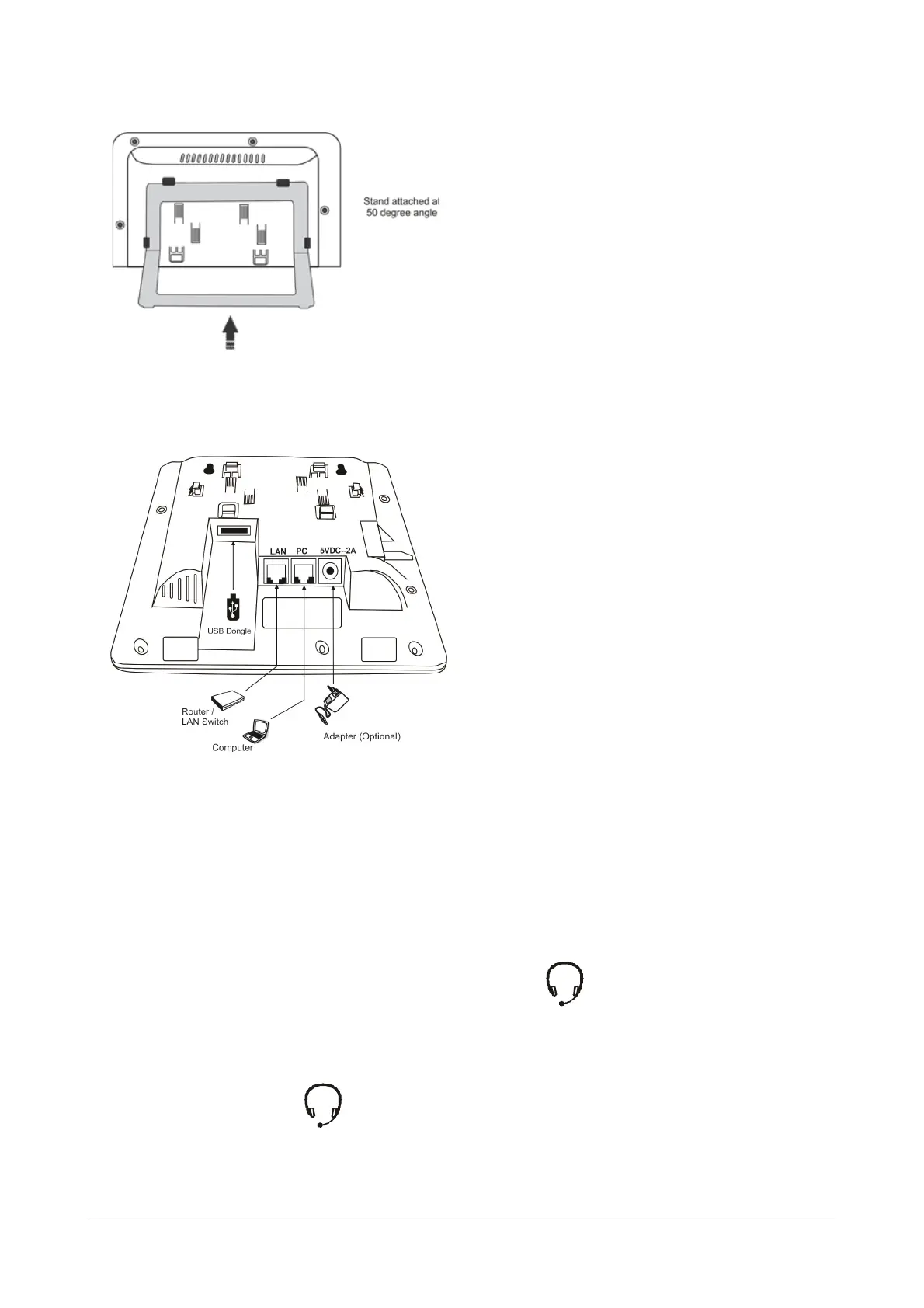
• If you attach the Foot Stand at 50°, the phone will be placed in an almost upright position on your desk.
• Decide which of these positions would work for you best and accordingly attach the Foot Stand.
• Connect the Handset to the Phone body.
• Plug the long straightened end of the phone cord into the handset jack on the left side panel of the
phone marked with the handset symbol.
• Plug the other (short straight) end of the phone cord into the jack at the bottom of the handset.
• If you want to use a Headset (not supplied) with your phone, you may plug a headset with a 3.5 mm single
connector into the headset jack headset jack with the symbol on the left side panel of the phone.
OR
You may plug a headset with an RJ9 connector into the headset port on the side panel of the phone,
marked with the symbol .



 To Next Page