934 Matrix ETERNITY NE System Manual
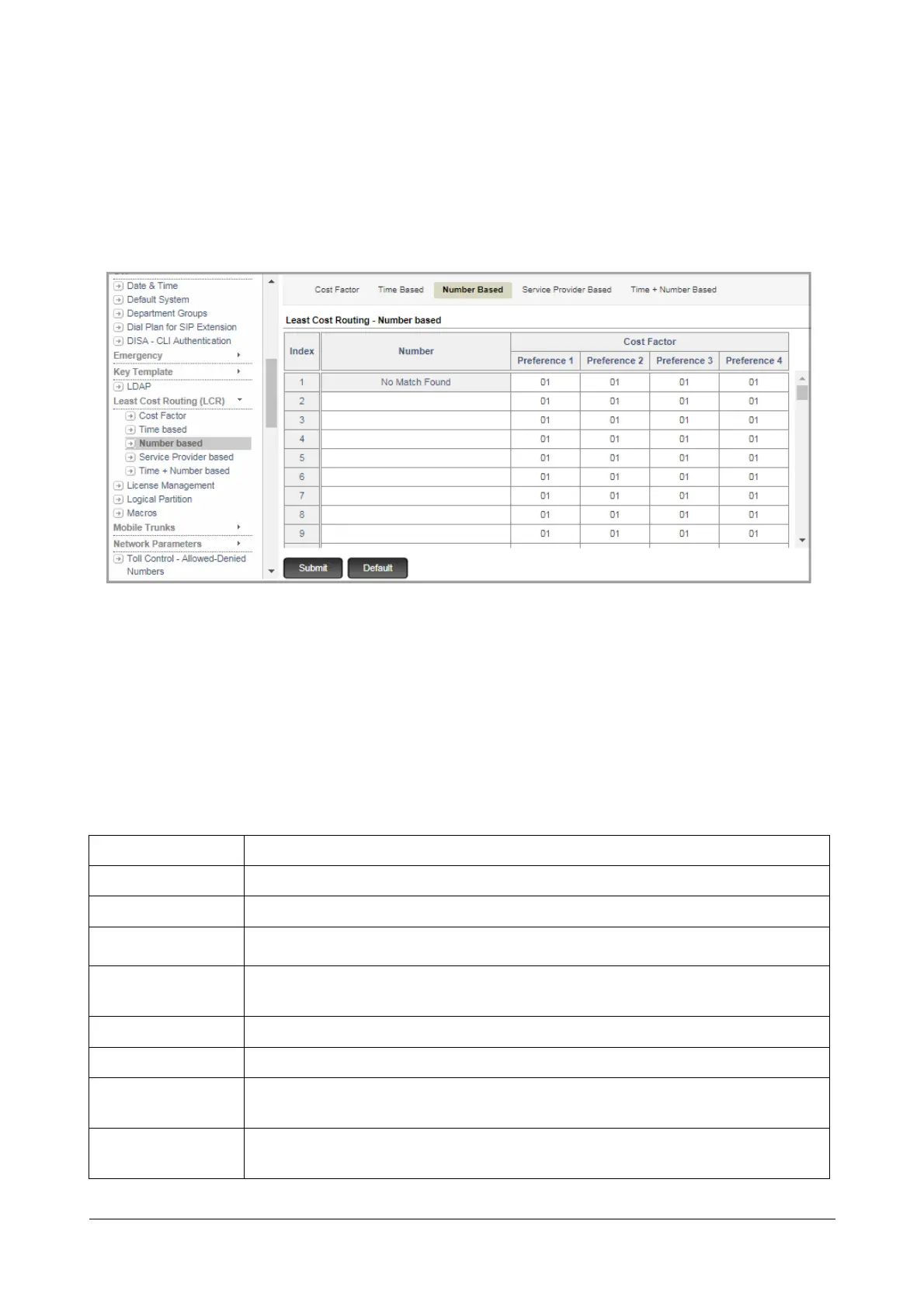
Configuring Number based LCR using Jeeves
• .Login as System Engineer.
• Under Advanced Settings, click Least Cost Routing (LCR).
• Click Number based.
• Enter the values of the Number based LCR you prepared on the sheet of paper in the appropriate fields.
• In Number, you can enter a complete telephone number, a truncated phone number or an area code. You
may enter upto 64 characters (Digits + “Wildcard Characters”) in this field. Valid characters: 0 to 9, *, #, X,
T, Comma [,], Hyphen [-], Caret [^ ]. Default: Blank.
• Click Submit.
Wildcard Characters
ETERNITY supports following characters.
Character Description
X (letter X) X represents any single digit from 0 to 9.
#
When # is configured in a number string, it will not be considered as End of Dialing.
*
When * is configured in a number string, it will not be considered as End of Dialing.
+
+ (plus) can be configured as a first character of the Destination Number string in the
SIP Trunk-Destination Port Determination-Destination Number Based table only.
[
- ]
Hyphen within the bracket, defines a range. Only digits 0-9 are allowed within a bracket.
[ , ] Comma within a bracket is used as a separator between the groups of numbers.
[ ^ ]
Caret within a bracket is used to deny or restrict the number or range defined after the
symbol. Only digits 0-9 are allowed after the caret.
T (letter T)
Character T can be configured only as a last character in a number string. When
configured in a number string, the system waits for End of Dialing.



 To Next Page