DMTA-10045-01EN, Rev. E, August 2016
Applications
123
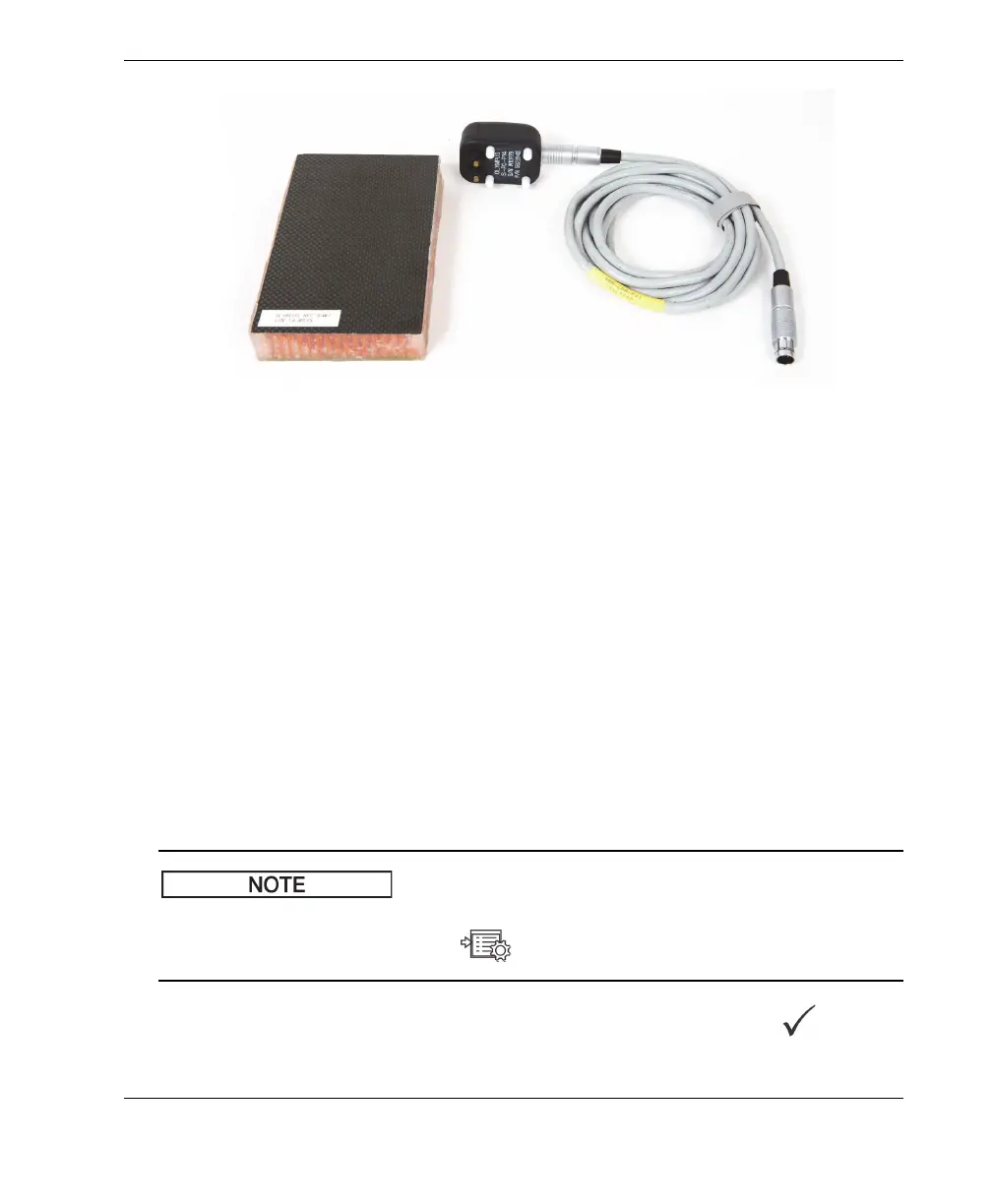
Figure 6‑1 Materials — skin‑to‑core disbonds in flat or constant geometry
The following products are used in this procedure:
• Honeycomb composite training standard: 25 mm (1 in.) thick, 6-ply CFRP top
skin and 3-ply fiberglass lower skin. Includes a 25 mm (1 in.) disbond on each
side. P/N: NEC-6407 [U8862302]
• Cable for pitch-catch and MIA modes, 1.83 m (6 ft).
P/N: SBM-CPM-P11 [U8800058]
• Pitch-catch probe for general use; tip spacing 14 mm. P/N: S-PC-P14 [U8800601]
To set the initial BondMaster 600 configuration
1. Connect the probe and the cable to the PROBE connector of the BondMaster 600.
2. When prompted, press CONTINUE (A key) to accept the PowerLink probe
information.
If you are using a non-PowerLink probe, access the APPL SELECT menu (A key)
using the ADV SETUP menu key ( ).
3. Select the Skin to Core Disbonds (Flat) application, and then press to accept
(see Figure 6-2 on page 124).














 To Next Page