DMTA-10045-01EN, Rev. E, August 2016
Chapter 5
88
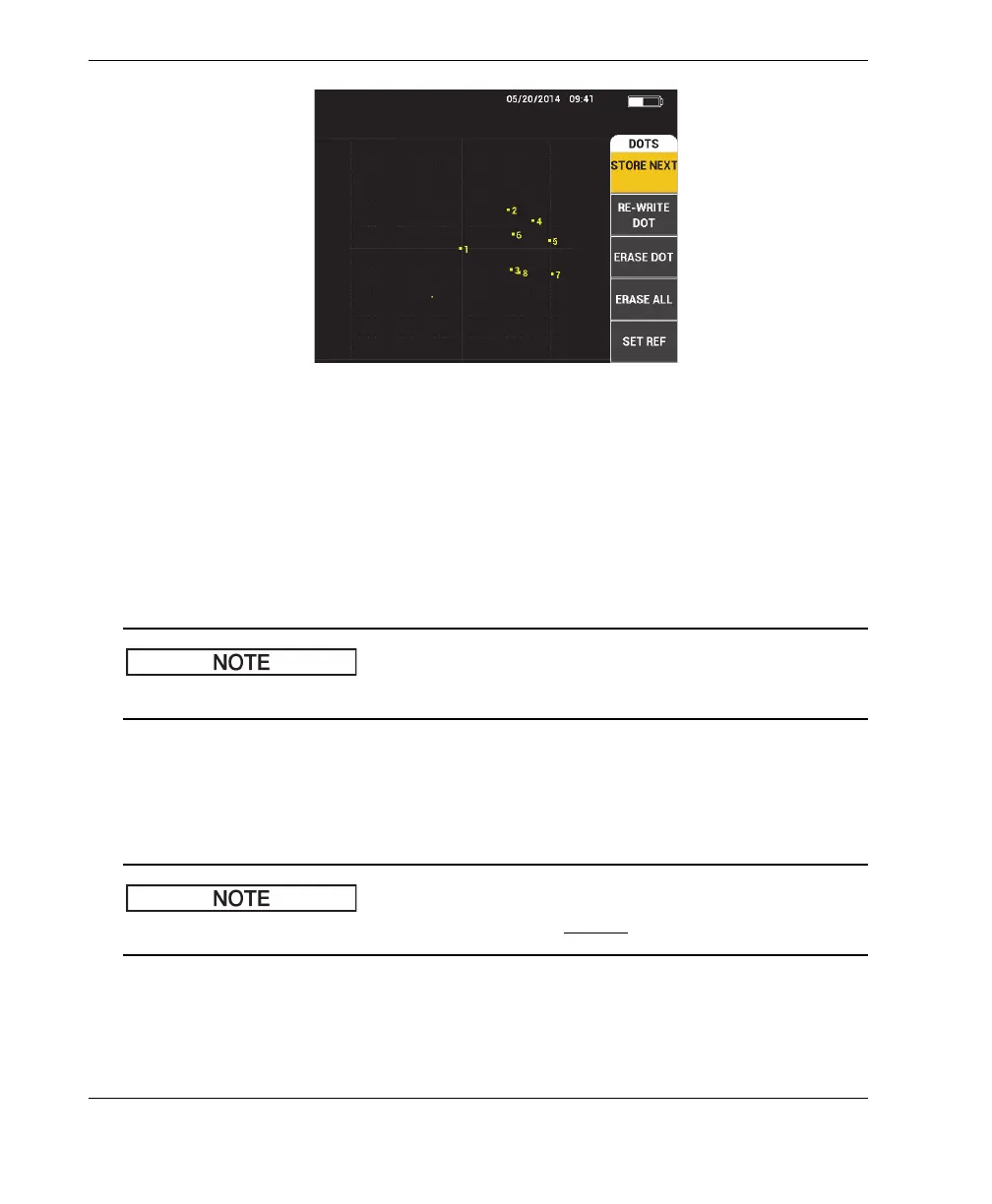
Figure 5‑9 The stored dots
To store a dot position, press the A key. Press the A key repeatedly to store more
dots.
RE‑WRITE DOT
The RE‑WRITE DOT setting allows you to rewrite a dot location, which is useful
if an accidental button press has occurred.
The RE‑WRITE DOT function only allows you to rewrite the current dot location.
To rewrite a dot location, press the B key.
ERASE DOT
The ERASE DOT setting allows you to erase a dot location.
The ERASE DOT function allows you to erase the current dot location.
To erase a dot location, press the C key. Press the C key repeatedly to erase dots
one at a time, in the reverse order that they were written (stored) on the
BondMaster 600 screen.














 To Next Page