DMTA-10045-01EN, Rev. E, August 2016
BondMaster PC Software
205
Restoring erases all contents of the internal memory and replaces it with the data
contained on the external microSD card.
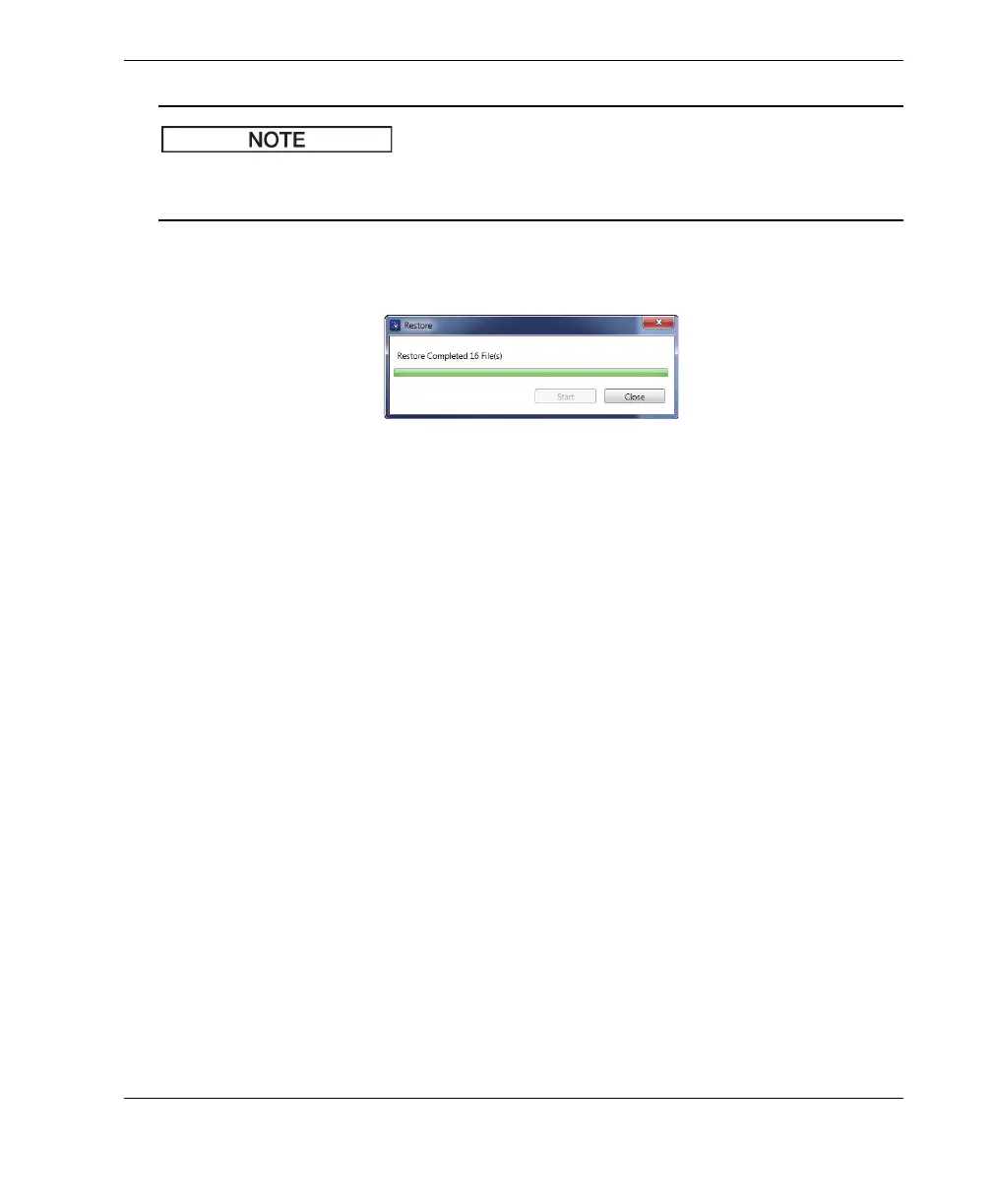
5. When the restore process has been completed, click Close (see Figure 7-31 on
page 205).
Figure 7‑31 The Restore dialog box (complete)














 To Next Page