DMTA-10045-01EN, Rev. E, August 2016
Chapter 4
64
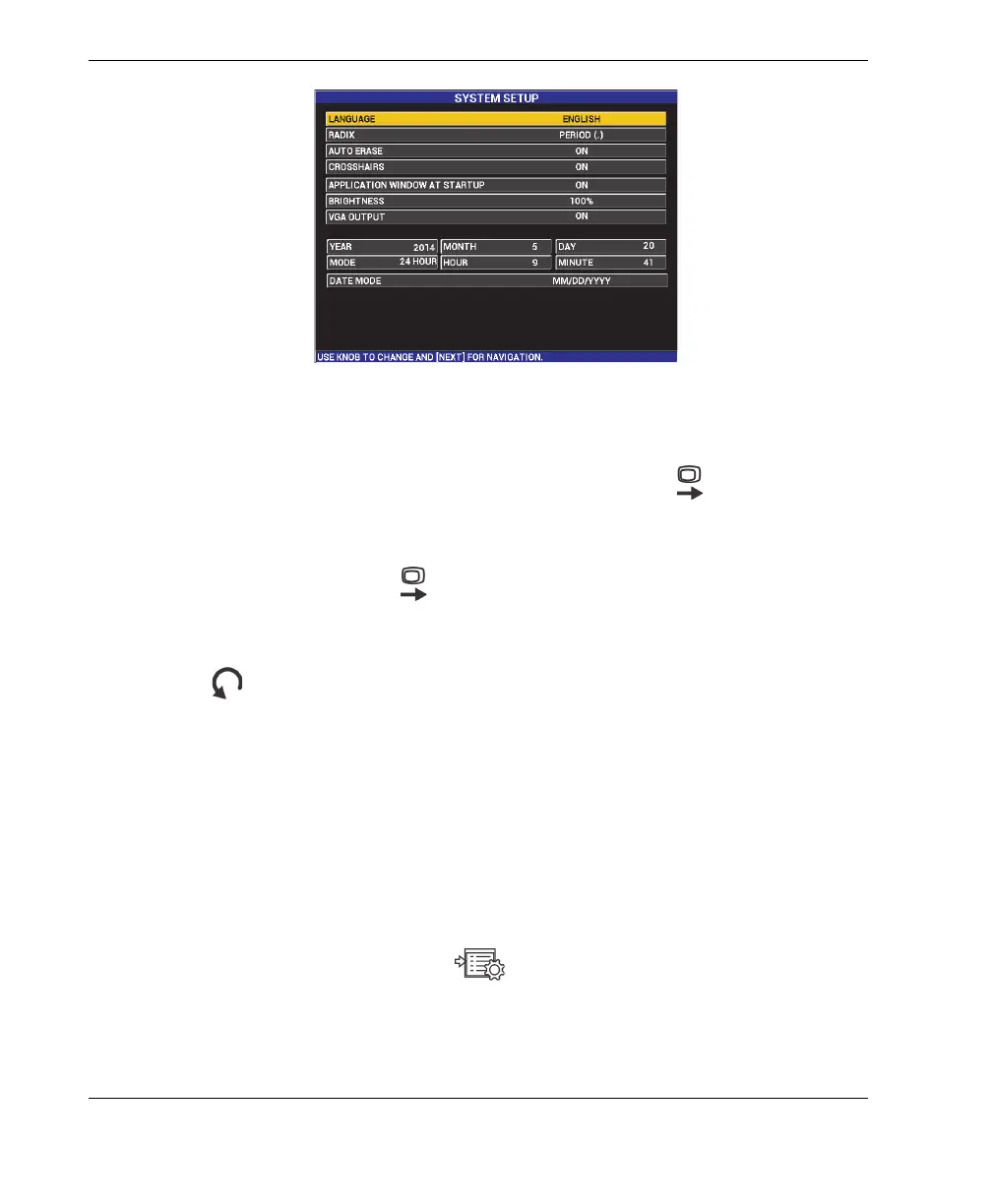
Figure 4‑1 The SYSTEM SETUP screen
2. In the SYSTEM SETUP screen, press the FULL NEXT key ( ) until
LANGUAGE is highlighted.
3. Using the knob, choose the desired language.
4. Press the FULL NEXT key ( ) until RADIX is highlighted.
5. Using the knob, choose the desired character to represent the decimal of numbers:
PERIOD (.) or COMMA (,).
6. Press to return to the main inspection screen.
4.2 Setting the Clock
The BondMaster 600 has a built-in date and time clock. You can set the date and the
time, and select their respective format. The BondMaster 600 saves all inspection
results with their acquisition date.
To set the clock
1. Press the ADV SETUP menu key ( ) twice, and then press the B key to access
the SYSTEM SETUP screen (see Figure 4-1 on page 64).
2. Set the YEAR, MONTH, DAY, MODE (12 HOUR or 24 HOUR), HOUR,
MINUTE, and DATE MODE as follows:














 To Next Page