DMTA-10045-01EN, Rev. E, August 2016
Chapter 7
204
To restore a BondMaster 600
1. Make sure that a microSD card is inserted in the BondMaster 600 (see Figure 7-23
on page 202).
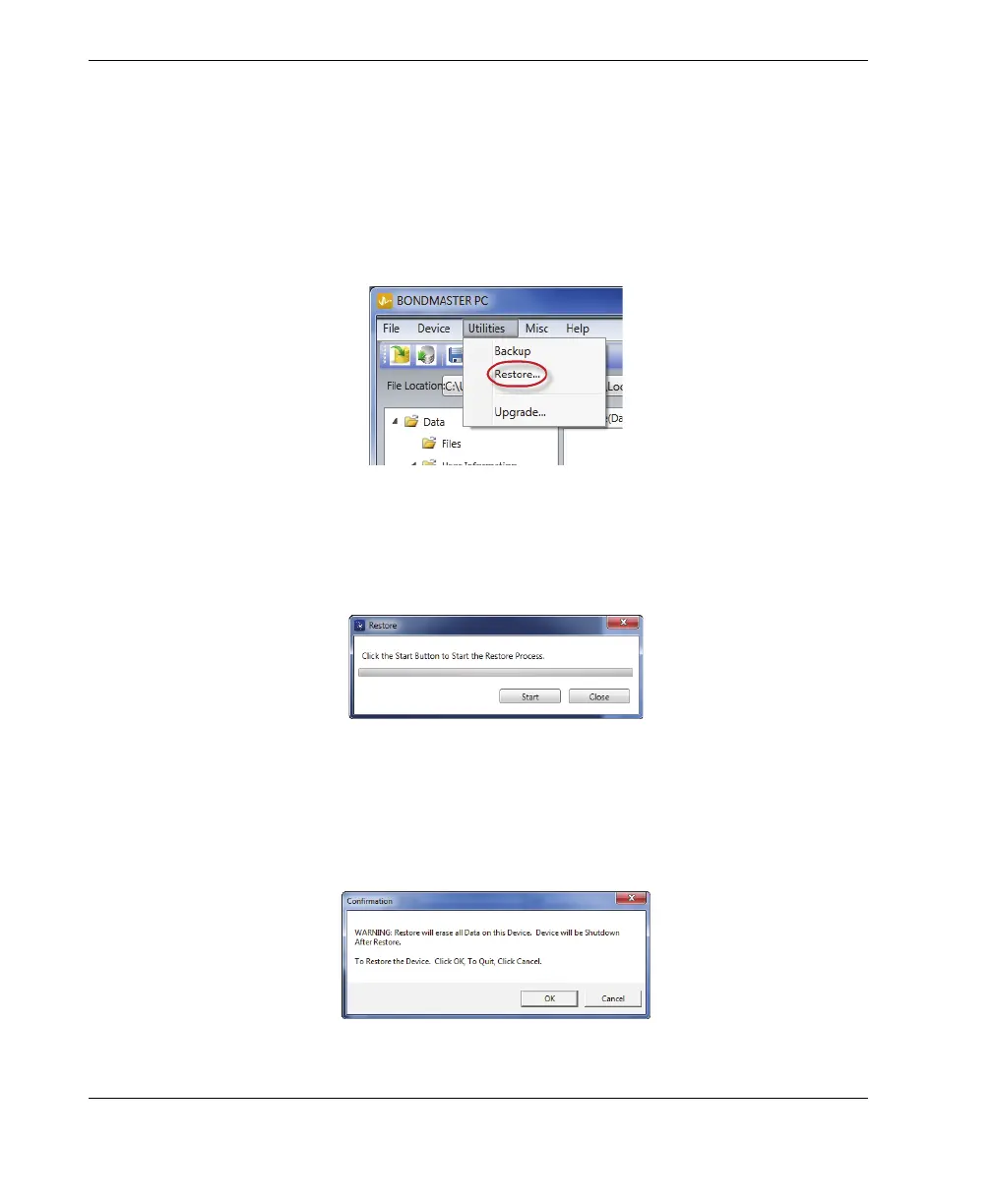
2. On the BondMaster PC software Utilities menu, select Restore (see Figure 7-28 on
page 204).
The Restore dialog box appears (see Figure 7-29 on page 204).
Figure 7‑28 The Restore command
3. In the Restore dialog box, click Start.
Figure 7‑29 The Restore dialog box (start)
4. When the Confirmation dialog box appears (see Figure 7-30 on page 204), click
OK to start the restore process.
Figure 7‑30 The Confirmation dialog box to confirm the restore start














 To Next Page