DMTA-10045-01EN, Rev. E, August 2016
Chapter 5
90
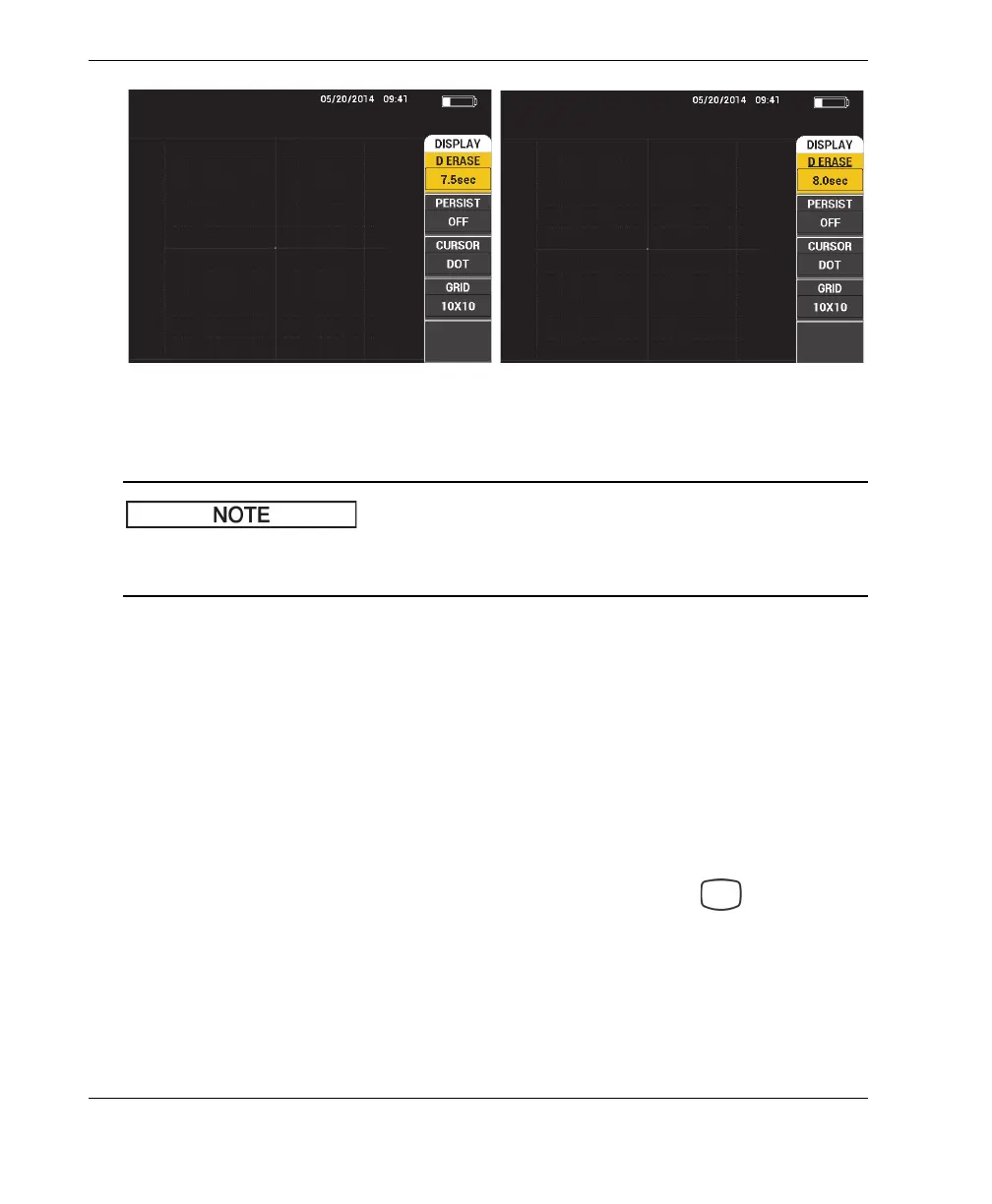
Figure 5‑10 D ERASE fine (left) and coarse (right) functions
The display erase function is not available if variable persistence (PERSIST) is
activated.
PERSIST (variable persistence)
The PERSIST (variable persistence) setting enables automatic screen erase. You
can set the display on an impedance plane (not sweep) so that the signal traces on
the screen will be erased after a predetermined amount of time. This time may be
set from 0.1 s to 10 s, in 0.1 s increments. By default, PERSIST is set to OFF.
To activate the variable persistence setting, press the B key. With the variable
persistence setting highlighted, rotate the knob to adjust to the desired value.
SCAN TIME
Allows you to set the duration of RUNs that use the SCAN view.
To change the SCAN TIME, press the DISP/DOTS menu key ( ) once, then
press the E key, and use the knob to change the setting.
5.3.6 PC Swept Mode — DISP/DOTS Menu
The following parameters can be adjusted on the PC Swept DISP/DOTS (display/dots)
menu:














 To Next Page