DMTA-10045-01EN, Rev. E, August 2016
Control Functions
119
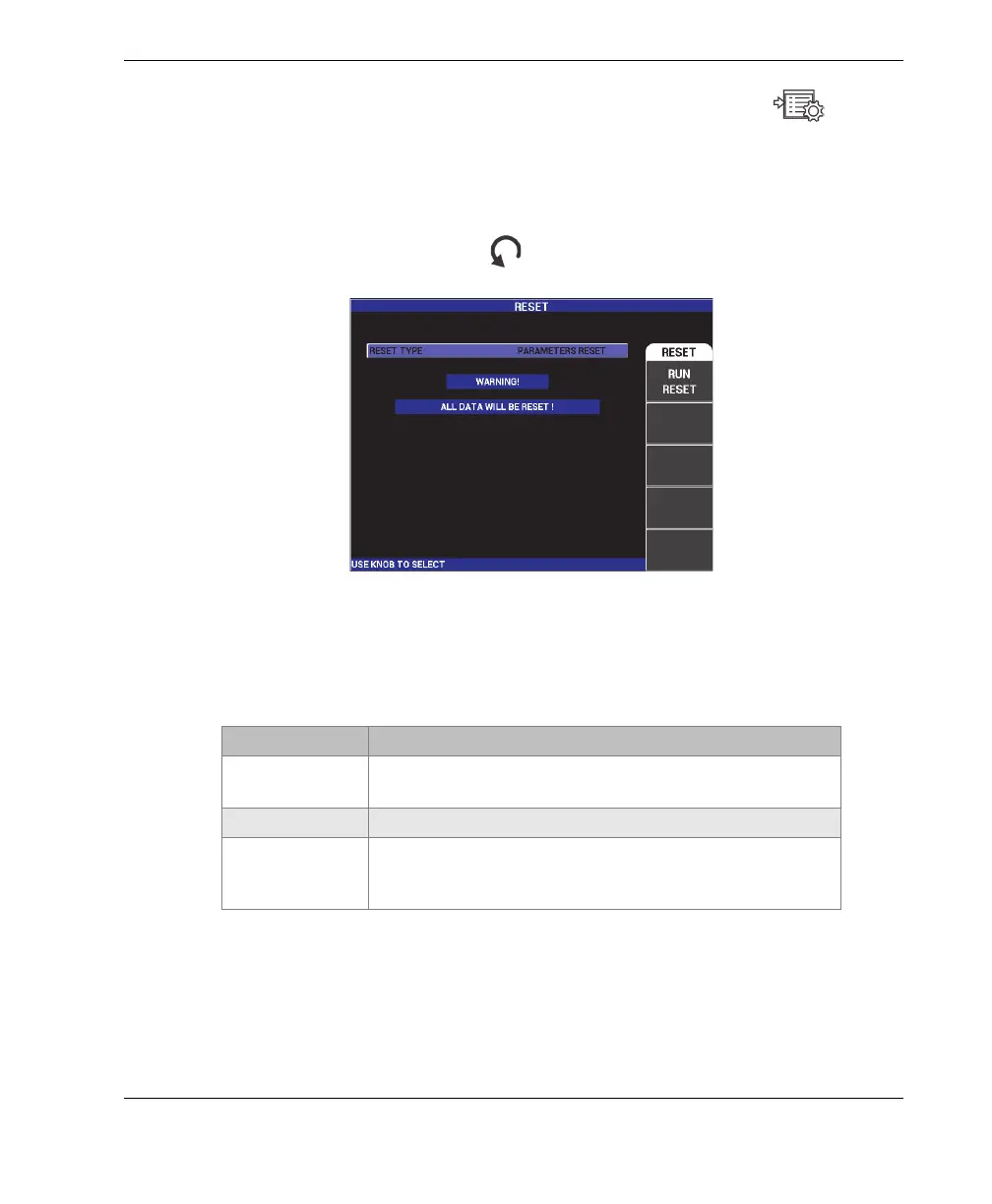
1. To access the RESET menu, press the ADV SETUP menu key ( ) twice
followed by the E key, and then rotate the knob to select the desired type of
instrument reset: parameters, storage, or master (see Figure 5-29 on page 119
and Table 6 on page 119).
2. To perform the reset, press the A key.
3. To exit, press the Return key ( ).
Figure 5‑29 The RESET menu
Table 6 Reset types
Reset types Description
Parameters reset Clears only the instrument settings, and returns the
BondMaster 600 to its default settings.
Storage reset Clears all stored programs and screen images.
Master reset Clears the BondMaster 600 settings, stored programs, and
screen images, and returns the BondMaster 600 to its
default settings.














 To Next Page