DMTA-10045-01EN, Rev. E, August 2016
Overview of the BondMaster 600
43
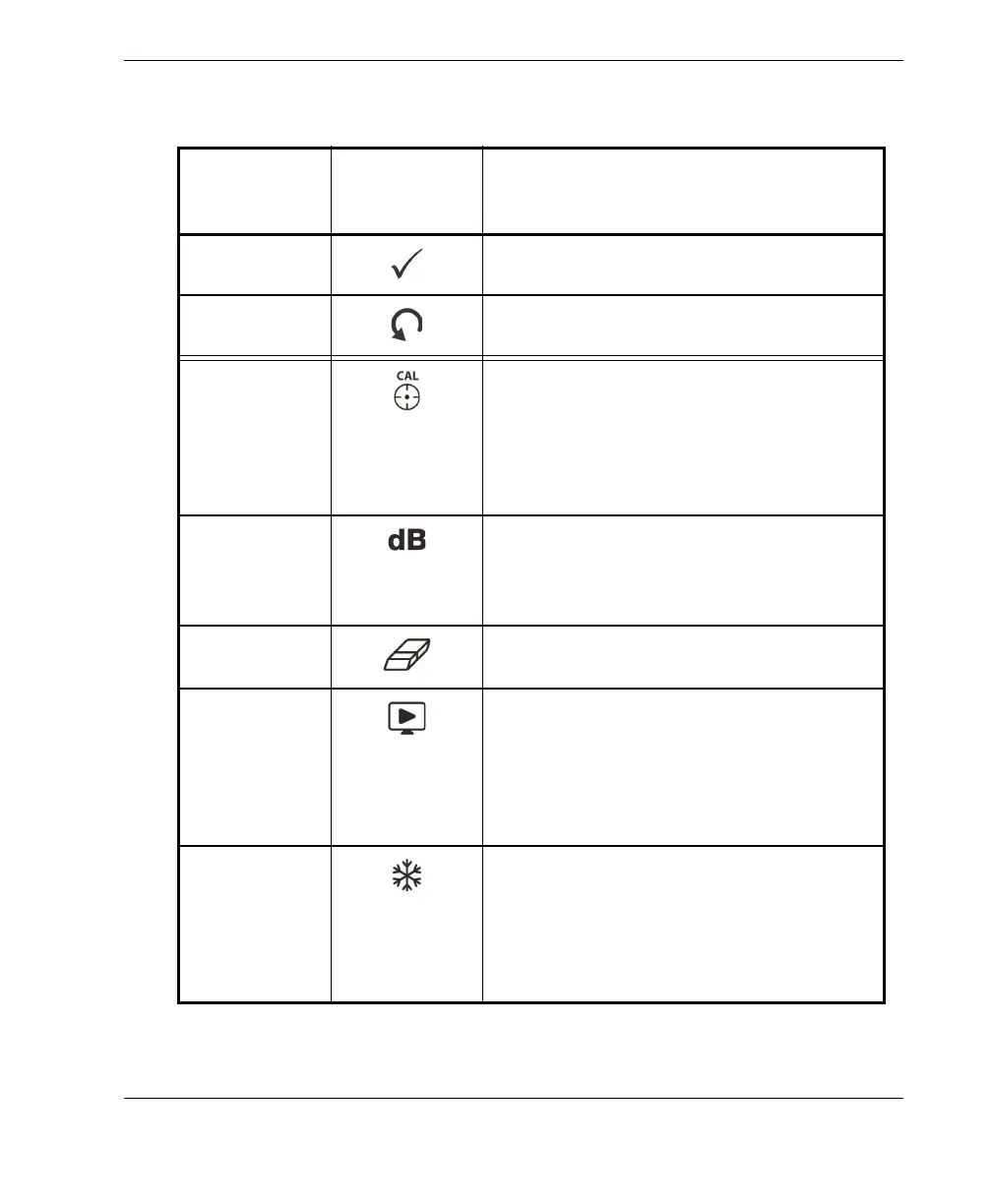
Table 4 Keypad functions
Function
name
International
keypad
symbol
Function description
Enter The Enter key is used to make selections.
Return The Return (or Back) key is used to exit a
menu and return to a previous screen.
CAL/NULL If this direct function key is pressed once, it
nulls (zeros) the BondMaster 600. If this
key is pressed and held, a calibration
wizard is initiated in RESON (resonance)
and MIA (mechanical impedance analysis)
modes of operation only.
GAIN Direct function key used to display either
the BondMaster 600 combined horizontal
and vertical gain settings, horizontal gain
only, or vertical gain only.
ERASE Direct function key used to erase the
currently displayed image.
RUN Direct function key used to change the
RUN (display) mode. Depending on the
operation mode, different displays are
available. NOTE: changing the RUN
(display) mode also changes the available
settings in the BondMaster 600 menus.
FREEZE Direct function key used to freeze the
image displayed on the BondMaster 600 for
further evaluation. When the image is
frozen, the BondMaster 600 also allows
signal calibration, and changing the gains
or angle.














 To Next Page