DMTA-10045-01EN, Rev. E, August 2016
Overview of the BondMaster 600
39
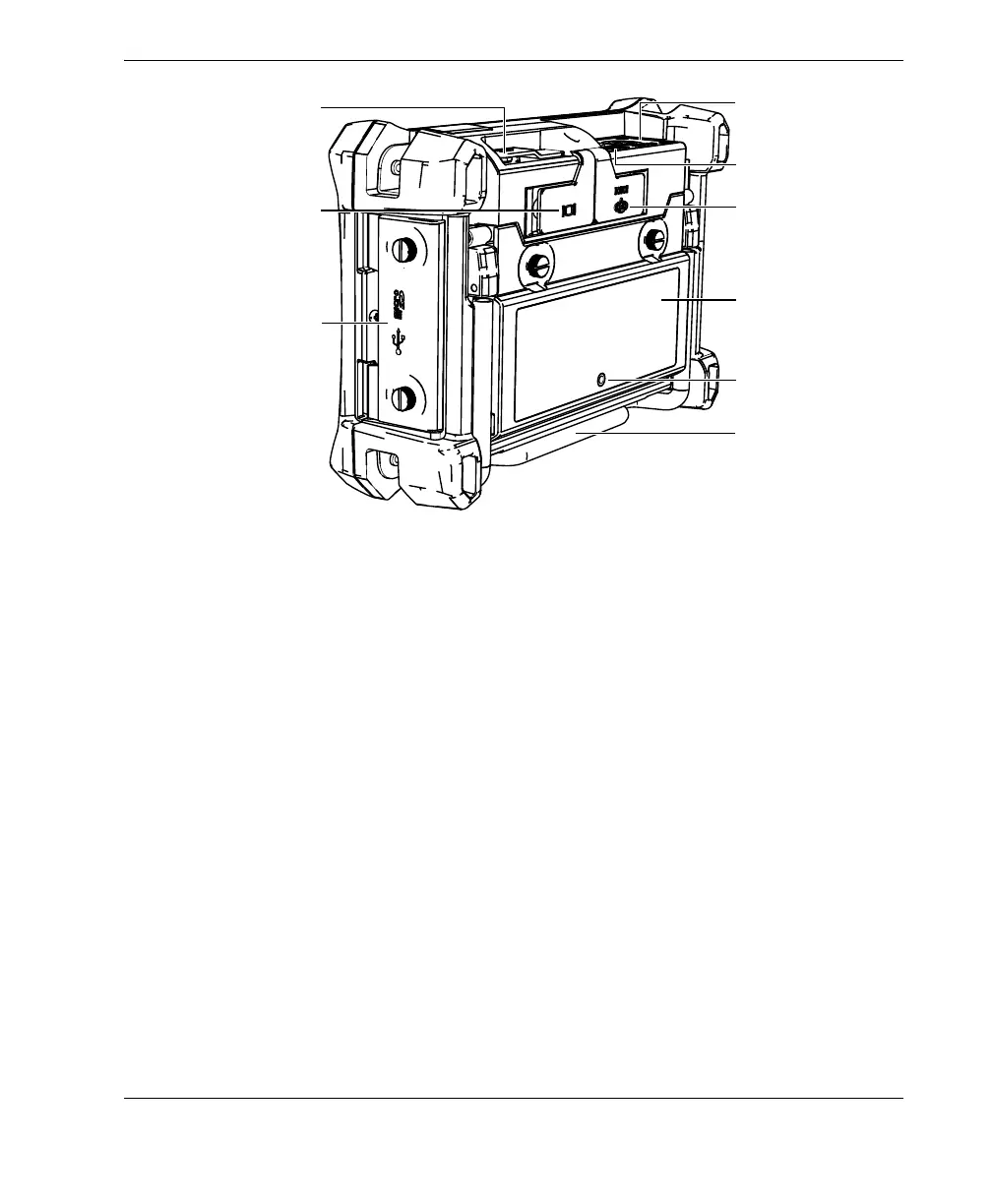
Figure 2‑14 Overview of the BondMaster 600 — Back view
2.5.1.1 Front Panel and SmartKnob
The SmartKnob is an important feature of the BondMaster 600, and it is the primary
method used to change different parameters within a menu. In this manual, the term
“knob” is also used to refer to the SmartKnob.
The keypad on the BondMaster 600 front panel contains keys that are grouped
around the display (also named screen). The keys are used in combination with the
SmartKnob to provide direct access to menus and common parameters and to enable
easy adjustment of values (see Figure 2-15 on page 40).
DC power connector
VGA OUT connector
behind rubber cover
Stand
Battery compartment
cover
11-pin Fischer
connector
PROBE connector
Membrane vent
I/O door
I/O connector behind
rubber cover














 To Next Page