DMTA-10045-01EN, Rev. E, August 2016
Chapter 7
196
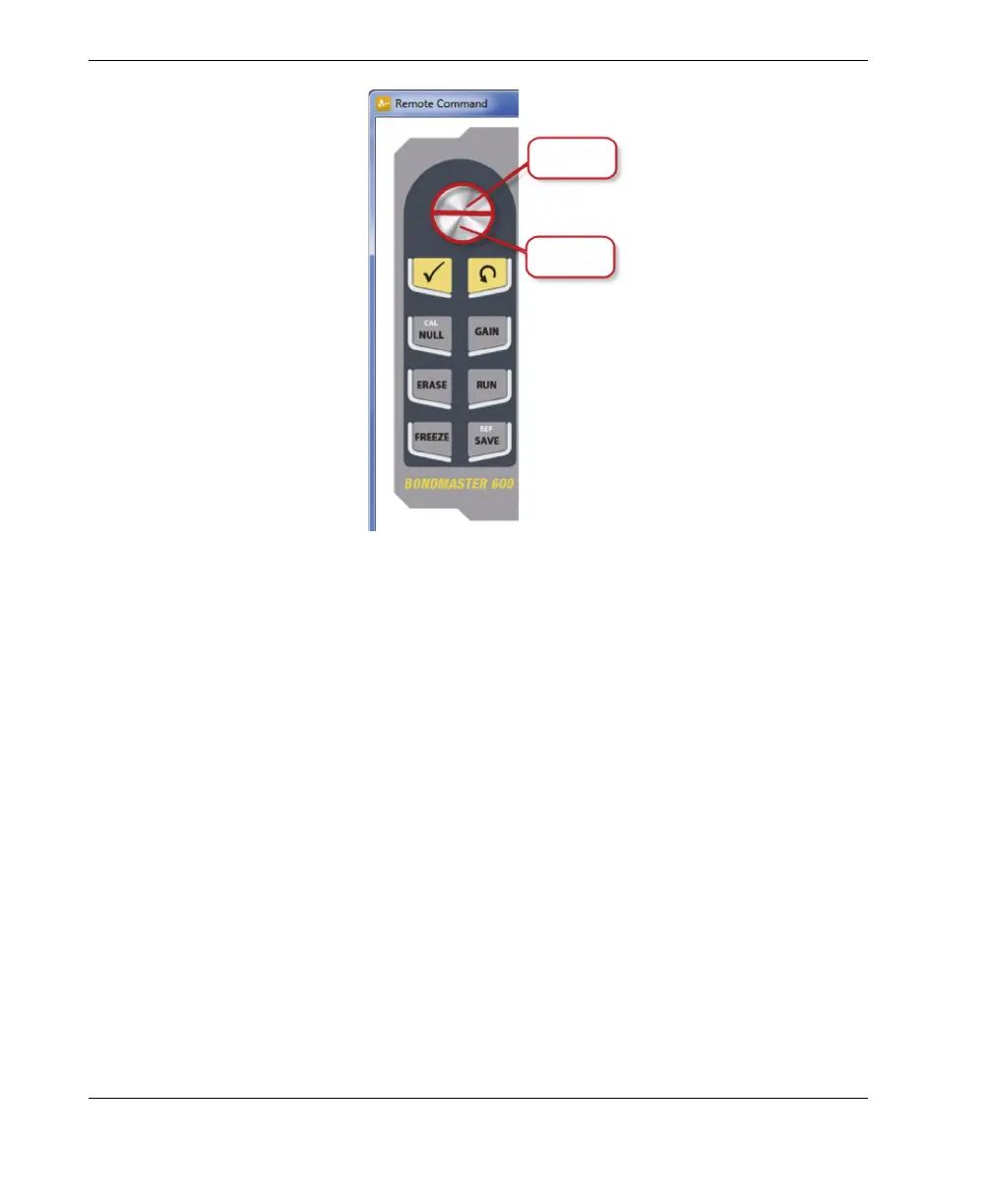
Figure 7‑15 Knob functions
7.7 File Manager
The BondMaster PC software’s File Manager lets you rename, delete, and recall files
that are stored on the BondMaster 600.
To access the File Manager
On the BondMaster PC software Device menu, select File Manager (see
Figure 7-16 on page 197).
The Manage File dialog box appears (see Figure 7-17 on page 197).














 To Next Page