DMTA-10045-01EN, Rev. E, August 2016
Chapter 6
156
To calibrate the signals
1. Install a backing mat or foam under the standard. Doing so will make the
readings more stable.
2. Pour a generous amount of couplant onto the standard.
3. Place the probe on a good area of the standard, and then press the CAL NULL key
().
4. Slowly glide the probe over the first disbond and hold it there.
5. Press the DISP/DOTS menu key ( ) twice to display the DOTS screen.
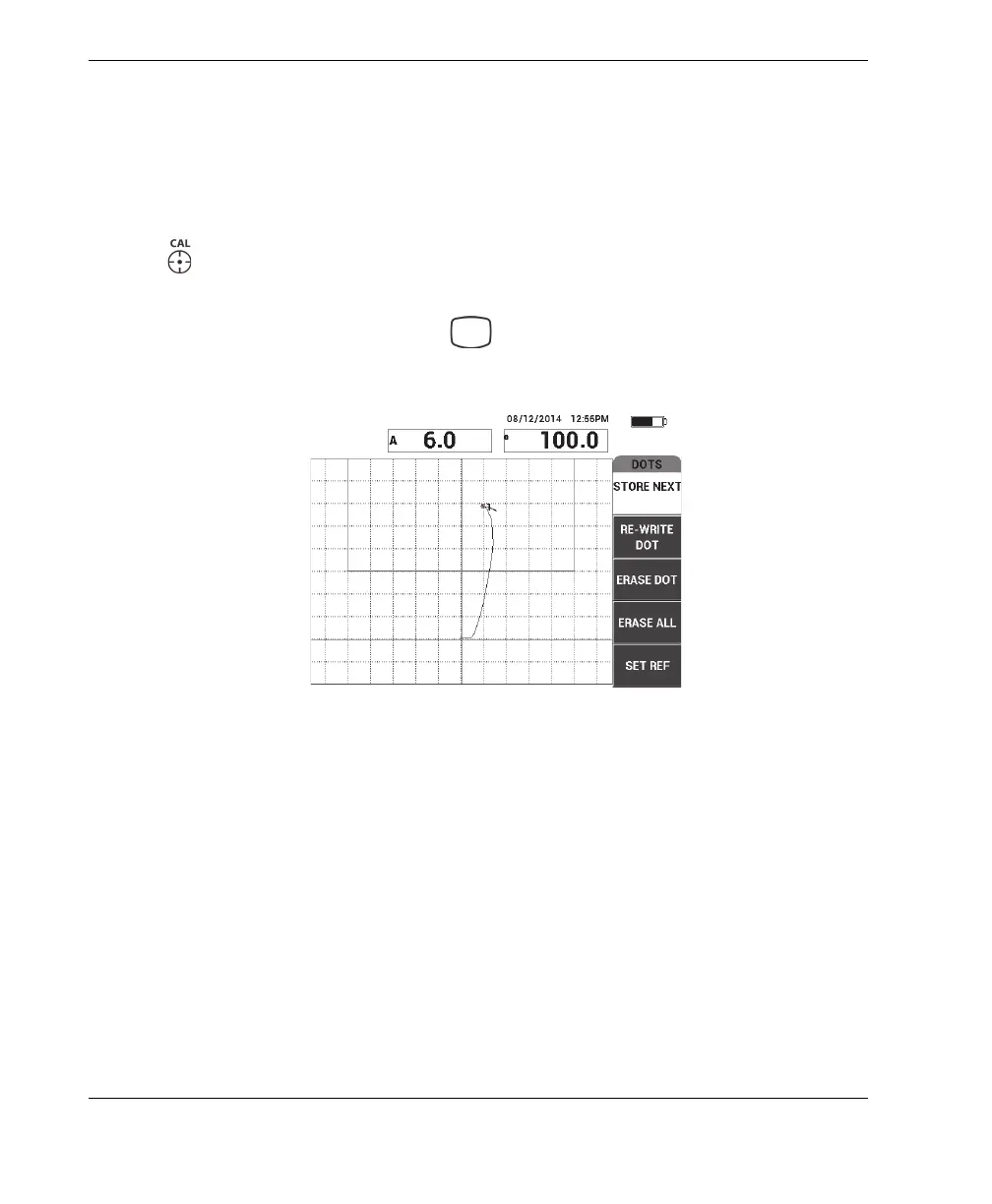
6. Press STORE NEXT (A key) to record the first dot (see Figure 6-48 on page 156).
Figure 6‑48 The first dot recorded
7. Slowly glide the probe over the second disbond, and then press STORE NEXT
(A key) to record the second dot (see Figure 6-49 on page 157).














 To Next Page