DMTA-10045-01EN, Rev. E, August 2016
Chapter 5
116
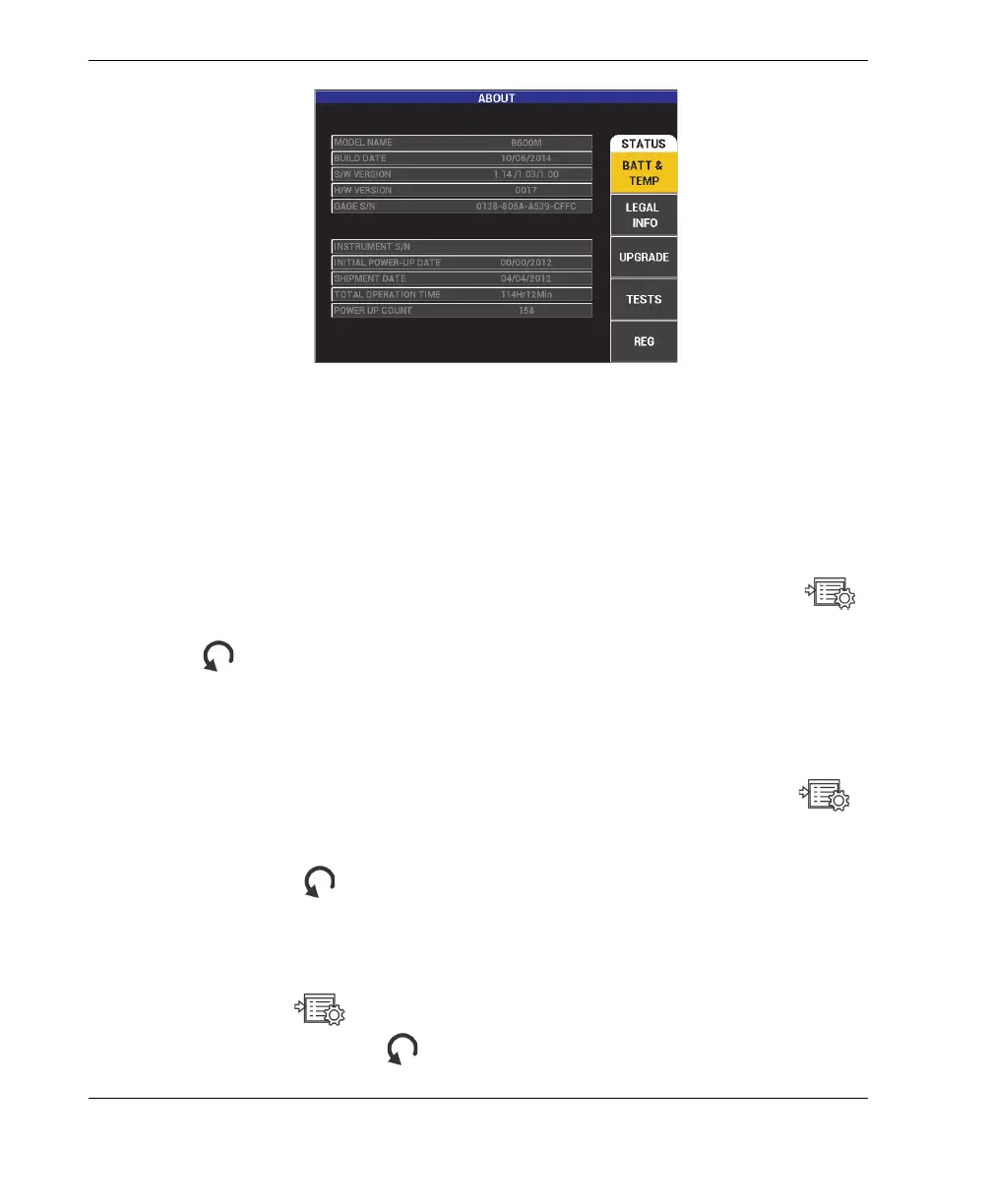
Figure 5‑27 The ABOUT menu
BATT & TEMP
Provides the battery and instrument internal temperature, and information
on model name, date of manufacture, software and hardware versions,
instrument serial number, etc.
To access the BATT & TEMP menu, press the ADV SETUP menu key ( )
twice, followed by the D key, and then the A key. To exit, press the Return key
().
LEGAL INFO
Displays legal or patent rights protection information for the
BondMaster 600.
To access the LEGAL INFO menu, press the ADV SETUP menu key ( )
twice, followed by the D key and then the B key. To navigate the menu, follow
the instructions in the help text at the bottom of the screen. To exit, press the
Return key ( ).
REG
Displays regulatory information for the BondMaster 600 (see Figure 5-28 on
page 117). To access the REG (Regulatory) menu, press the ADV SETUP
menu key ( ) twice, followed by the D key and then the E key. To exit,
press the Return key ( ).














 To Next Page