DMTA-10045-01EN, Rev. E, August 2016
Overview of the BondMaster 600
31
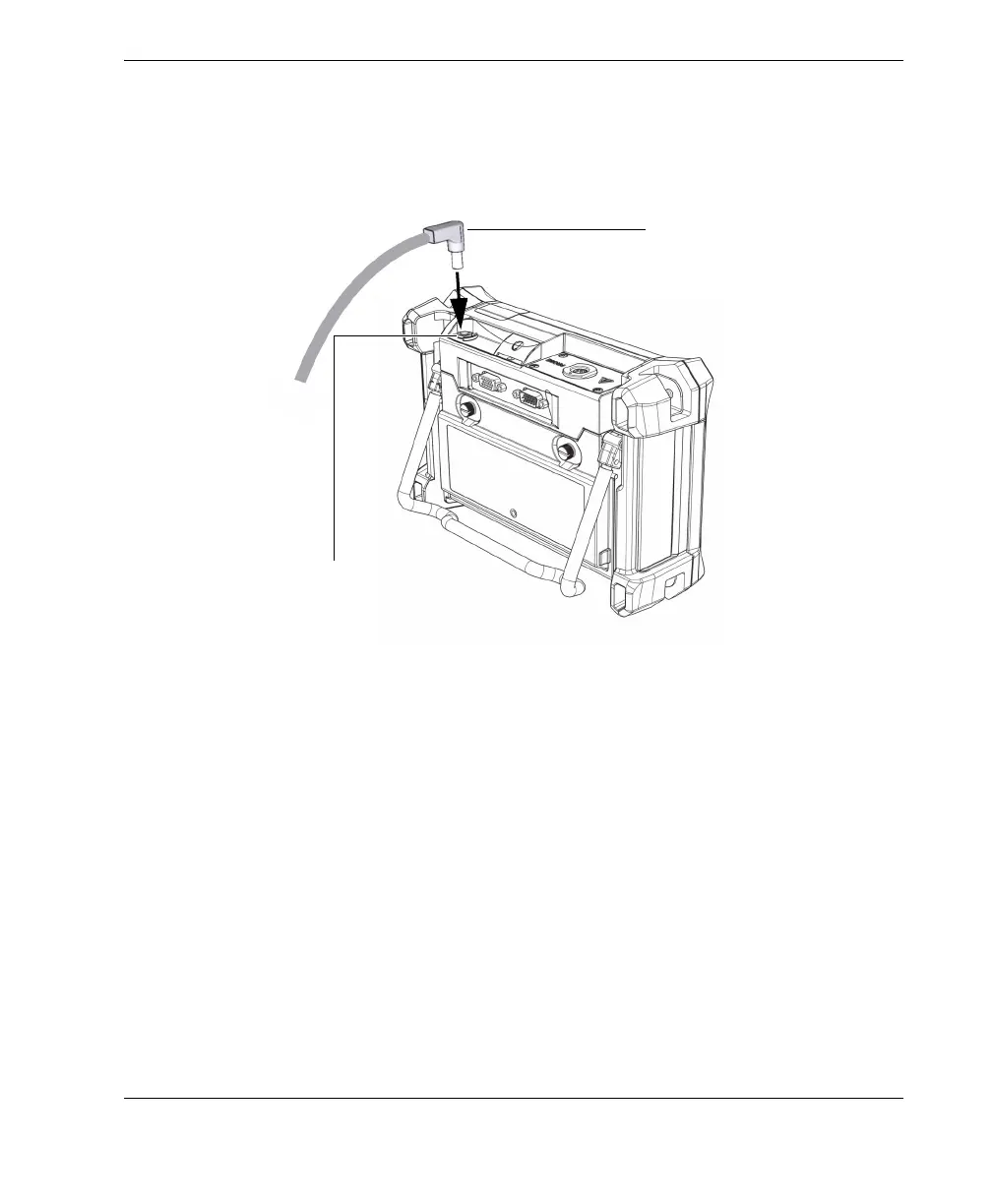
2. Lift the rubber seal that covers the DC connector on top of the BondMaster 600.
3. Connect the DC output power cable from the charger/adaptor to the DC power
connector on top of the BondMaster 600 (see Figure 2-8 on page 31).
Figure 2‑8 Connecting the DC power cable
Table 3 on page 32 explains the indicators for the power status of the charger/adaptor
and the battery charge condition, which are visible at the top of the front panel and in
the user interface.
DC power cable from the
charger/adaptor
DC power connector
(rubber seal not shown)














 To Next Page