DMTA-10045-01EN, Rev. E, August 2016
Chapter 7
180
7.5 Commands
BondMaster PC lets you issue single read, write, or execute commands.
To view the full list of commands
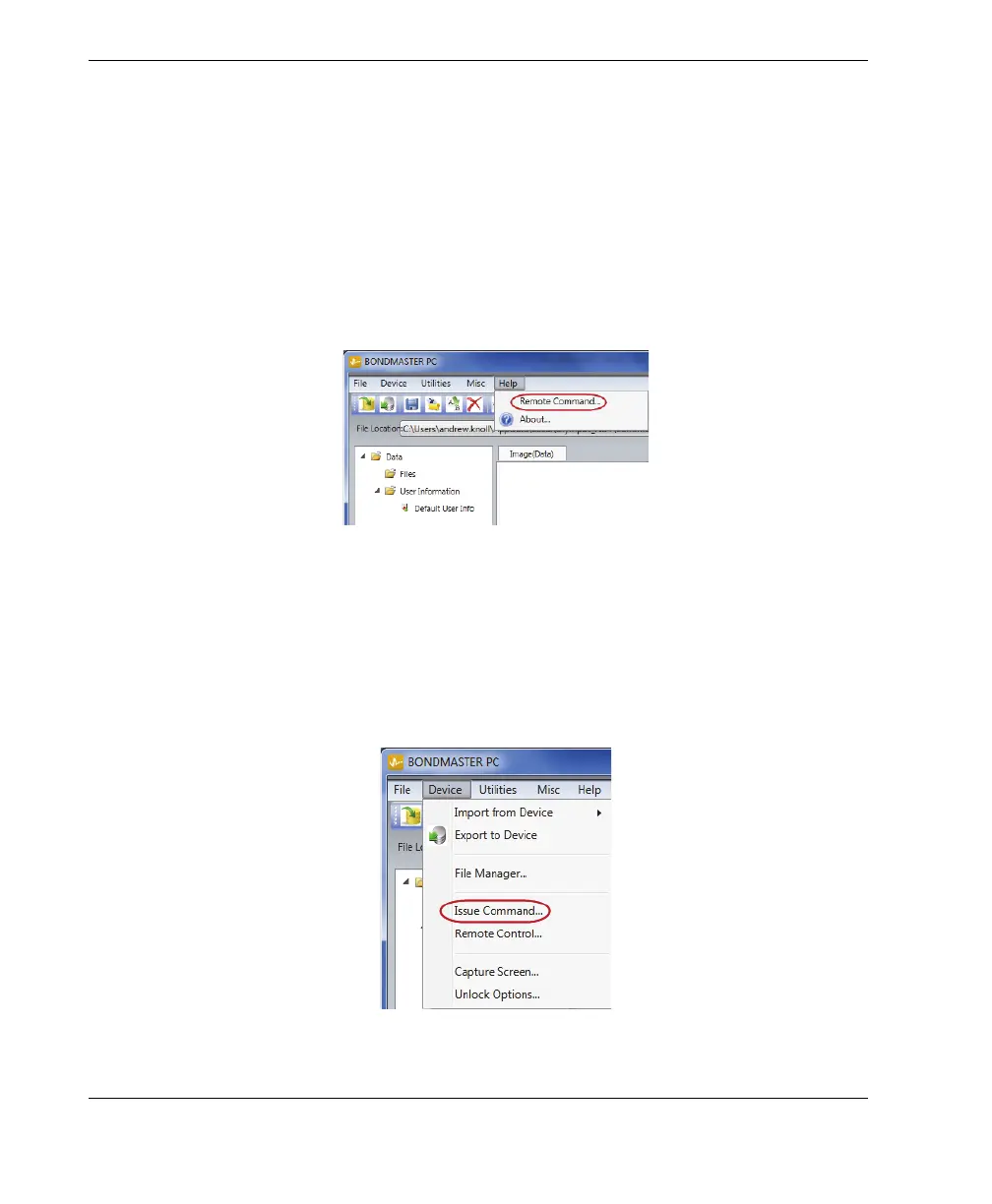
On the Help menu, select Remote Command (see Figure 7-11 on page 180).
The command list opens in a separate window using the PC’s default software for
viewing PDF files.
Figure 7‑11 Selecting the Remote Command
To issue remote commands
1. On the Device menu, select Issue Command (see Figure 7-12 on page 180).
The Issue Command dialog box opens (Figure 7-13 on page 181).
Figure 7‑12 The Device menu — Issue Command














 To Next Page