DMTA-10045-01EN, Rev. E, August 2016
BondMaster PC Software
181
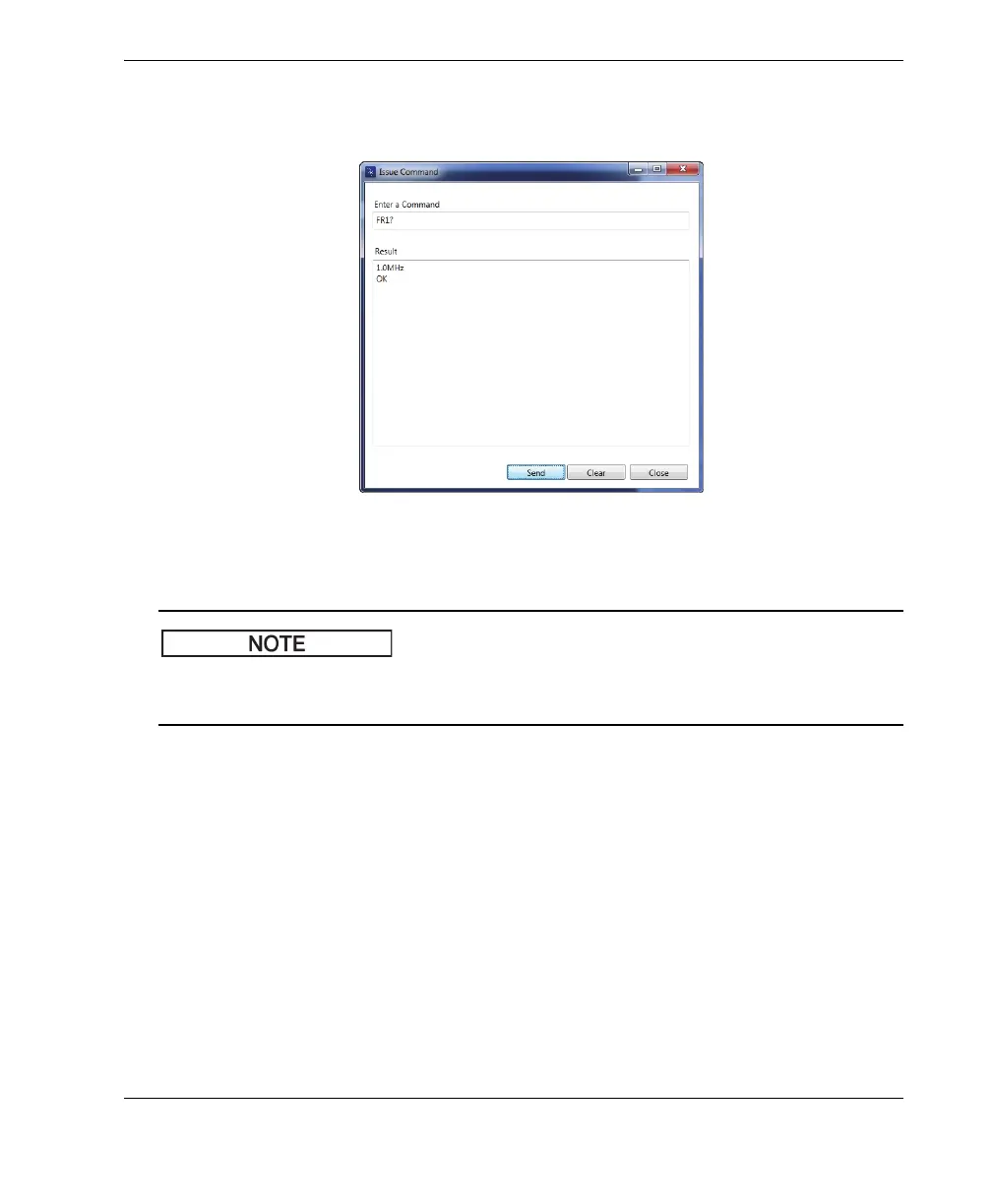
2. In the Issue Command dialog box, enter a command (see Figure 7-13 on
page 181).
Figure 7‑13 The Issue Command dialog box
Commands may be read (R), written (W), or executed (X). Table 7 on page 182 lists the
commands and the format in which they must be written.
3. In the Issue Command dialog box, click Send (see Figure 7-13 on page 181).
OR
Press Enter on your PC keyboard.
The BondMaster 600 remote command convention is as follows:
• Read (R) commands end with “?”
Example: ANG?
• Write (W) commands include “=”, followed by a value, with no spaces
Example: ANG=45
• Execute (X) commands include only the command
Example: DLB














 To Next Page