DMTA-10045-01EN, Rev. E, August 2016
BondMaster PC Software
175
Copy the image to the PC clipboard.
OR
Save the image to the PC hard drive or another memory device.
7.3 Instrument Software Upgrade
BondMaster PC allows you to upgrade the BondMaster 600 instrument software via a
USB connection. The instrument software to upgrade must first be downloaded via
the internet or other means, and then saved to a file location on the PC.
To upgrade the BondMaster 600 instrument software
1. Press the ADV SETUP menu key ( ) twice.
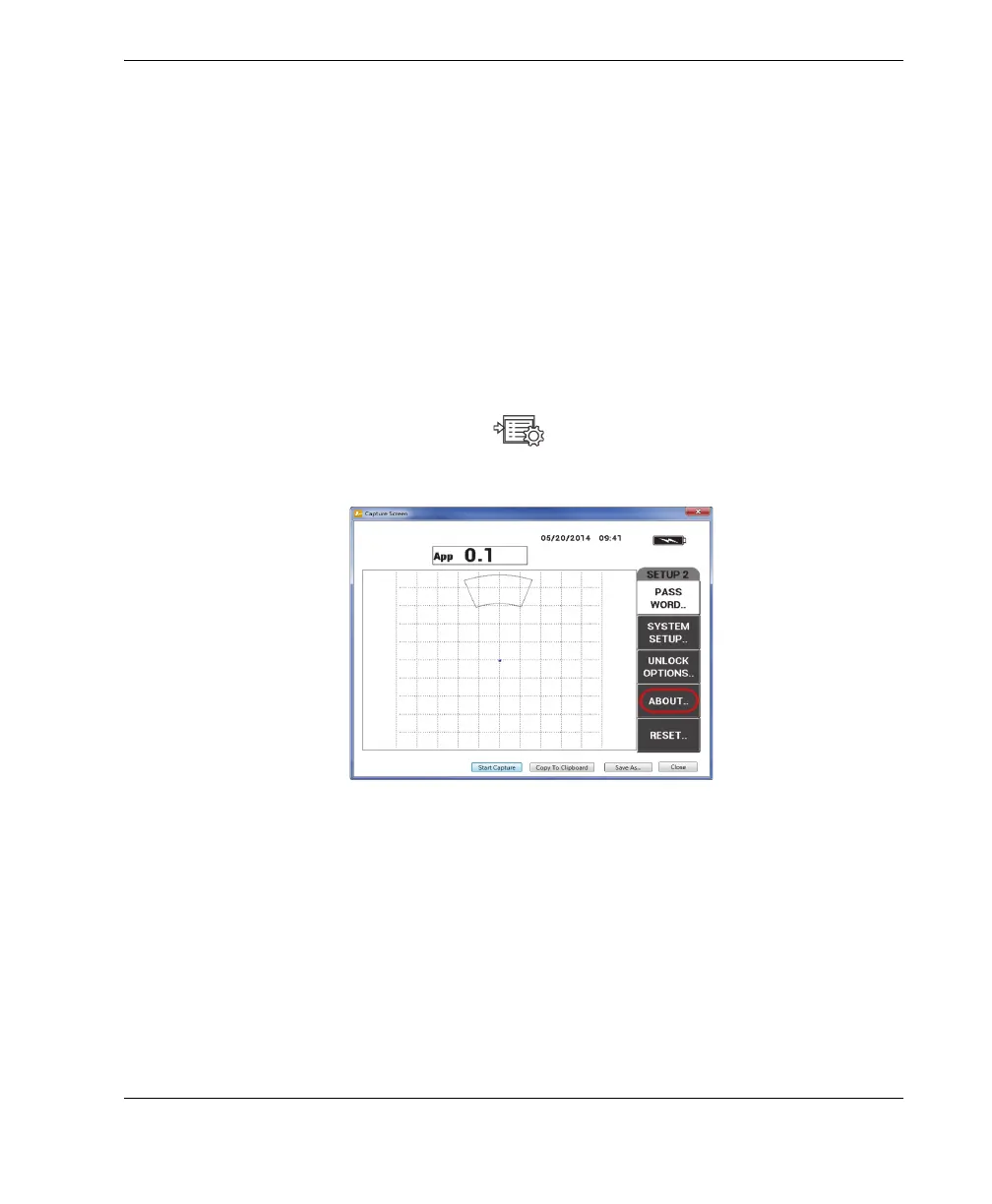
2. Press the D key to select the ABOUT menu (see Figure 7-3 on page 175).
Figure 7‑3 The ABOUT menu
3. Press the C key to select the UPGRADE menu (see Figure 7-4 on page 176).














 To Next Page