DMTA-10045-01EN, Rev. E, August 2016
Chapter 3
54
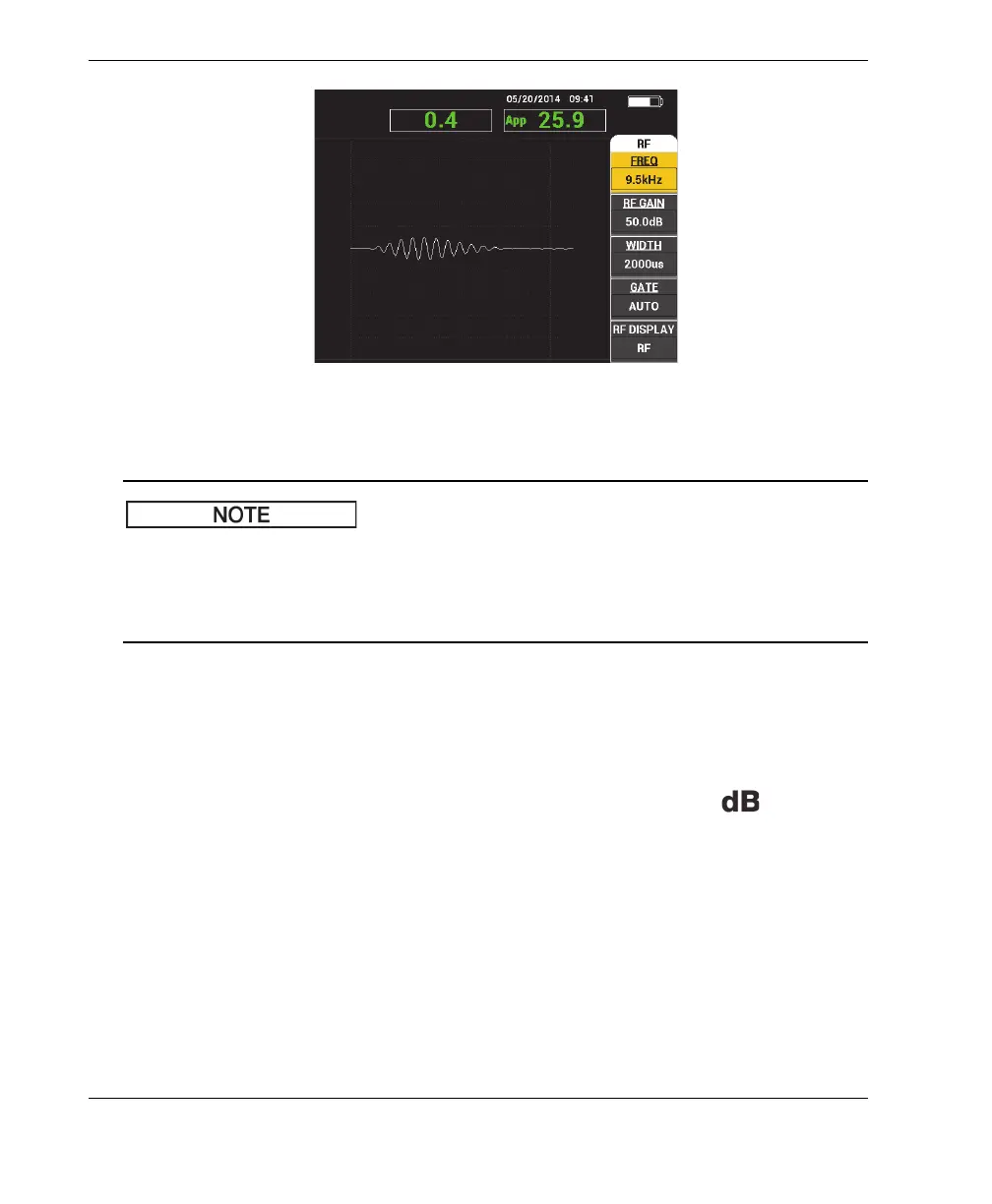
Figure 3‑4 The main inspection screen
Figure 3-4 on page 54 contains a typical example of the main inspection screen. The
screen’s appearance may vary, depending on the application that is chosen or the
PowerLink application (program) that is loaded (see Figure 3-2 on page 52 and
Figure 3-3 on page 52).
The battery power indicator remains visible at the top of the screen, except when in
full-screen mode (see Table 3 on page 32 for details). The time and date also remain
visible, except when in full-screen mode.
The rectangular readout in the top-left corner of the screen is named the quick-access
bar (see Figure 3-5 on page 55). When the GAIN direct function key ( ) is pressed,
the quick-access bar displays one of the following options:
— The combined horizontal and vertical gain settings
— The horizontal gain only
— The vertical gain only
The quick-access bar remains visible until any other key is pressed.














 To Next Page