DMTA-10045-01EN, Rev. E, August 2016
Applications
127
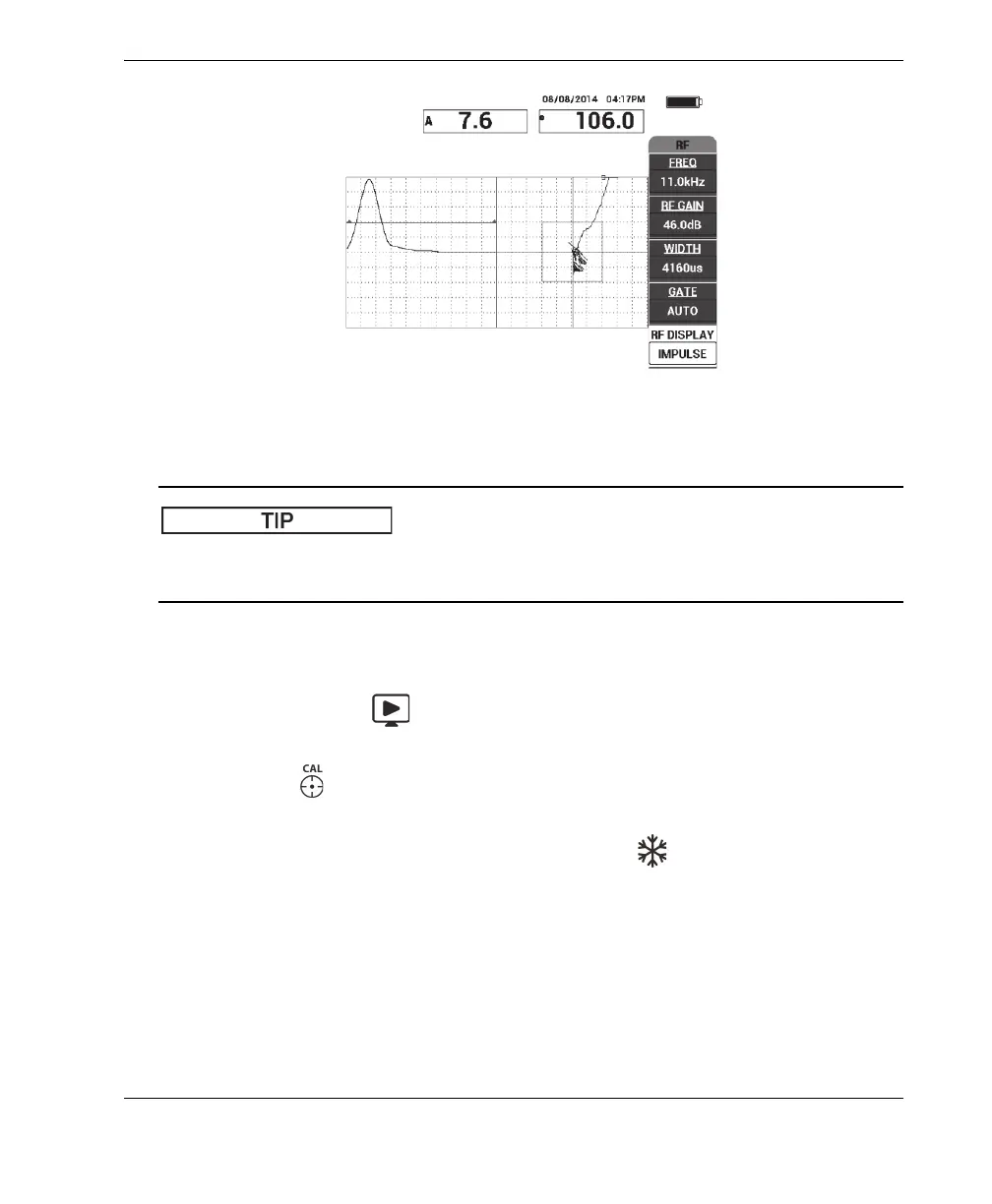
Figure 6‑6 The IMPULSE display
When in IMPULSE mode, you can increase the WIDTH (C key) to spread the signal
peak over fewer divisions.
To optimize the identification of near-side and far-side disbonds
1. Press the RUN key ( ) once to display the XY flying dot single view.
2. Set the probe’s tips over a good area of the standard, and then press the CAL
NULL key ( ).
3. Scan over the far-side and near-side disbonds, and then, while you keep the probe
moving over the disbonds, press the FREEZE key ( ) [see Figure 6-7 on
page 128].














 To Next Page