DMTA-10045-01EN, Rev. E, August 2016
Control Functions
117
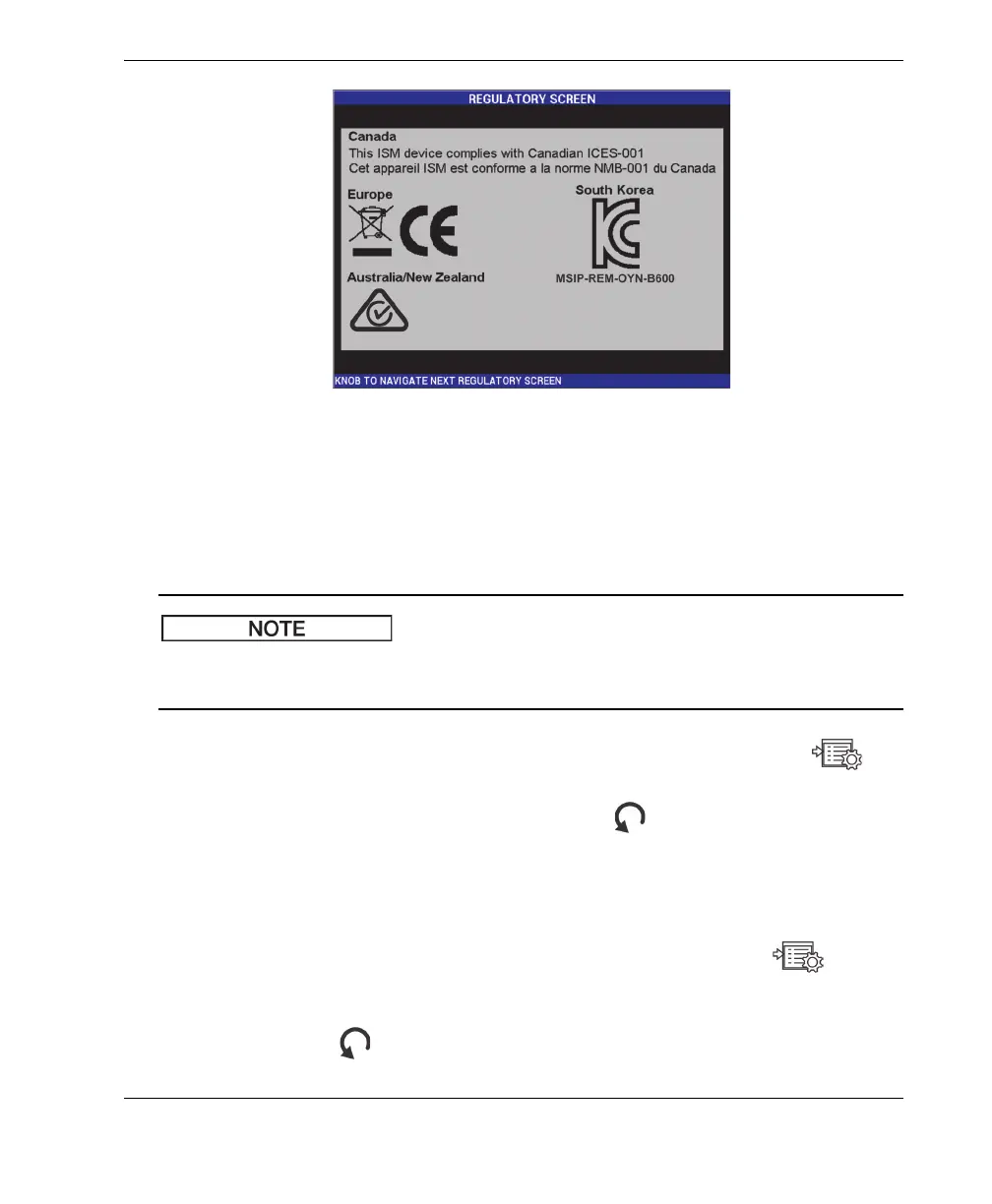
Figure 5‑28 The REGULATORY SCREEN
UPGRADE
Provides access to the communication link between your BondMaster 600 and
a PC on which the BondMaster PC software is installed.
BondMaster PC software is required to update the BondMaster 600 operating
software.
To access the UPGRADE menu, press the ADV SETUP menu key ( )
twice, followed by the D key and the C key, and then follow the instructions
on the screen. To exit, press the Return key ( ).
TESTS
Provides user-accessible tests to help troubleshoot the BondMaster 600. Tests
include VIDEO TEST, KEYPAD TEST, SD CARD TEST, and LED TEST.
To access the TESTS menu, press the ADV SETUP menu key ( ),
followed by the D key. Rotate the knob until the desired test is shown and
then press the A key to begin the test. To exit the TESTS menu, press the
Return key ( ).














 To Next Page