DMTA-10045-01EN, Rev. E, August 2016
Chapter 6
168
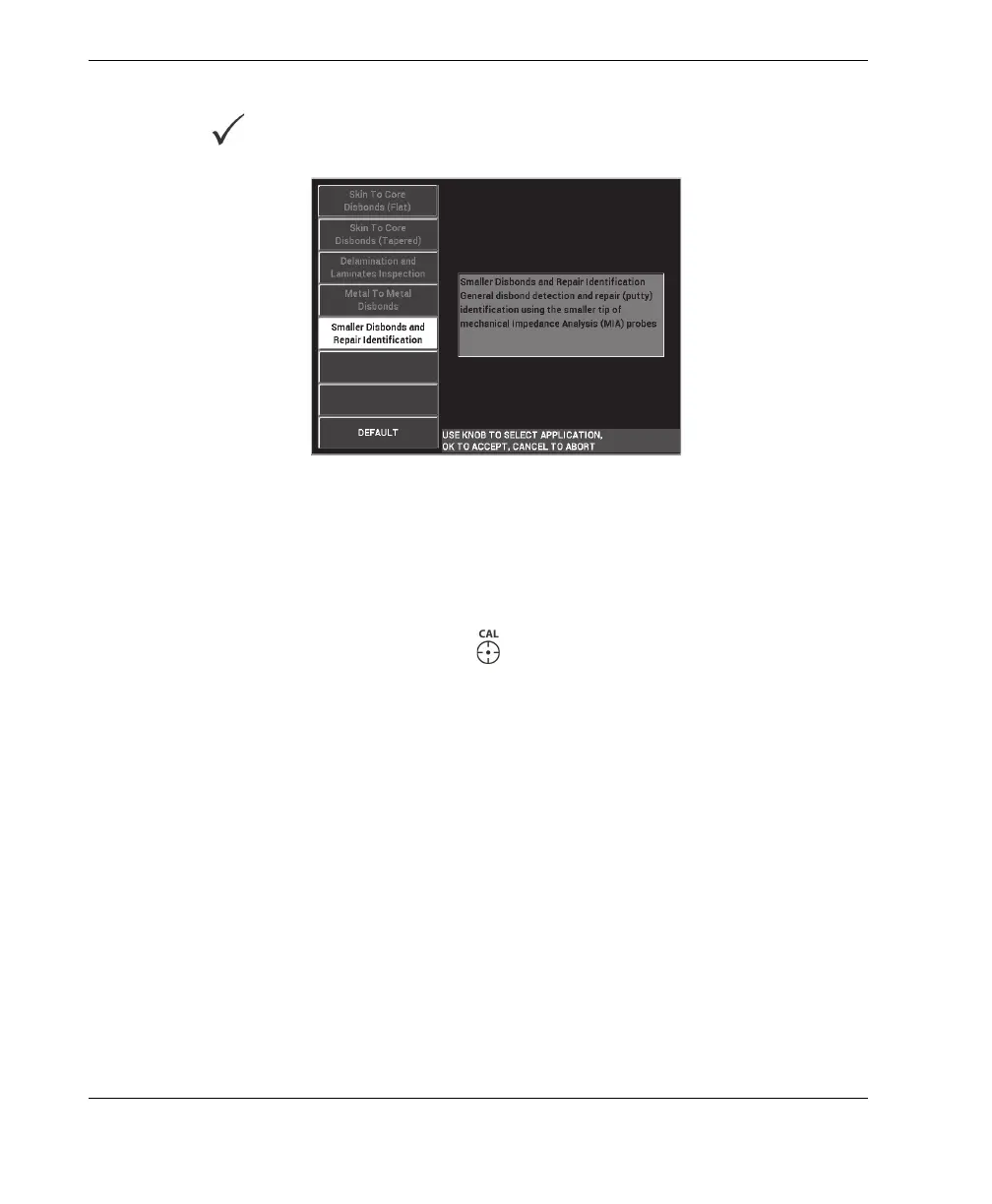
3. Select the Smaller Disbonds and Repair Identification application, and then
press to accept (see Figure 6-62 on page 168).
Figure 6‑62 The Smaller Disbonds and Repair Identification application
To select the frequency
1. Make sure that you can locate all defects on the reference standard.
2. Press and hold the CAL NULL key ( ) to open the CAL (calibration) screen.
3. Adjust the frequency limits as necessary, using the knob.
4. Hold the probe tip over the smaller, or most critical defect, and then press BAD
PART (E key) [see Figure 6-63 on page 169].














 To Next Page