DMTA-10045-01EN, Rev. E, August 2016
Applications
155
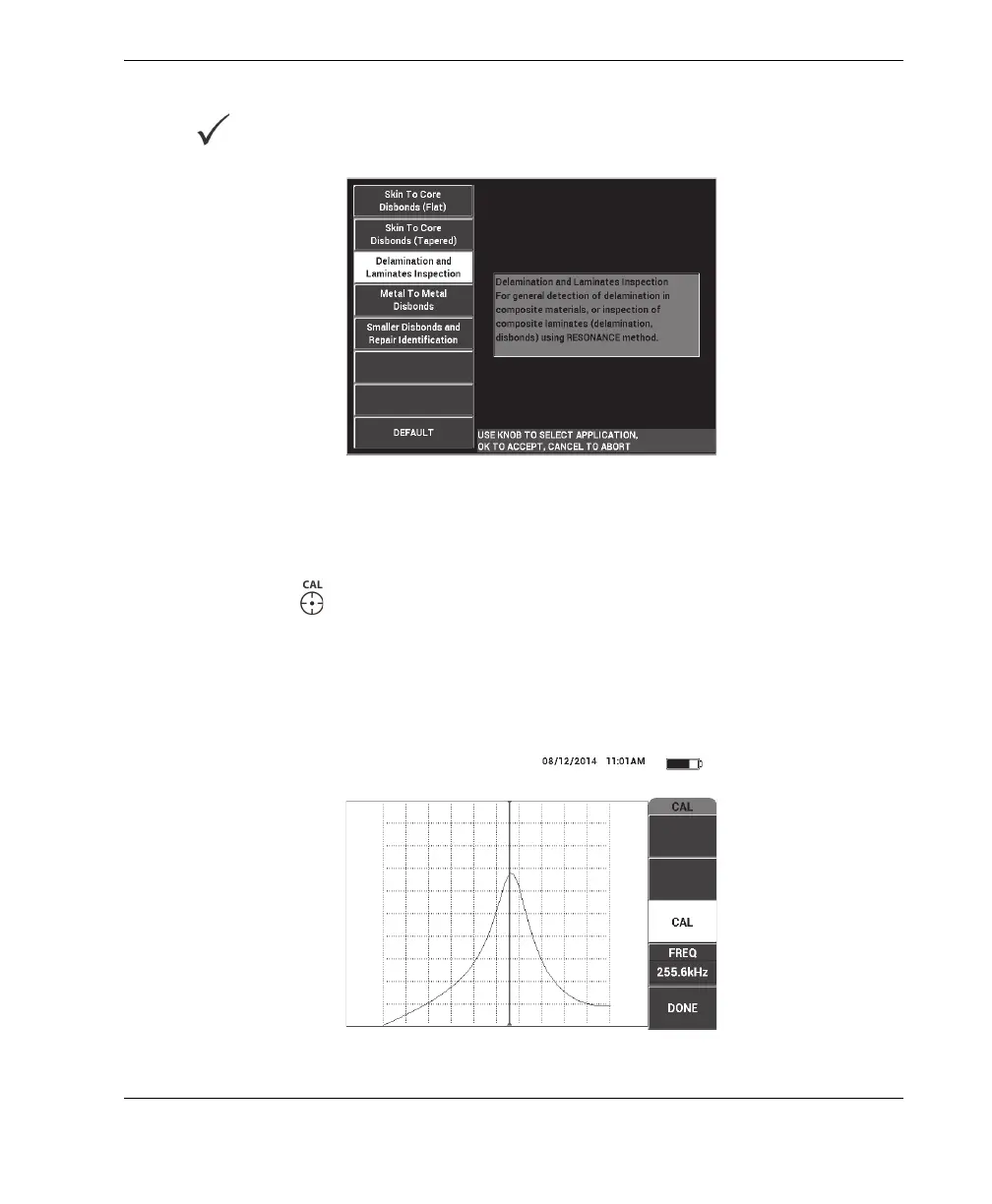
3. Select the Delamination and Laminates Inspection application, and then press
to accept (see Figure 6-46 on page 155).
Figure 6‑46 The Delamination and Laminates Inspection application
4. If the calibration menu does not appear automatically, press and hold the CAL
NULL key ( ).
5. Hold the probe in the air. The BondMaster 600 should automatically pick the best
operating frequency for the probe. When in doubt, press CAL (C key) or change
the FREQ (D key) using the knob.
6. Press DONE (E key) [see Figure 6-47 on page 155].
Figure 6‑47 The CAL screen














 To Next Page