DMTA-10045-01EN, Rev. E, August 2016
Chapter 2
26
Use only the AC power cord supplied with your BondMaster 600, unless specifically
instructed in the manual. Using an unauthorized power cord may result in damage to
the instrument or serious human injury.
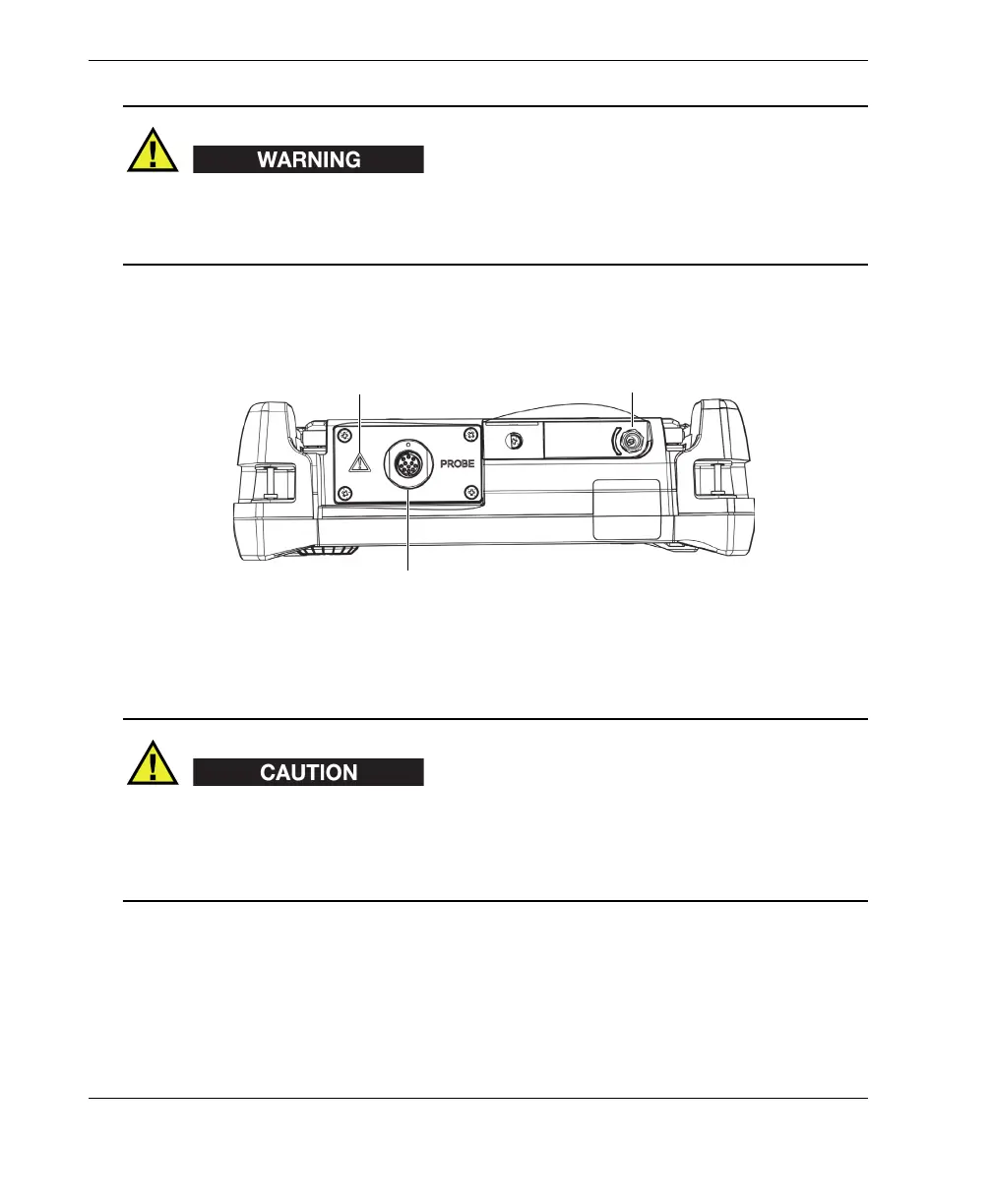
The DC power and PROBE connectors are located on the top end of the
BondMaster 600 (see Figure 2-2 on page 26).
Figure 2‑2 The top end connectors
Do not allow metallic or foreign objects to enter the device through connectors or any
other openings. Otherwise, an electric shock or malfunction may result. To avoid the
risk of an electric shock, do not touch the inner conductors of the PROBE connector.
Up to 80 V can be present.
The USB port and the removable microSD memory card slot are located on the right-
hand side of the BondMaster 600, hidden behind the input/output (I/O) door (see
Figure 2-3 on page 27).
DC power connector
PROBE connector
Warning symbol














 To Next Page