DMTA-10045-01EN, Rev. E, August 2016
Chapter 7
174
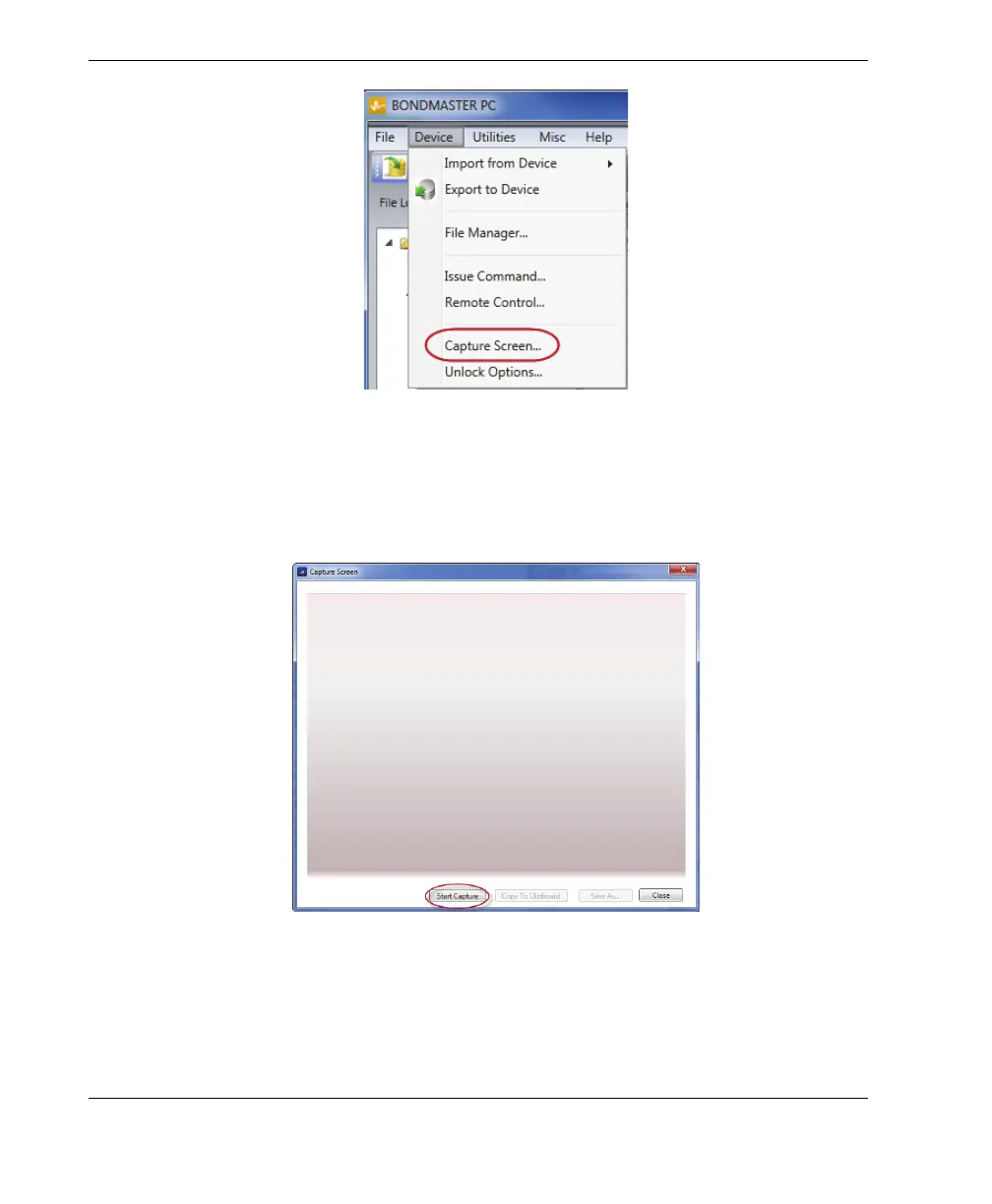
Figure 7‑1 BondMaster PC Device menu
4. In the Capture Screen dialog box, click Start Capture (see Figure 7-2 on
page 174).
Figure 7‑2 The Capture Screen dialog box
5. When the BondMaster PC has obtained the current instrument screen image,
proceed as follows:














 To Next Page