DMTA-10045-01EN, Rev. E, August 2016
Software User Interface
51
3. Software User Interface
This chapter explains the main software screens and menus on the BondMaster 600
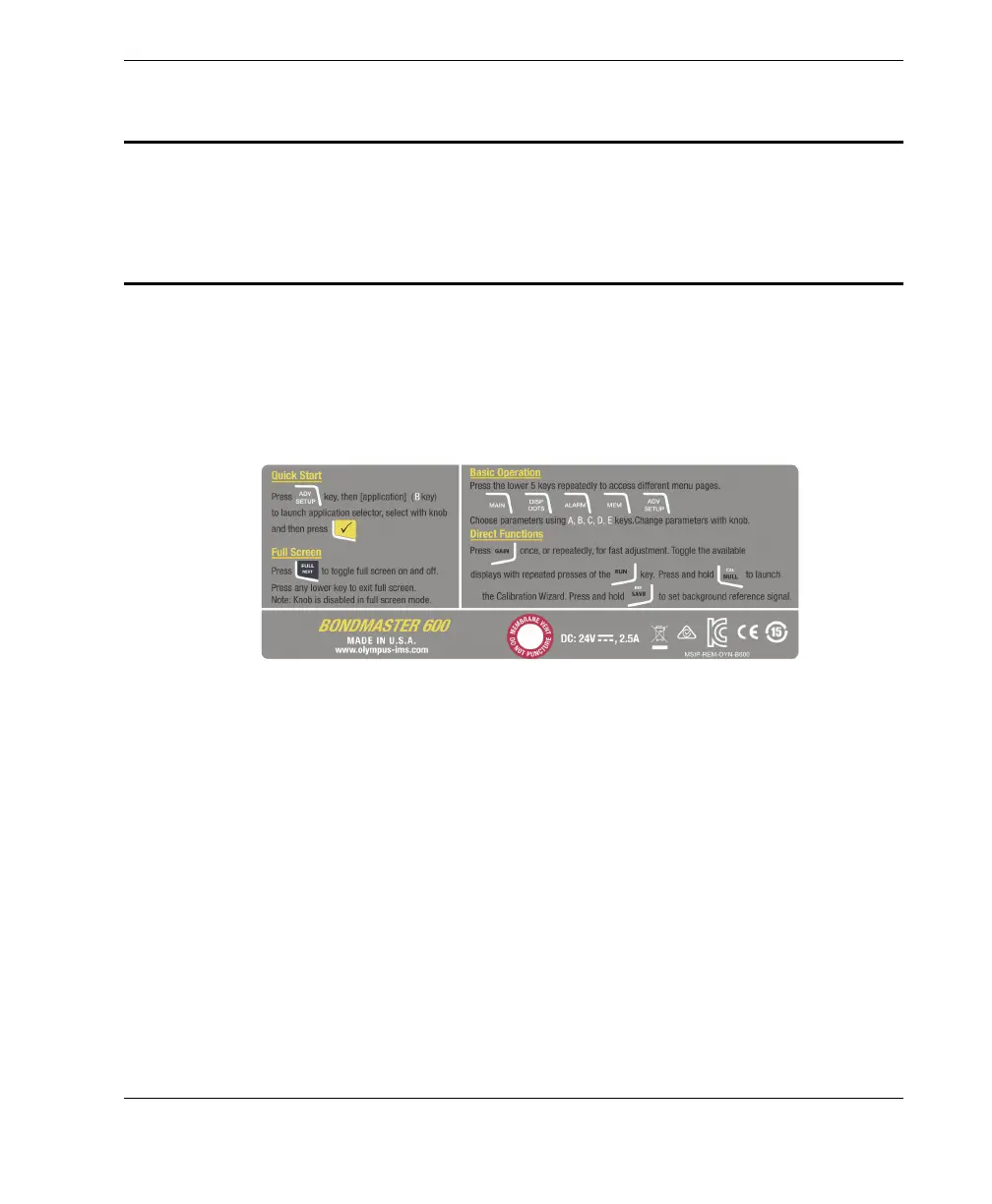
composite bond tester. The back of the BondMaster 600 contains a quick guide to the
instrument keypad and functions (see Figure 3-1 on page 51).
Figure 3‑1 The BondMaster 600 label showing keypad functions
3.1 Starting Up the BondMaster 600
When power is turned on, the BondMaster 600 starts up in one of two modes,
depending on what is connected to the instrument:
• If no probe is connected or a probe that is not a PowerLink type of probe is
connected, the first screen displayed by the BondMaster 600 software is the
application quick-setup menu (see Figure 3-2 on page 52). Choose from among
the basic applications on this menu to automatically configure the appropriate
instruments settings.














 To Next Page