DMTA-10045-01EN, Rev. E, August 2016
BondMaster PC Software
177
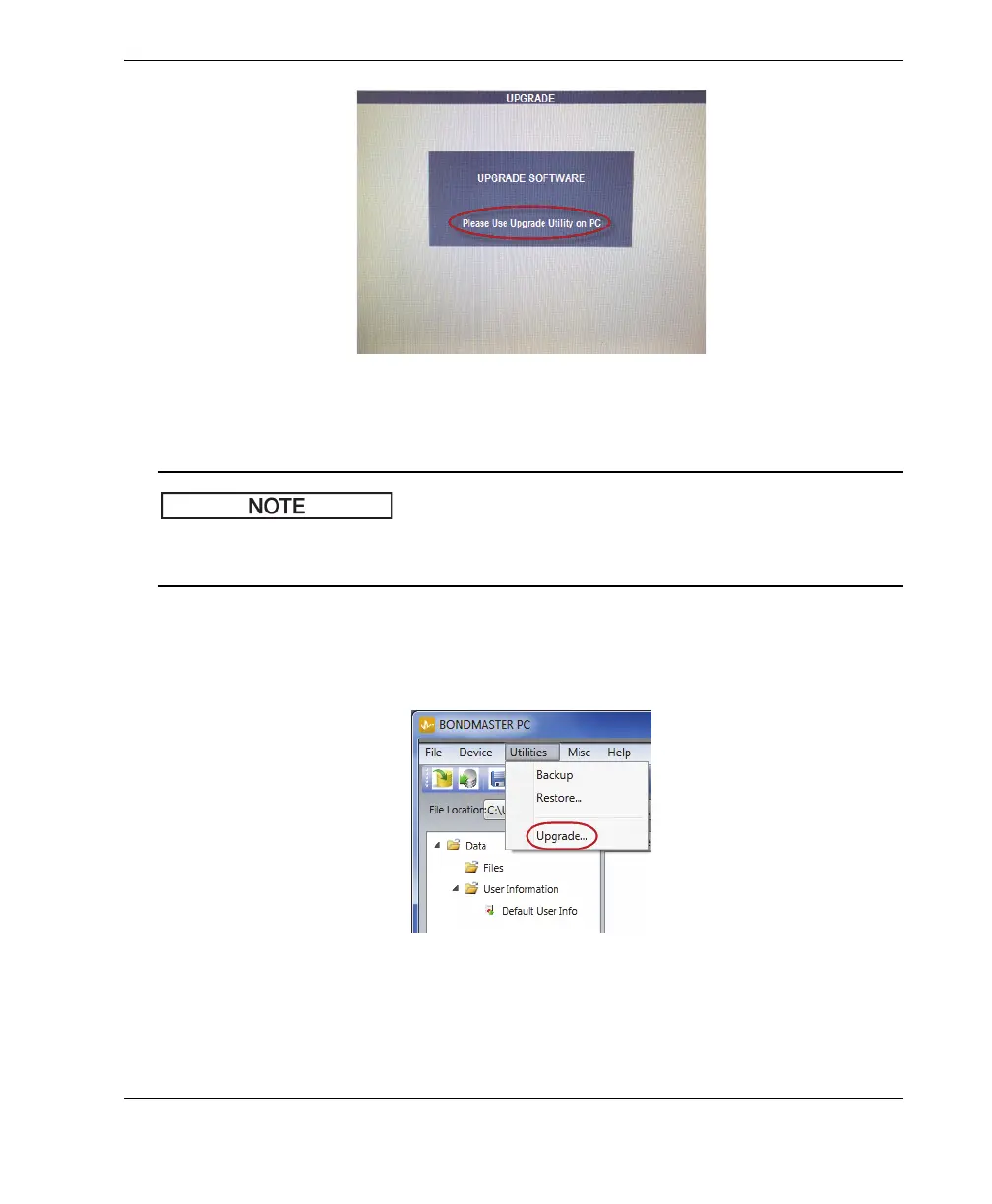
Figure 7‑6 The message indicating the battery charger is connected
The software upgrade will not proceed until the BondMaster 600 battery charger is
connected to the BondMaster 600 instrument.
5. On the BondMaster PC Utilities menu, select Upgrade (see Figure 7-7 on
page 177).
The Upgrade Device dialog box opens (see Figure 7-8 on page 178).
Figure 7‑7 The Utilities menu














 To Next Page