DMTA-10045-01EN, Rev. E, August 2016
Applications
171
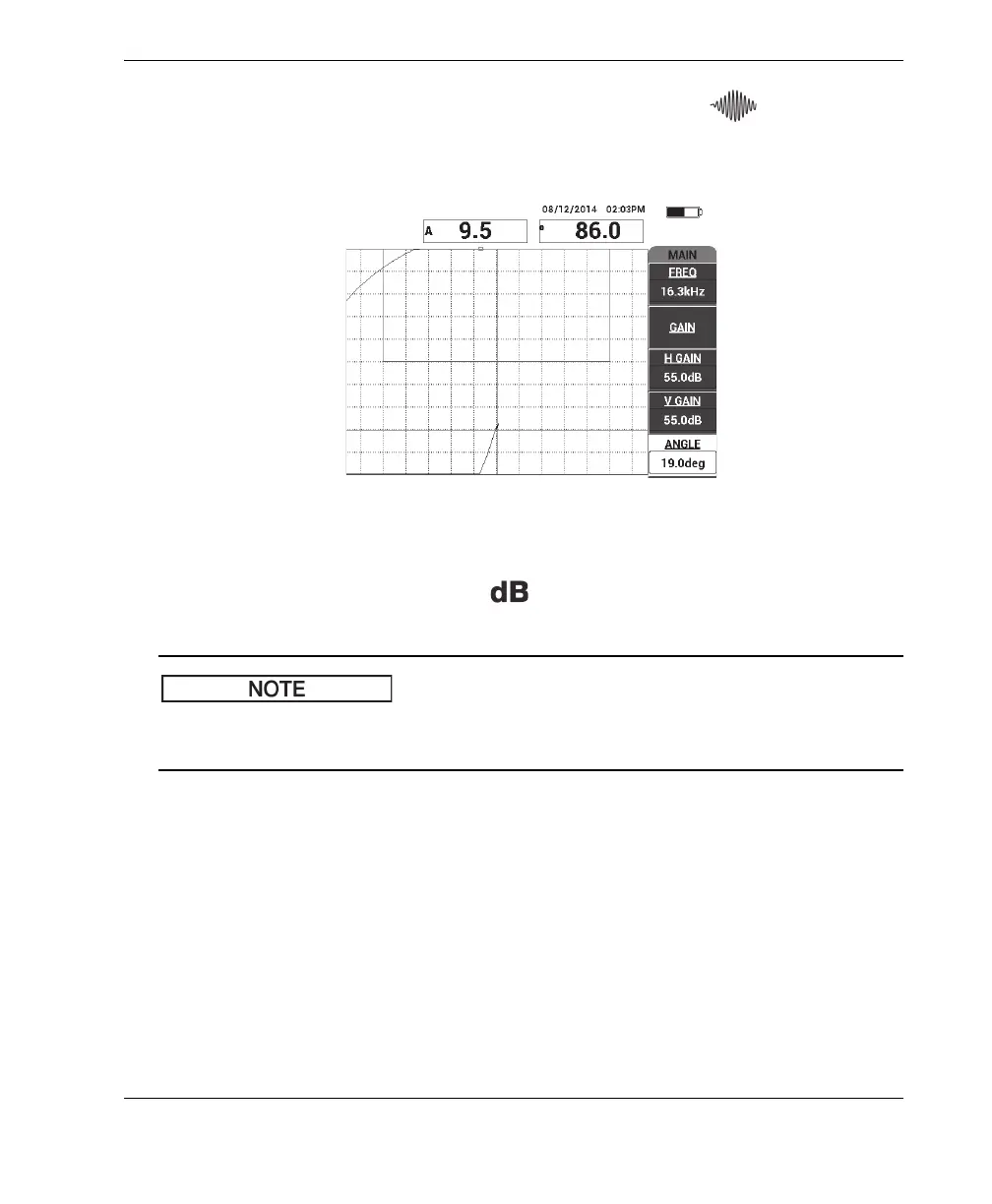
2. Lift the probe into the air, then press the MAIN menu key ( ) and adjust the
ANGLE (E key) so that the dot moves upwards in the XY view (see Figure 6-66 on
page 171).
Figure 6‑66 Adjusting the angle to move the dot upwards
3. If necessary, press the GAIN key ( ) and adjust the GAIN to keep the air
signal dot on the screen (see Figure 6-67 on page 172).
The MIA probes exhibit a very high sensitivity from 10 kHz to 18 kHz, and therefore
you should expect to use much lower gains; for example, around 25 dB.














 To Next Page